


What Is a Public Status Page? Purpose, Benefits, and Best Practices
- Watchman Tower Team
- Updated: October 10, 2026
- Category: Status Page
- Read Time: 3 min
A public status page is not just a broadcast surface. It is part of how teams communicate reliability, incidents, and trust in a visible way.
A public status page is a customer-facing page that shows the real-time health of your services. It helps users understand whether your website, API, or infrastructure is operating normally, whether an incident is ongoing, and what happened in the past without opening a support ticket first.
Want to see how this works in practice? Explore our Status Page feature to see how Watchman Tower brings uptime, incidents, and service health together in one public experience.
What Makes a Status Page Public?
A public status page is accessible without login. Unlike internal dashboards or engineering-only tools, it is designed for customers, partners, and prospects who need quick answers when something feels wrong.
A strong public page usually includes:
- Real-time uptime and availability data
- Incident history with ongoing and resolved updates
- Grouped services so users can quickly spot what is affected
- Performance signals such as response time or recent health trends
- Maintenance notices and recovery communication
Why Public Status Pages Matter
When users cannot tell whether a problem is on your side or theirs, uncertainty spreads fast. A public status page removes that uncertainty. It gives people a clear place to check before they email support, post on social media, or assume the worst.
That kind of transparency builds trust. It also reduces duplicate support requests and helps your team communicate from one source of truth. If you want the business case in more detail, read Why Every SaaS Needs a Status Page.
What Should Be On a Public Status Page?
For maximum value, a status page should show more than a single green checkmark. It should give users enough context to understand what is happening and how broadly it affects them.
- Service-level status: Show uptime and health per service, endpoint, or component
- Incident timeline: Show what started, what changed, and when an issue was resolved
- Historical uptime: Give users a longer-term view of reliability
- Performance visibility: Include response-time trends or similar signals when they help explain degradation
- Clear branding: A polished, branded status page feels official and trustworthy during incidents, especially when you use your own domain for a status page
In Watchman Tower, that can mean grouped monitored items, incident history, uptime percentages, and a public page that feels closer to your product instead of a generic utility page. Advanced branding and publishing controls are available on higher tiers, but the core value remains the same: communicate clearly when it matters most.
Who Uses Public Status Pages?
Public status pages are now standard across SaaS, APIs, hosting platforms, and infrastructure products. Teams use them to reduce support load, reassure customers during incidents, and demonstrate operational maturity to buyers who expect visible reliability practices.
Examples and Inspiration
If you want to see how different companies handle this well, review our collection of status page examples. It highlights the patterns that make a page clear, credible, and easy to trust.
Conclusion
A public status page is not just an outage board. It is a trust layer for your product. The clearer your updates, the easier it is for users to stay informed and the easier it is for your team to stay focused.
Ready to set up your own status page?
With Watchman Tower, you can create a public status page that combines service status, incident history, uptime visibility, and branded communication in one place.
Free plan available. No credit card needed.
FAQ
What is a public status page?v
What makes a status page public?v
Why are public status pages important?v
What information should a public status page display?v
Who uses public status pages?v
Blog Posts
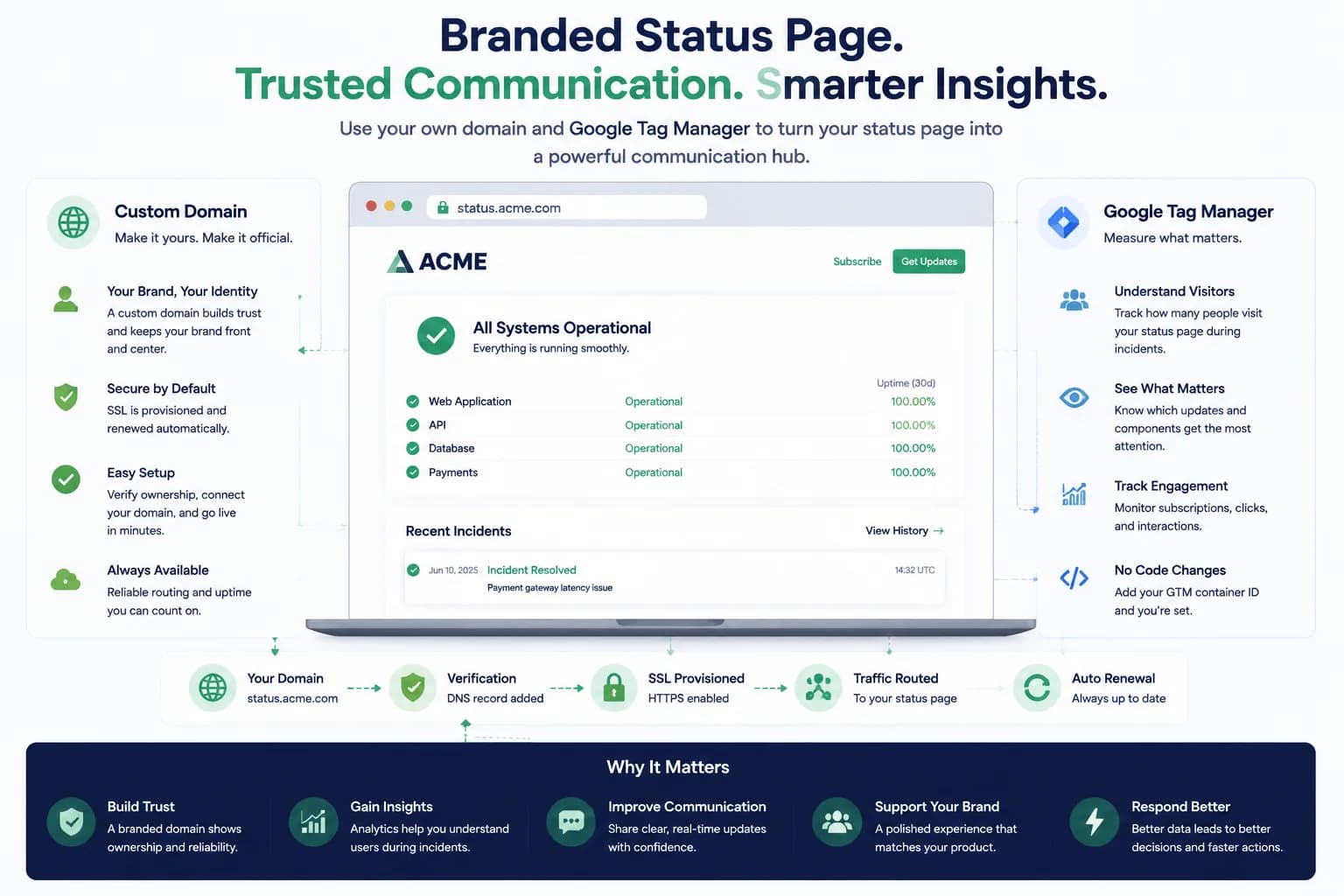
Custom Domains and Google Tag Manager Integration for Your Status Page...
Custom domains and analytics make status pages feel like a real product surface instead of a generic incident page. This guide explains why that matters.
Learn more about Custom Domains and Google Tag Manager Integration for Your Status Page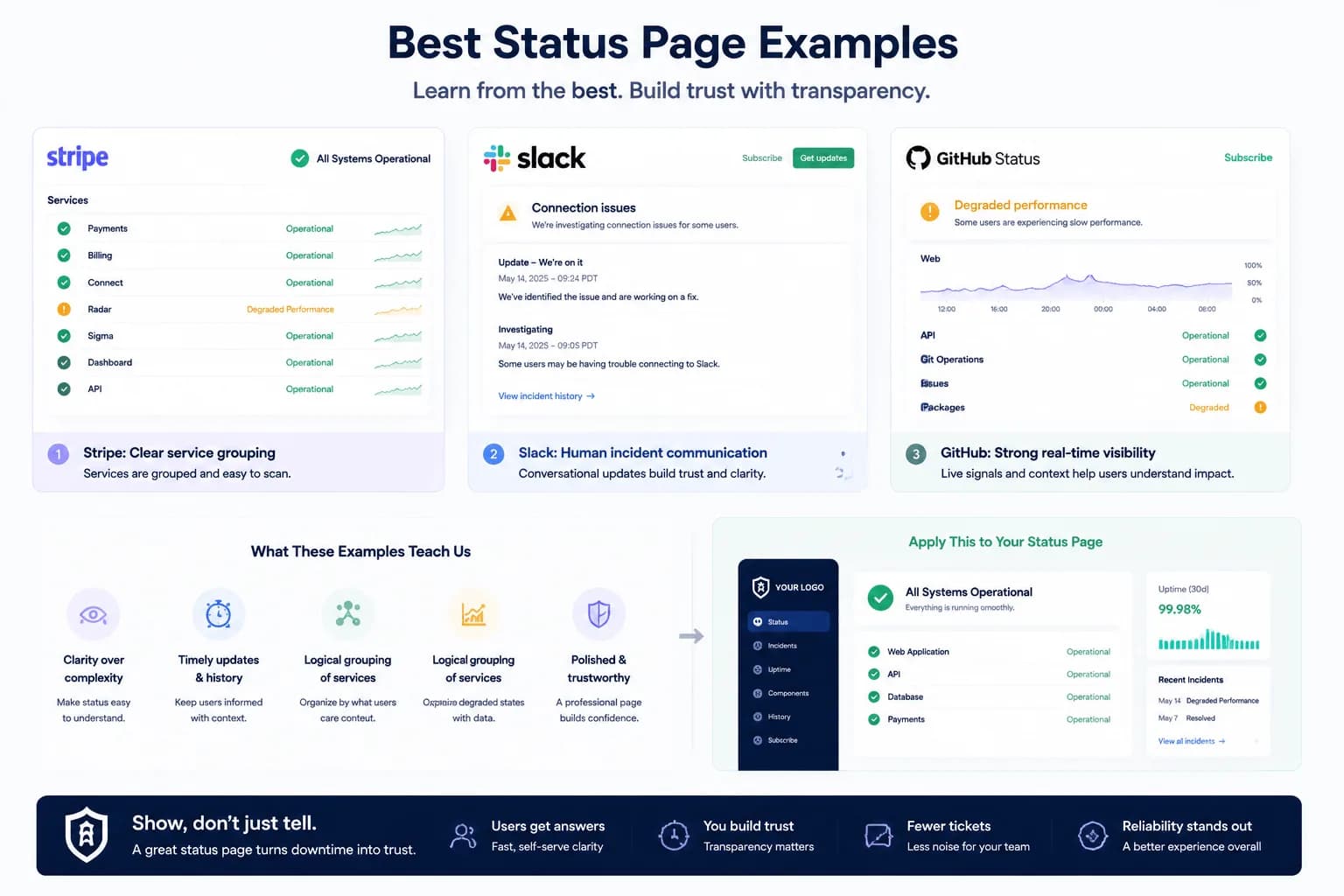
Status Page Examples That Do It Right...
Strong status page examples show more than design taste. They show how teams communicate reliability clearly when customers need answers.
Learn more about Status Page Examples That Do It Right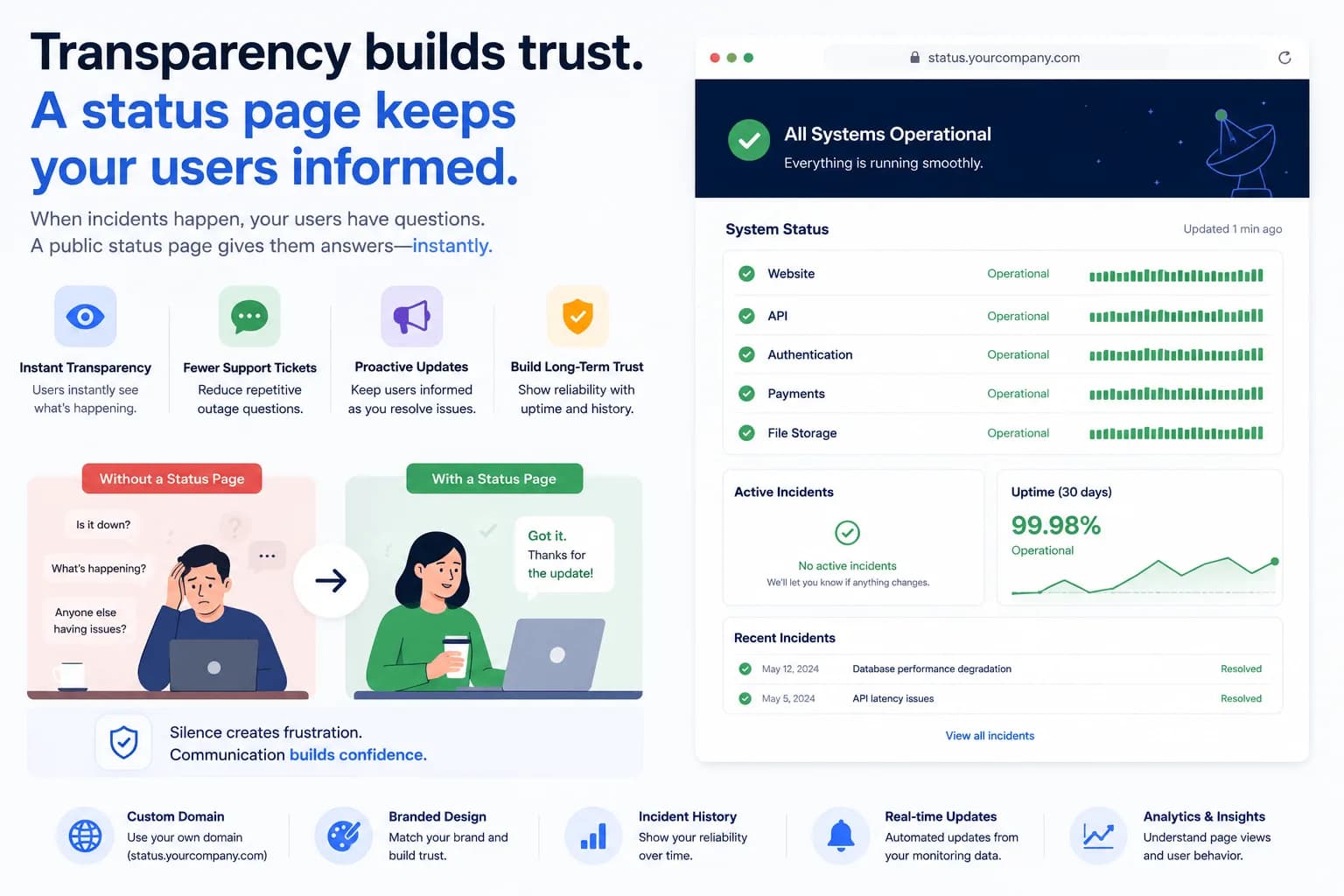
Why Every SaaS Needs a Status Page...
SaaS teams need status pages because incidents are communication problems as much as technical ones. This guide explains why they matter before, during, and after outages.
Learn more about Why Every SaaS Needs a Status Page