

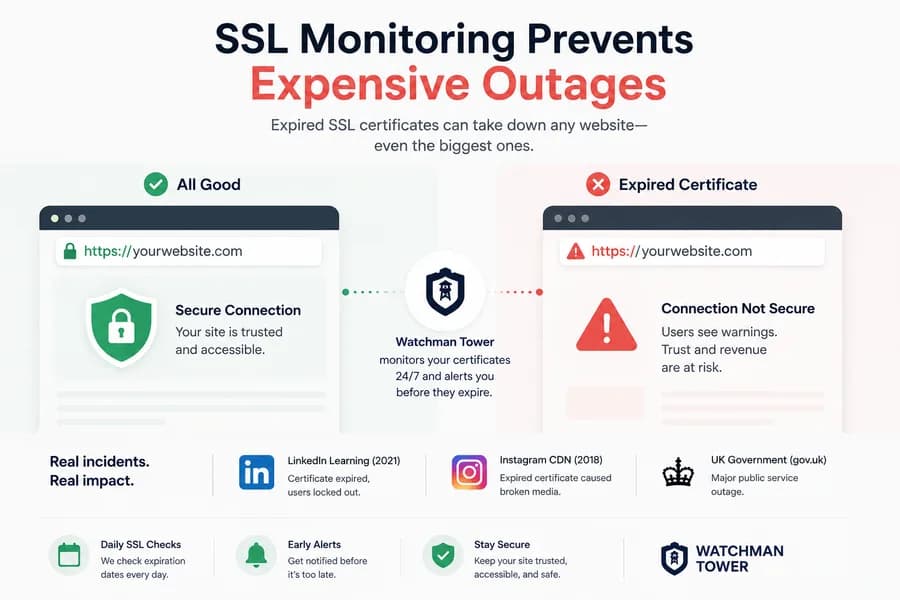
What Happens When SSL Monitoring Fails? Real-World Outage Examples
- Watchman Tower Team
- Updated: October 1, 2026
- Category: SSL Monitoring
- Read Time: 4 min
An expired SSL certificate takes a site offline as effectively as a server failure, and it happens on a date known months in advance. This guide covers real incidents, why reminders fail, and what SSL monitoring should check.
SSL certificates protect every HTTPS connection a website serves, and most visitors never notice them until one fails. When a certificate expires, browsers stop loading the site and show a full-page security warning. From the visitor's side, the site is down.
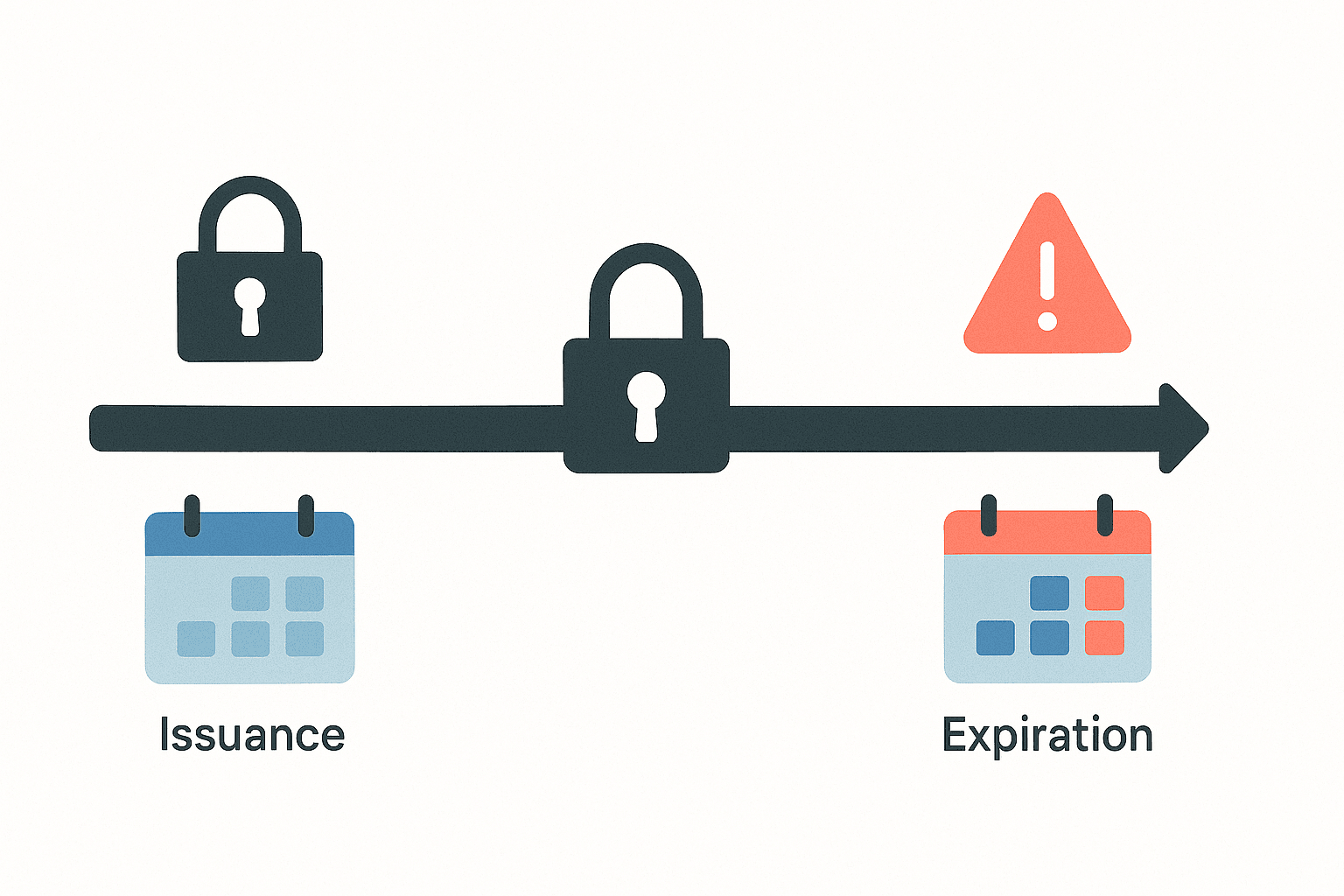
What makes this kind of outage different is that it is scheduled. The expiry date is written into the certificate and known months in advance. It still catches teams of every size, and this guide looks at why.
What an Expired Certificate Breaks
A certificate proves that a site is who it claims to be and allows the connection to be encrypted. When it is expired or invalid, the damage goes beyond the homepage:
- Browsers block the page. Visitors see a warning instead of the site, and most leave without reading it.
- APIs and integrations fail. Clients that verify certificates refuse to connect, so mobile apps, webhooks and partner integrations stop working.
- Payments and logins stop. Payment gateways and authentication flows depend on a valid certificate at every step.
- Internal tools go dark. Dashboards and admin panels are affected in the same way, often with nobody watching them.
- Search visibility can suffer. A site that crawlers cannot reach securely for an extended period loses crawl activity and engagement.
Real Incidents Caused by Expired Certificates
Missed renewals are not a small-team problem. Some of the best-known examples come from organizations with large operations teams:
- Microsoft Teams (February 2020). An expired authentication certificate left users unable to sign in for several hours. Microsoft confirmed the cause publicly.
- Ericsson and mobile networks (December 2018). An expired certificate in Ericsson's network software disrupted mobile data for millions of customers of O2 in the UK and other operators.
- Spotify's Megaphone platform (May 2022). An expired certificate on the podcast hosting platform made a large number of podcasts unavailable for hours.
In each case the fix was simple once the cause was known. The cost came from the time between the certificate expiring and someone realizing that was the reason.
Why Uptime Checks Alone Can Miss It
Certificate problems do not always look like downtime to a basic check. A check that does not validate the certificate can keep reporting a healthy response while browsers refuse to load the page. And a simple availability check has no concept of "this will fail in nine days".
SSL monitoring adds exactly that: it reads the certificate itself, tracks the days remaining, and reports problems with its validity, not only whether the server answered.
Why Reminders and Auto-Renewal Are Not Enough
Many teams rely on calendar events, emails from the certificate provider, or automatic renewal. Each works until it does not:
- Auto-renewal fails silently because of a changed DNS record, a blocked validation request or a firewall rule.
- Billing details are out of date, so a paid certificate is not reissued.
- Renewal emails go to an inbox nobody reads, or to someone who has left.
- The certificate renews but is not installed, or the server is not reloaded, so the old one is still being served.
- An intermediate certificate is missing, so some browsers and clients reject the chain.
- The new certificate does not cover every hostname in use.
A reminder only tells you that a date is approaching. It cannot tell you whether the certificate being served right now is valid. Monitoring checks the result, not the intention.
What Good SSL Monitoring Should Check
| Check | What it catches |
|---|---|
| Expiry date | Certificates approaching expiry, with alerts well ahead of the date |
| Validity | Certificates that are expired, not yet valid or revoked |
| Hostname match | A certificate issued for a different name than the one visitors use |
| Chain integrity | Missing or incorrect intermediate certificates |
| Issuer | Unexpected changes of certificate authority |
| The certificate actually served | A renewal that succeeded on paper but was never deployed |
Two details matter in practice. Alerts should come in stages, for example weeks ahead and again days ahead, so one missed message is not the end of the process. And they should go to more than one person or channel, because a single inbox is how most renewals get missed in the first place.
Who Needs It Most
- Agencies managing certificates across many client sites, hosts and providers
- SaaS companies and API providers, where an expired certificate breaks customers' integrations
- E-commerce businesses, where a browser warning stops checkout immediately
- Small teams and freelancers with no one whose job is to watch renewals
For WordPress sites specifically, see SSL monitoring for WordPress.
How Watchman Tower Helps
Watchman Tower monitors the SSL certificate of every HTTPS site you add, alongside uptime and domain expiry. You can see when each certificate expires and who issued it, and you are alerted before the expiry date and when a certificate becomes invalid. Alerts are delivered by email, mobile push, Slack, SMS or webhook. Details are on the SSL certificate monitoring page.
Conclusion
Certificate expiry is one of the few outages with a known date. It keeps happening because the process around renewal fails quietly: an unread email, a failed automation, a certificate that was renewed but never deployed. Monitoring the certificate that is actually being served, and alerting more than one person in good time, turns a public outage into a routine task.
Free plan available. No credit card needed.
FAQ
What happens when an SSL certificate expires?v
Do large companies really miss SSL renewals?v
Why can uptime monitoring miss SSL problems?v
Is auto-renewal enough to prevent SSL expiry?v
What should SSL monitoring check?v
Who benefits most from SSL monitoring?v
Blog Posts
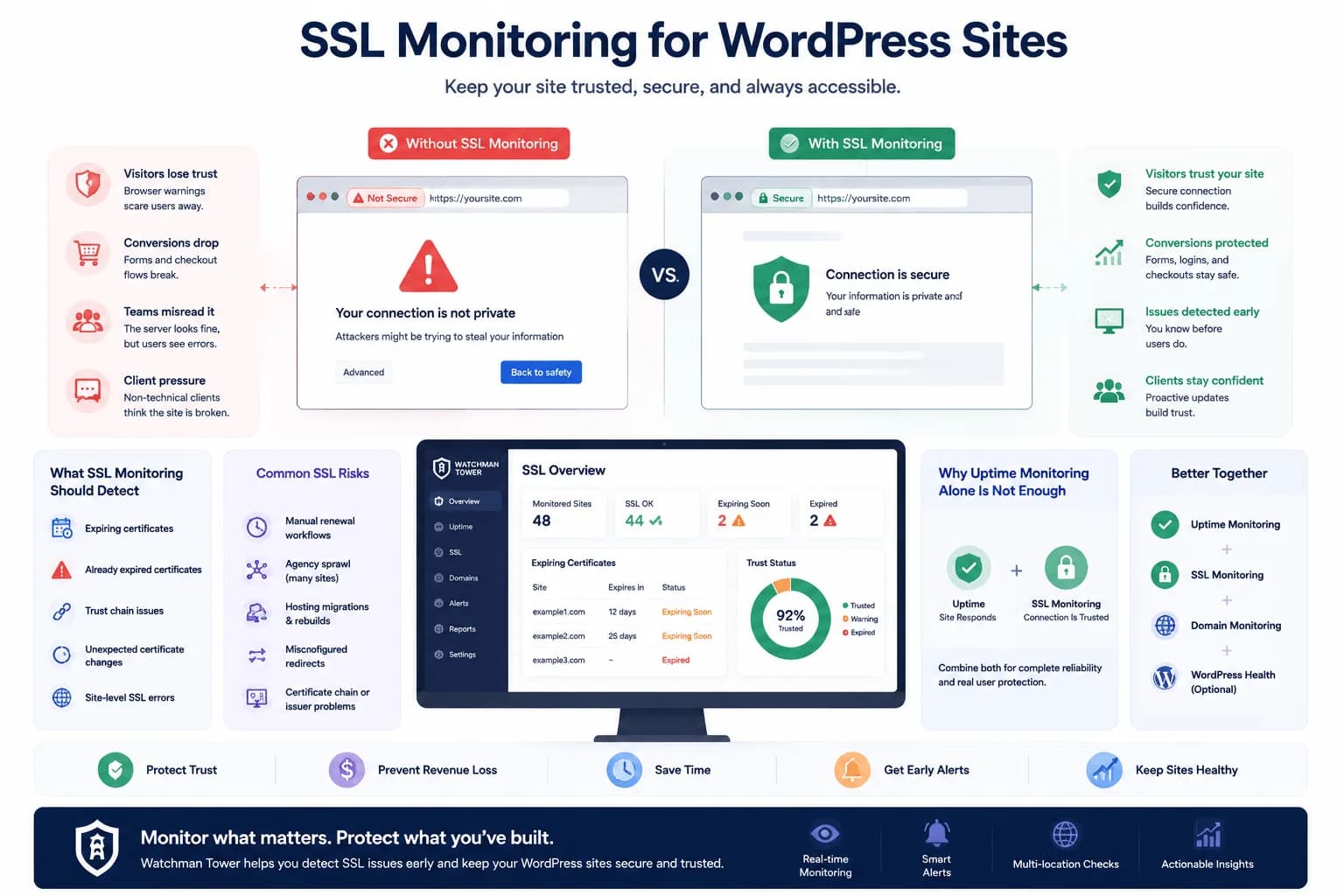
SSL Monitoring for WordPress: Prevent Expiry and Security Issues...
WordPress SSL monitoring matters because certificate issues often look external until users are already affected. This guide explains how teams stay ahead with better visibility.
Learn more about SSL Monitoring for WordPress: Prevent Expiry and Security Issues