

Decoding Downtime: Understanding User Behavior During Outages
- Watchman Tower Team
- Updated: October 1, 2026
- Category: Website Monitoring
- Read Time: 4 min
How users react when a site goes down, what they expect from the business, and what an outage does to the team handling it. A guide to the human side of downtime and the communication that protects trust.
An outage is a technical event, but it is experienced by people: the users who cannot do what they came to do, and the team that has to fix it under pressure. How both groups are treated during those minutes decides whether trust survives the incident.
This guide covers what users do when a site goes down, what they expect from the business, what an incident does to the team, and which practices keep trust intact.
What Users Go Through During an Outage
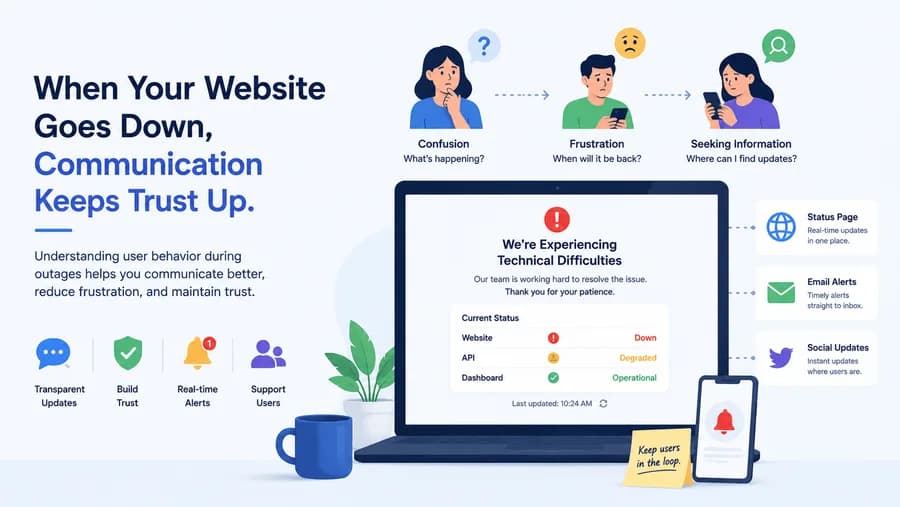
Confusion Comes First
The first reaction is usually uncertainty. Users wonder whether the problem is their device, their connection or the site. If they were in the middle of something, such as a payment, a form or an upload, the uncertainty is sharper: did it go through or not?
Then They Look for Information
Once users suspect the site, their behavior follows a predictable pattern:
- They refresh, then try again a few minutes later.
- They look for an official statement: a status page, a banner, a social media account.
- They contact support if they find nothing.
- If the task is urgent and an alternative exists, they use the alternative.
The last step is the expensive one. Users rarely remember the exact length of an outage. They remember whether they were left guessing.
What Users Expect From a Business
Users do not expect a service to never fail. They expect to be told what is happening.
- Acknowledgment. A short, early statement that the problem is known is worth more than a detailed explanation an hour later.
- Plain language. What is affected, what still works, and what users should do in the meantime.
- Regular updates. Even "still investigating" is useful, because it shows someone is working on it.
- Honest timing. An estimate only if there is a basis for one. A missed estimate does more damage than none.
- Closure. A clear message when the incident is over, and for serious incidents, a brief explanation of what happened.
Silence does more damage than the outage itself. Without information, users assume the worst: that nobody has noticed, or that nobody cares.
What an Outage Does to the Team
The people handling the incident go through their own cycle. First comes doubt: it is probably a false alarm. Then urgency, as alerts multiply and messages arrive from every direction. Communication fragments, several people investigate the same thing, and nobody is sure who is talking to customers. After resolution comes relief, and when incidents repeat, fatigue.
Repeated night-time alerts and unplanned firefighting lead to mistakes and burnout. Two things reduce that load more than anything else:
- Alerts people can trust. When an alert is almost always a real, confirmed problem, the doubt phase disappears and nobody is woken up for noise. See alerts and escalation.
- A response path decided in advance. Who responds first, who communicates, and when to escalate. Decisions made calmly beforehand do not have to be made under pressure.
Practices That Protect Trust
Detect Before Users Report
Everything above depends on knowing about the problem first. If the first signal is a customer email, the business is already behind: users have been confused for some time and the acknowledgment is late by definition. External monitoring that confirms a failure and alerts the team within minutes is what makes early communication possible. How monitoring tools detect downtime explains the mechanics.
Keep a Public Status Page
A status page gives users one place to check, at any time, without contacting anyone. It reduces support load during an incident, shows that the problem is known, and builds a visible history of how incidents were handled. See what a public status page is and the status page feature.
Prepare the Words in Advance
Writing a clear incident message is hard in the middle of an incident. A few short templates for investigating, identified, monitoring and resolved remove that work when time is shortest.
Review Without Blame
After the incident, review what happened. Ask what failed technically, and also how the response went: was the alert clear, did people know their role, were customers informed in time? Teams that treat incidents as something to learn from, not as an occasion to assign blame, recover faster the next time.
Conclusion
Users forgive outages more easily than they forgive being left in the dark. Teams handle incidents better when alerts are trustworthy and roles are clear. Both come back to the same thing: knowing early, and saying so. The business side of the same question is covered in the hidden costs of downtime.
Free plan available. No credit card needed.
FAQ
How do users react when a website goes down?v
What do users expect from a business during an outage?v
Why is silence during downtime so damaging?v
How do outages affect the team handling them?v
How does a status page help during an outage?v
Blog Posts
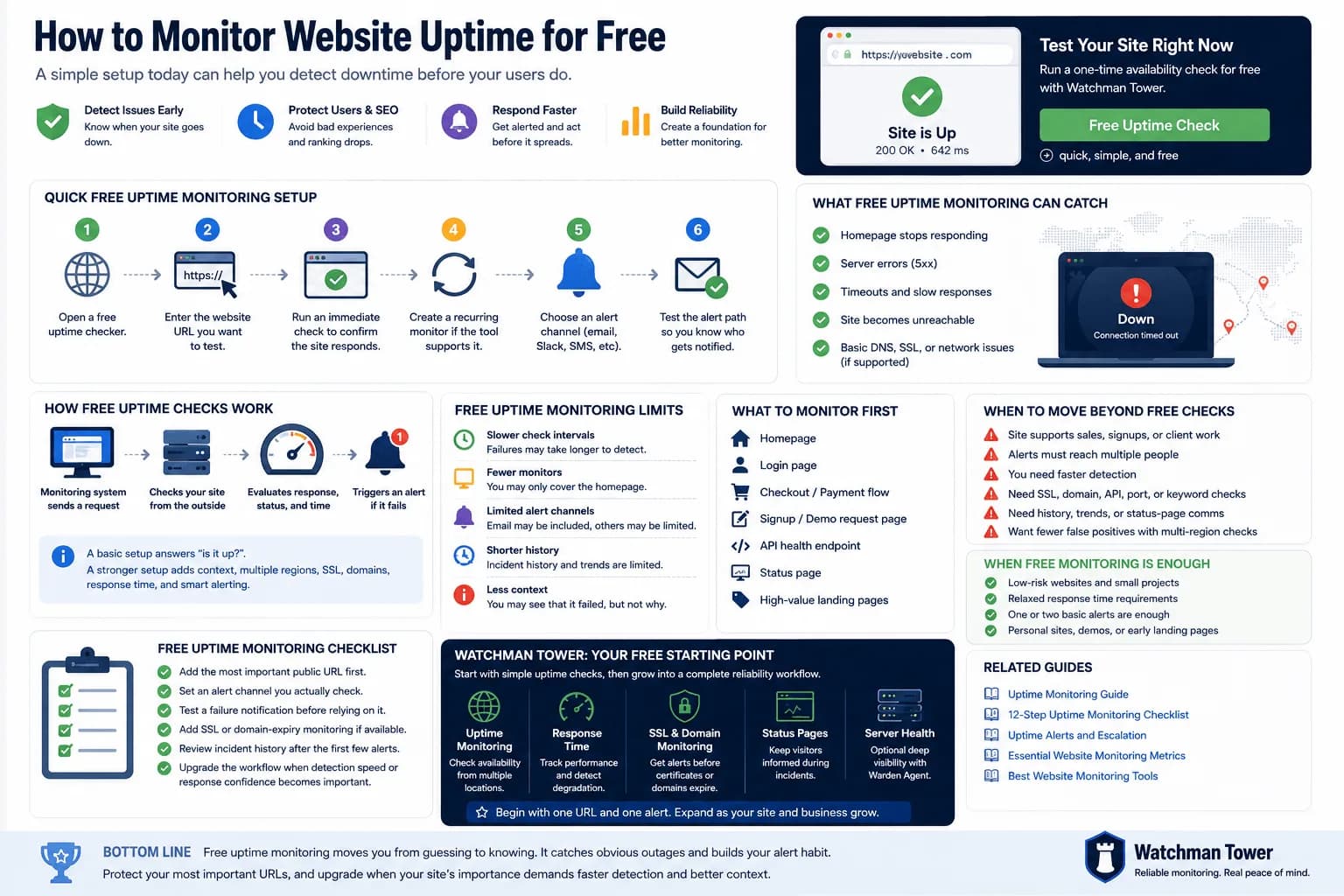
Free Uptime Monitor: How to Monitor Your Website Without Paying...
A free uptime monitor checks your URL on a schedule and alerts you when it stops responding. This guide shows the fastest setup, compares a one-off checker with a free monitoring plan, and explains where free monitoring falls short.
Learn more about Free Uptime Monitor: How to Monitor Your Website Without Paying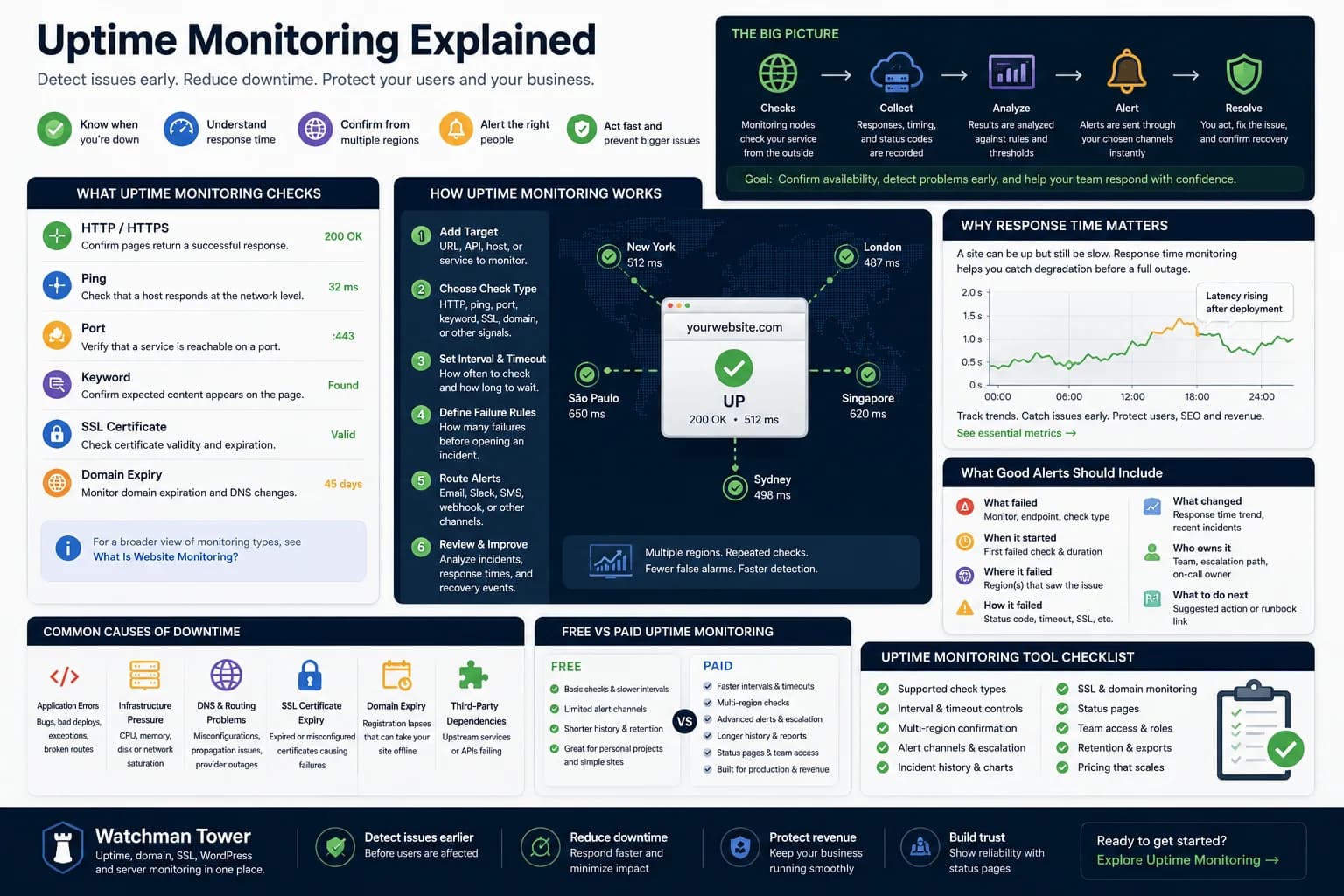
Uptime Monitoring Guide: How to Detect Downtime and Alert Faster...
Uptime monitoring helps you detect when a website, app, or service becomes unavailable. This guide explains how checks work, which signals matter, how alerts should be routed, and how to turn basic uptime checks into a practical response workflow.
Learn more about Uptime Monitoring Guide: How to Detect Downtime and Alert Faster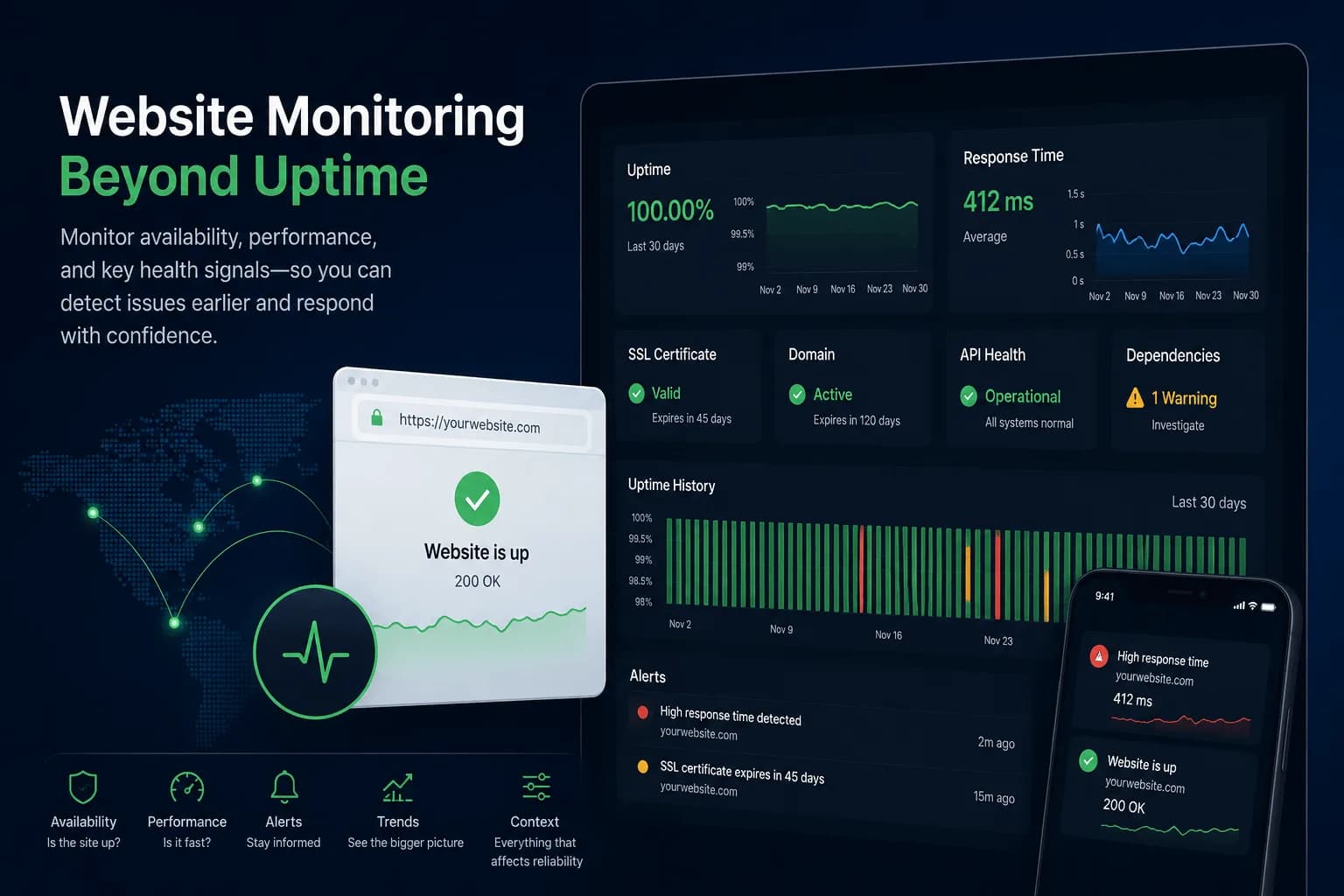
What Is Website Monitoring? How It Works and Why It Matters...
Website monitoring checks whether a site is available, how it performs and whether SSL, domain or dependency risks are building up around it. This guide explains how it works and how it differs from uptime monitoring.
Learn more about What Is Website Monitoring? How It Works and Why It Matters