

How to Use Metrics to Optimize Your Site’s Health
- Watchman Tower Team
- Updated: July 22, 2026
- Category: Product Insights
- Read Time: 3 min
Metrics help teams optimize site health when they are tied to action, not just dashboards. This guide explains how to use monitoring metrics for better performance decisions.
Website speed is one of the biggest factors affecting user experience, SEO, and conversions. But improving performance isn't about guessing what's slow—it's about measuring the right signals and acting on them.
That's where website monitoring becomes valuable.
Instead of waiting for customers to report slow pages, monitoring helps you identify performance regressions early, understand where they happen, and fix them before they become business problems.
Why Speed Optimization Starts with Visibility
Many teams try to improve performance by running occasional speed tests.
The problem?
A single test only shows one moment in time.
Real performance changes constantly depending on:
- traffic levels
- server load
- deployments
- third-party services
- geographic location
Continuous monitoring lets you see these changes as they happen.
If you're new to the topic, start with What Is Website Monitoring? to understand how continuous monitoring works.
Measure Before You Optimize
You can't improve what you don't measure.
Instead of focusing only on whether your website is online, monitor metrics that explain how users actually experience your site.
The most valuable metrics include:
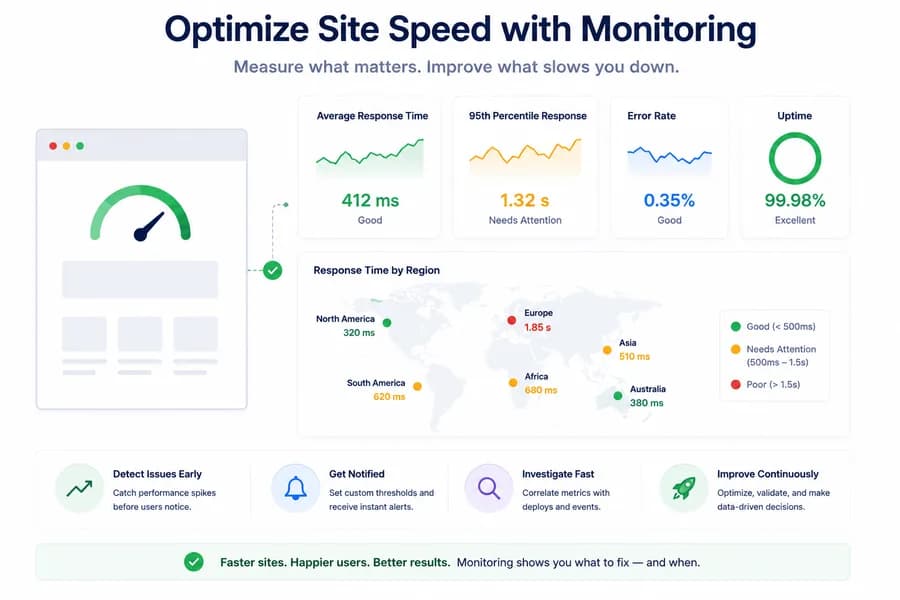
Response Time
Shows how quickly your server responds to requests.
Gradual increases often indicate infrastructure or application problems before complete downtime occurs.
95th Percentile Response Time
Average response time can hide slow experiences.
The 95th percentile highlights the slowest requests that real users are actually experiencing.
For many teams, this metric is far more useful than the average.
Error Rate
Performance issues often appear alongside increasing HTTP errors.
Watching error rates together with response time helps separate temporary spikes from real application problems.
Regional Latency
Your website may perform perfectly in one country while being painfully slow somewhere else.
Regional monitoring helps detect CDN problems, routing issues, or infrastructure bottlenecks that affect only part of your audience.
Learn more in Essential Website Monitoring Metrics.
Turn Metrics Into Action
Collecting data isn't enough.
The goal is turning metrics into decisions.
For example:
- investigate sudden response-time spikes
- compare performance before and after deployments
- identify recurring slow periods
- detect infrastructure bottlenecks
- receive alerts before users complain
Monitoring should answer:
What changed?
instead of simply saying
Something is slow.
A Practical Example
Imagine your homepage usually responds in 350 ms.
After a deployment, response time slowly climbs to 900 ms over several hours.
No outage occurs.
No one notices immediately.
But checkout abandonment increases and search engine crawlers begin experiencing slower responses.
Without monitoring, you discover the issue days later.
With continuous monitoring, the trend appears immediately, allowing your team to investigate before customers start leaving.
Build a Monitoring Workflow That Improves Performance
The best teams don't treat monitoring as an alert system.
They treat it as a performance improvement tool.
A simple workflow looks like this:
- Monitor response time continuously.
- Set thresholds for abnormal increases.
- Investigate performance regressions.
- Fix the root cause.
- Compare metrics after the change.
- Repeat.
Over time, this creates a measurable improvement in website speed and reliability.
How Watchman Tower Helps
Watchman Tower continuously tracks website response times, uptime, and regional performance so you can identify slowdowns before they become outages.
Instead of relying on occasional speed tests, you gain continuous visibility into how your website behaves over time.
That means you can:
- detect performance regressions earlier
- monitor latency trends
- identify regional slowdowns
- receive alerts when thresholds are exceeded
- validate infrastructure improvements with real data
Final Thoughts
Website speed isn't something you optimize once.
It's something you continuously measure, improve, and verify.
Monitoring transforms performance optimization from guesswork into an ongoing process backed by real-world data—helping you build faster, more reliable websites that users actually enjoy using.
Free plan available. No credit card needed.
FAQ
Why is continuous monitoring better than occasional speed tests for website performance?v
What are the most valuable metrics to monitor for website performance?v
Why is the 95th percentile response time more useful than average response time?v
How can monitoring metrics help turn data into action?v
What is a practical example of how continuous monitoring helps?v
How does Watchman Tower help in website monitoring?v
How does Watchman Tower specifically help implement the metrics workflow described?v
Blog Posts
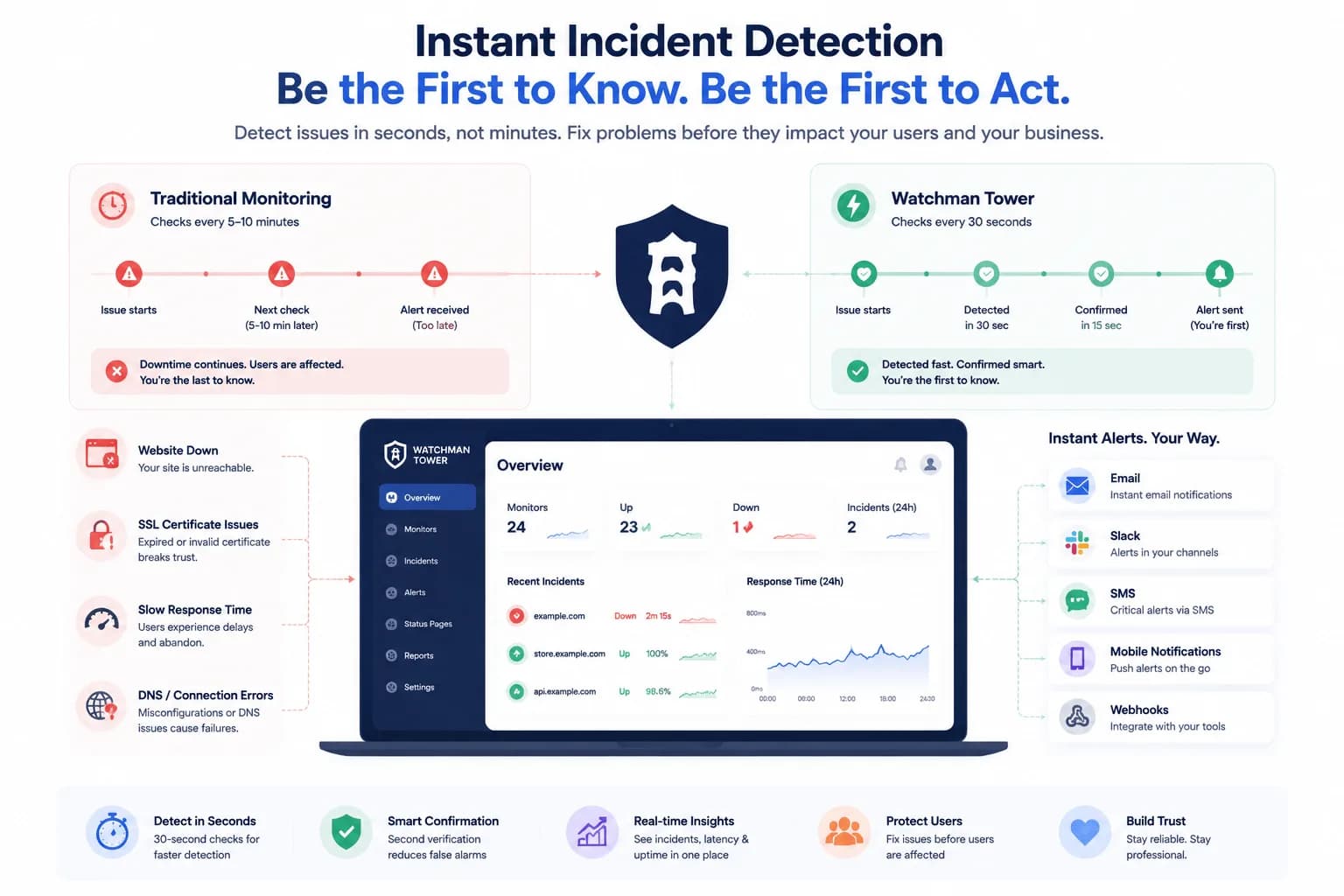
How to Get Notified Instantly When Something Breaks...
Real-time notifications matter most when they arrive with enough context to act. This guide explains how teams build faster response around smarter alerting workflows.
Learn more about How to Get Notified Instantly When Something Breaks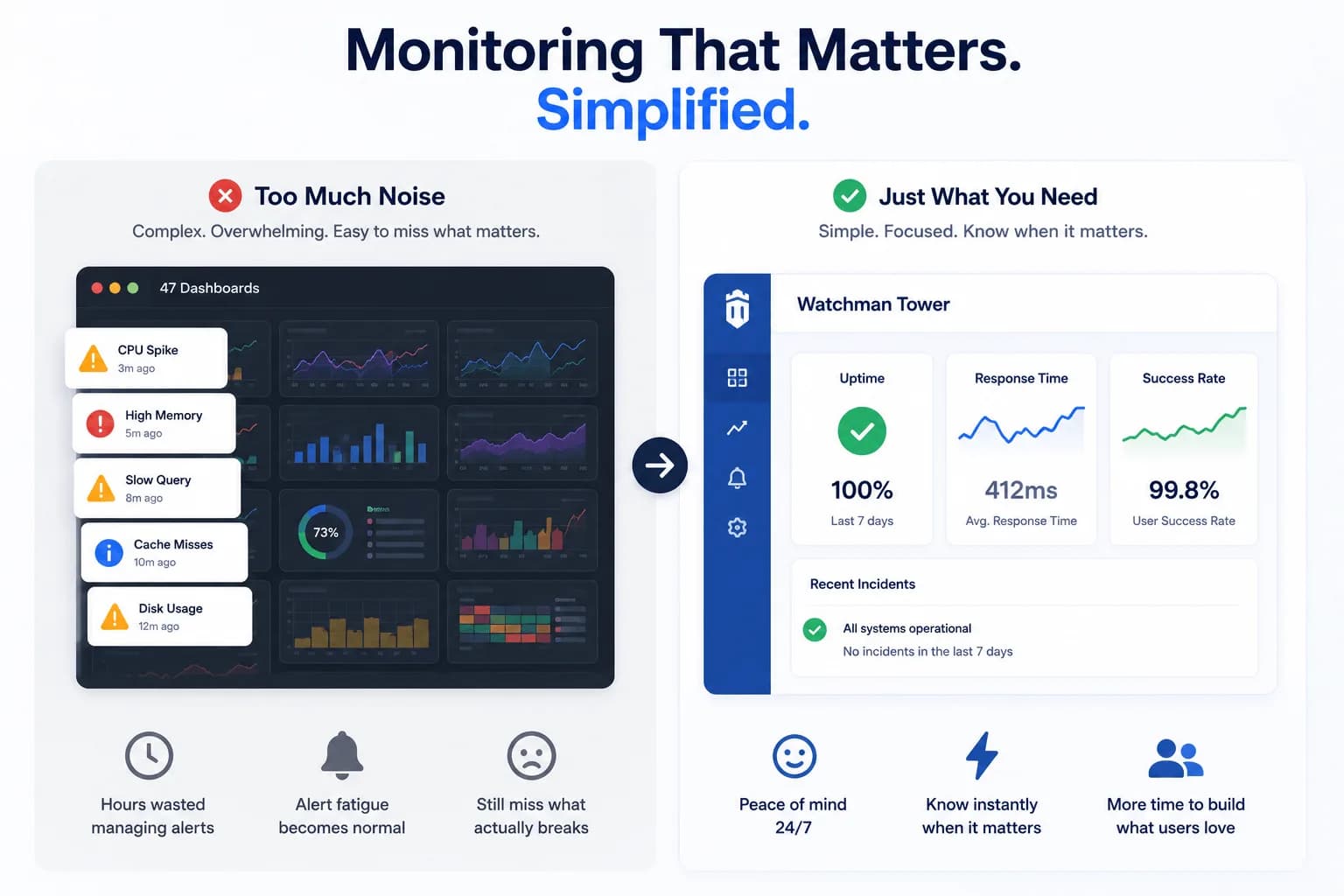
From Datadog Fatigue to Focused Monitoring: A Journey to Simplicity...
This comparison looks at website monitoring tools through a broader operational lens, not just raw uptime checks.
Learn more about From Datadog Fatigue to Focused Monitoring: A Journey to Simplicity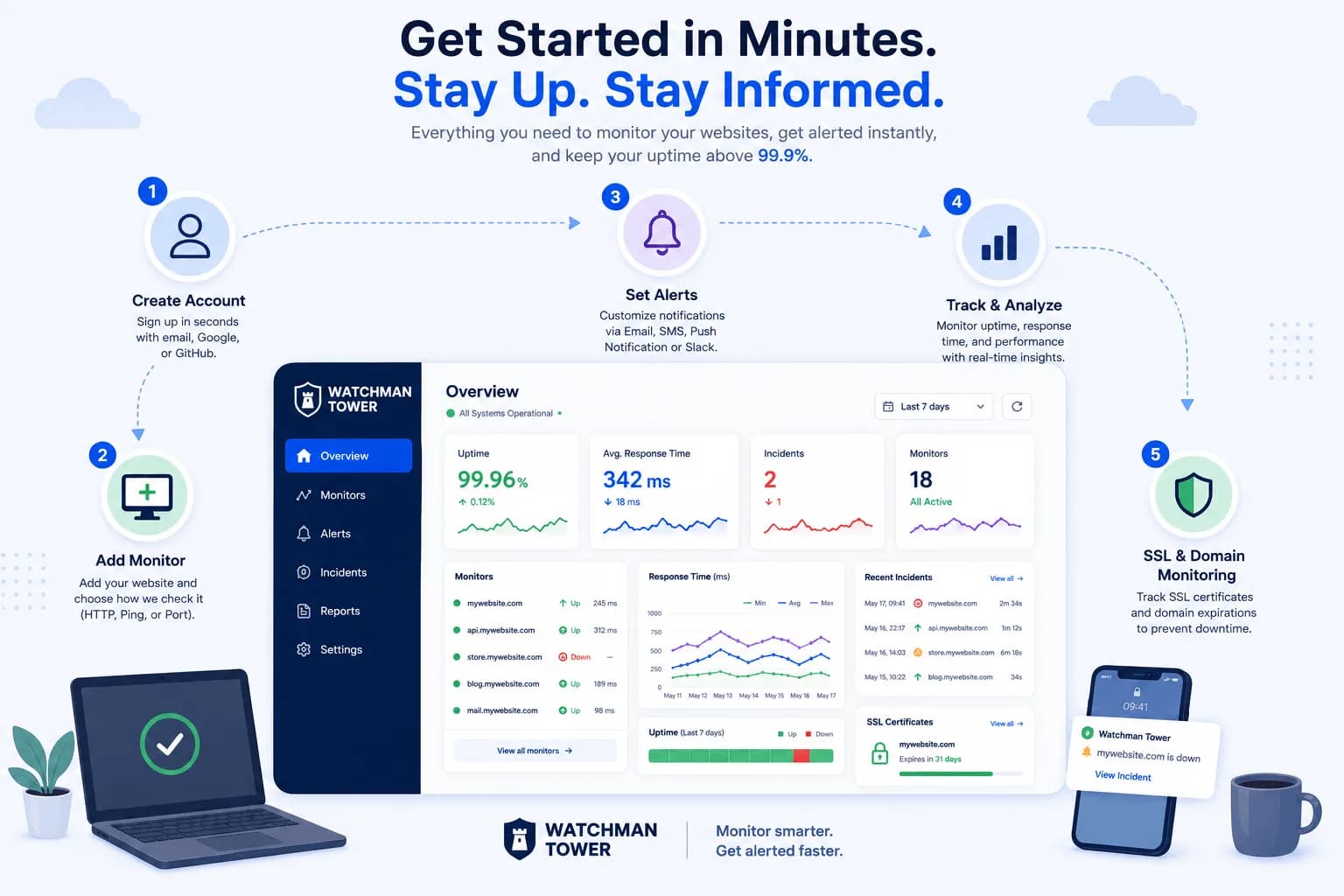
How to Use Watchman Tower: A Step-by-Step Guide to Website Monitoring...
This guide shows how to use Watchman Tower for website monitoring while keeping uptime, alerts, and response behavior inside a broader digital health workflow.
Learn more about How to Use Watchman Tower: A Step-by-Step Guide to Website Monitoring