

What Is Website Monitoring? How It Works and Why It Matters
- Watchman Tower Team
- Updated: October 1, 2026
- Category: Website Monitoring
- Read Time: 5 min
Website monitoring checks whether a site is available, how it performs and whether SSL, domain or dependency risks are building up around it. This guide explains how it works and how it differs from uptime monitoring.
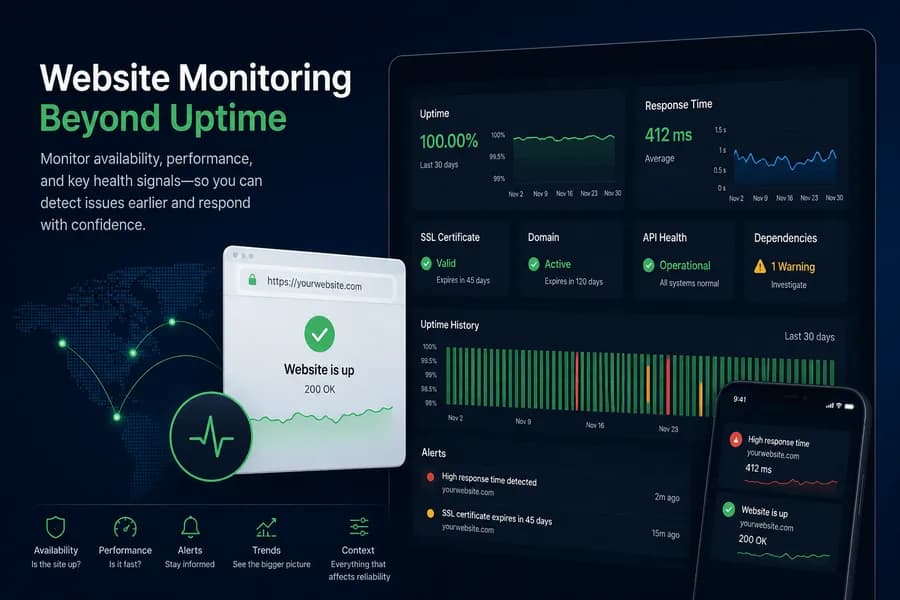
Website monitoring is the practice of checking whether a website is available, how it performs, and whether related health signals are starting to drift before users feel the impact. It usually begins with uptime checks, but reliable website monitoring goes further by adding response-time visibility, alerting, and broader operational context.
That matters because many incidents do not begin as a clean outage. Sites can stay technically up while becoming slow, unstable, or partially broken. A healthy monitoring workflow helps teams catch those issues earlier and react with more confidence.
What website monitoring actually includes
Website monitoring is often treated as if it only means checking whether a page responds. In practice, teams usually care about a broader set of signals:
- Availability: Is the site reachable at all?
- Response time: Is the site becoming slow before it fails completely?
- Alert quality: Are alerts useful, trusted, and hard to ignore?
- Adjacent health signals: Are SSL, domain, API, or dependency issues creating risk around the site?
- Historical behavior: Is performance degrading over time or only in certain moments?
In other words, website monitoring is the broader operating layer. Uptime monitoring is a key part of it, but not the whole picture.
How website monitoring works
Most monitoring setups start with recurring checks that test a site from one or more locations. These checks tell you whether a page is reachable and how quickly it responds. From there, teams usually add better alert routing, historical reporting, and adjacent checks so they can separate temporary noise from real incidents.
A more mature setup reduces blind spots by combining multiple signals instead of relying on one basic check. That is where website monitoring starts to become operationally useful rather than just informational.
A single check works through the same chain a visitor's browser would:
- DNS resolution. The domain has to resolve to an address. If DNS fails, nothing after it can load.
- Availability request. An HTTP request or a ping confirms that the server answers, and with which status code.
- Certificate validation. For HTTPS sites the certificate is checked for validity and for how close it is to expiry.
- Domain expiry. The registration date is tracked so a lapsed renewal does not take the site offline.
- Response time. How long the answer took is recorded, so slowdowns show up before they become outages.
- Alerting. When a check fails or crosses a threshold, the people responsible are notified.
- History. Results are stored so trends and past incidents can be reviewed later.
Why simple uptime checks are not always enough
A simple uptime check can tell you when a site is clearly down. It cannot always tell you when a site is becoming slow, when one region is failing while another is healthy, or when SSL and domain issues are creating real risk around an otherwise reachable service.
If your goal is fewer surprises and better incident response, it helps to think about website monitoring as a broader workflow instead of a single check type. That is also why many teams move from basic checks into response-time and degradation monitoring over time.
What good website monitoring helps teams do
- Detect downtime earlier before customers report it first
- Catch slowdowns sooner before they become outages
- Reduce alert noise with more reliable escalation rules
- Understand context around SSL, domain, and dependency health
- Review trends instead of only reacting to isolated incidents
That shift is what turns monitoring from a basic status check into a more reliable operating habit.
Where uptime monitoring fits
Uptime monitoring is still foundational. It tells you whether a service is reachable and gives you the first signal when availability changes. But modern teams usually treat uptime as the baseline layer, then build on top of it with response-time visibility, better alerts, and adjacent checks.
If you want the canonical overview, start with the uptime monitoring guide. If your focus is free setup and quick validation, see how to monitor website uptime for free.
What to monitor alongside your site
Website reliability is rarely isolated to a single page responding or not responding. Depending on your setup, it often makes sense to monitor adjacent layers such as:
- Uptime and response behavior
- SSL certificate health
- Domain expiry risk
- Critical APIs and third-party dependencies
- WordPress application signals such as pending updates, PHP memory and cron health
- Server-side signals: resource pressure, services and ports that cannot be seen from outside
These checks create a healthier monitoring picture and reduce the chance of being surprised by issues outside a simple up/down result.
Website monitoring vs uptime monitoring
The two terms are often used as if they meant the same thing. Uptime monitoring answers one question: is it up? Website monitoring asks whether the site is healthy, and whether something nearby is about to make it fail.
| Uptime monitoring | Website monitoring | |
|---|---|---|
| Question | Is the site reachable right now? | Is the site healthy, and what is at risk? |
| Signals | Availability, status codes, failed requests | Availability plus response behaviour, SSL health and domain risk |
| Catches | Outages and failed requests | Slowdowns, partial failures, expiring certificates and domains |
| Misses on its own | A site that is online but slow or partly broken | Little, but it relies on uptime checks as its base |
Website monitoring does not replace uptime monitoring. Availability detection is still the first layer, because it tells you whether the service can be reached at all. The wider signals are built on top of it.
Recommended next steps
To go deeper, work through the uptime monitoring checklist, learn how to improve alerts and escalation, or see how monitoring tools detect downtime early. If you want the product layer, see uptime monitoring.
Free plan available. No credit card needed.
FAQ
What is website monitoring?v
What does website monitoring include beyond uptime?v
Why aren't simple uptime checks sufficient for monitoring a website?v
How does website monitoring work?v
What benefits does effective website monitoring provide?v
What should be monitored alongside a website?v
Blog Posts
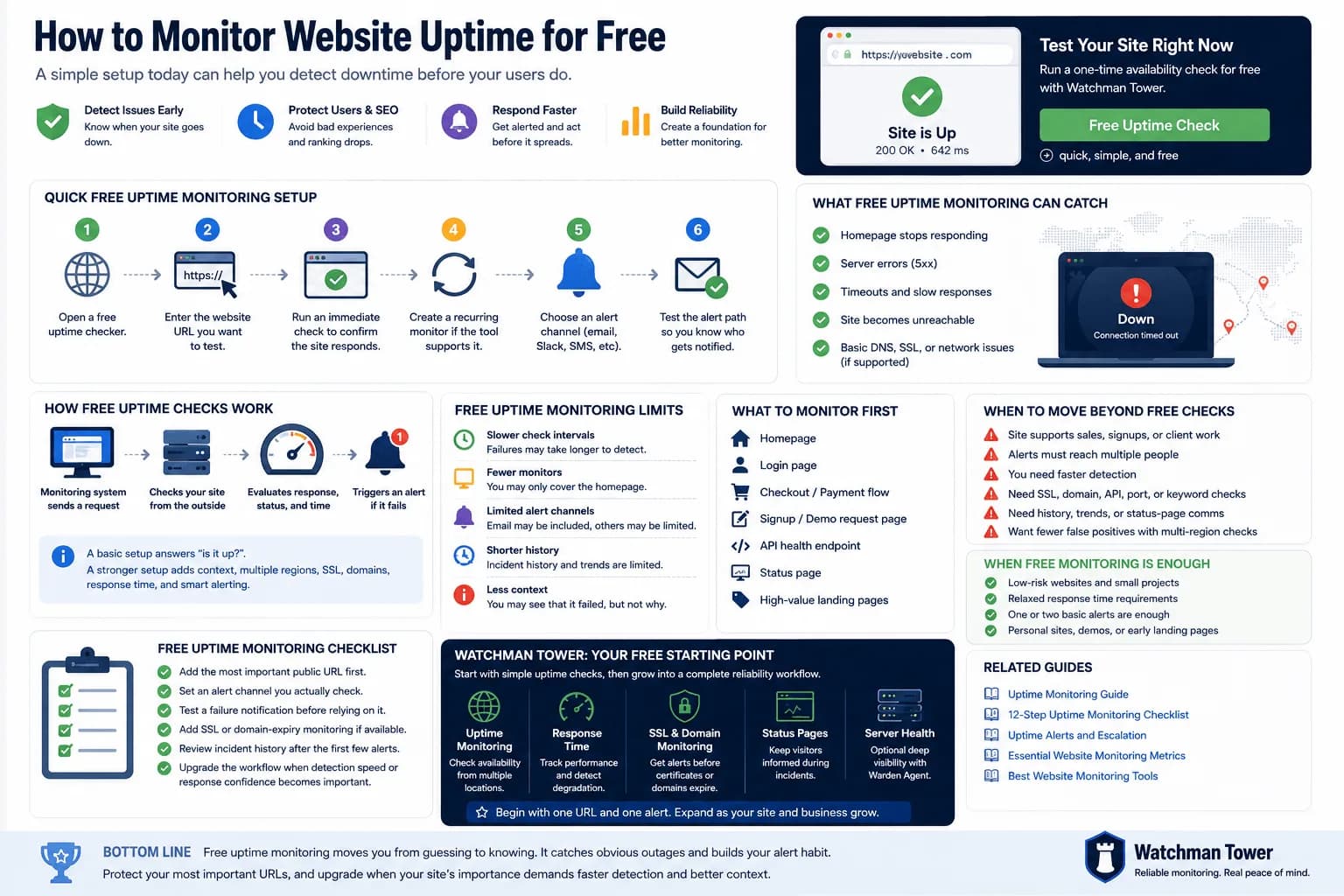
Free Uptime Monitor: How to Monitor Your Website Without Paying...
A free uptime monitor checks your URL on a schedule and alerts you when it stops responding. This guide shows the fastest setup, compares a one-off checker with a free monitoring plan, and explains where free monitoring falls short.
Learn more about Free Uptime Monitor: How to Monitor Your Website Without Paying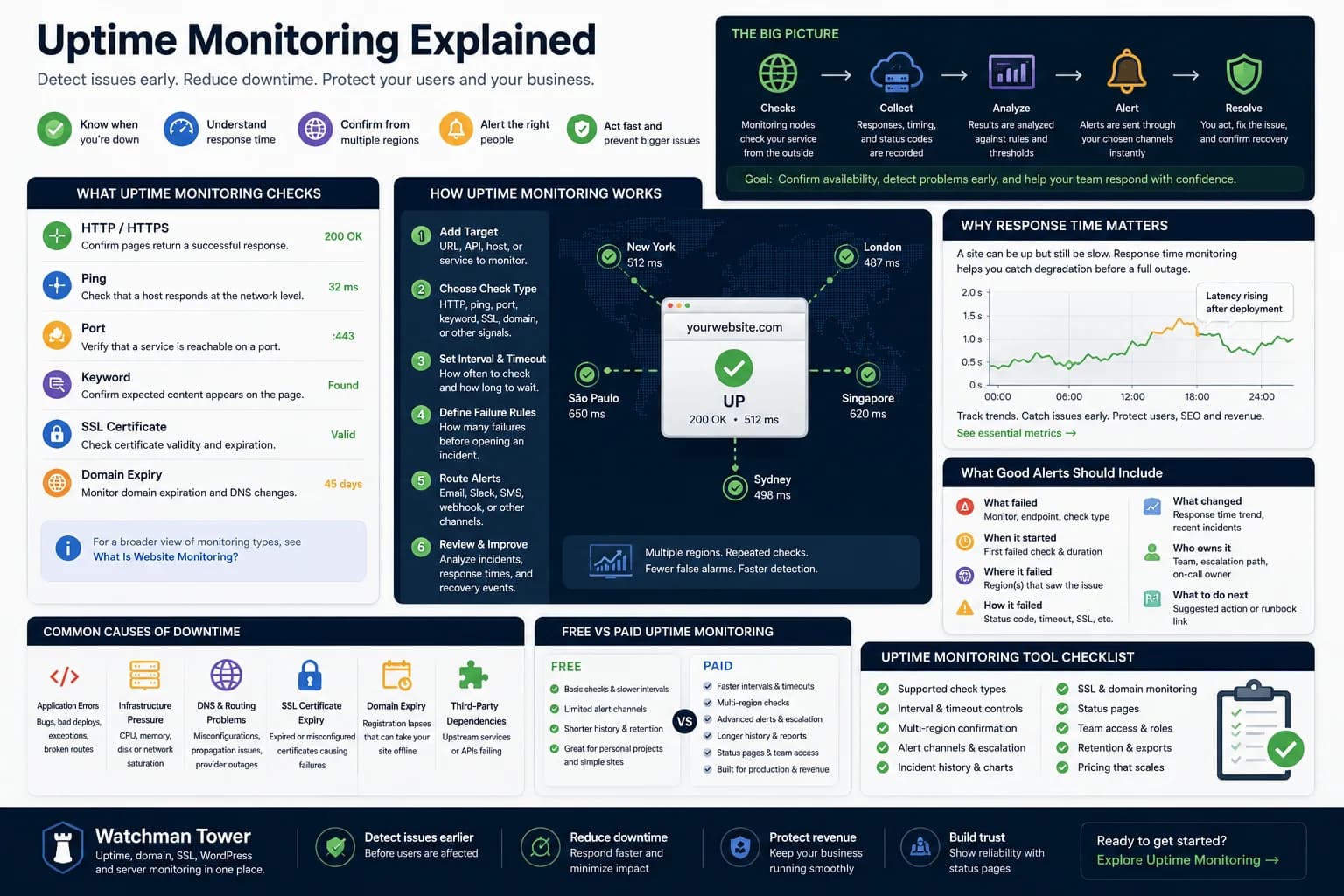
Uptime Monitoring Guide: How to Detect Downtime and Alert Faster...
Uptime monitoring helps you detect when a website, app, or service becomes unavailable. This guide explains how checks work, which signals matter, how alerts should be routed, and how to turn basic uptime checks into a practical response workflow.
Learn more about Uptime Monitoring Guide: How to Detect Downtime and Alert Faster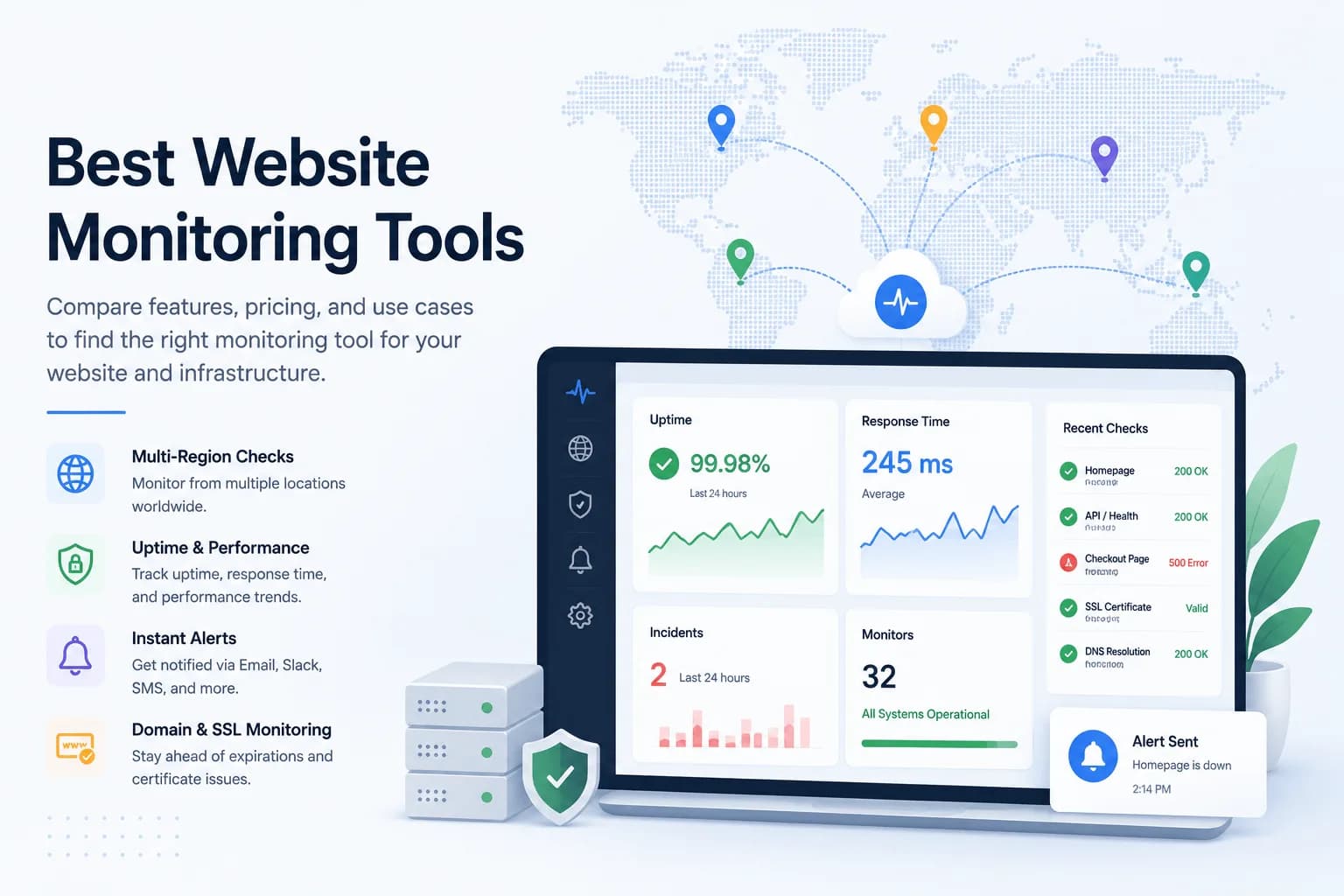
10 Best Website Monitoring Tools in 2026...
The best website monitoring tool depends on what happens after a failed check. This 2026 comparison evaluates five options across uptime coverage, alert quality, status communication, incident workflows, and infrastructure context.
Learn more about 10 Best Website Monitoring Tools in 2026