


Uptime Monitoring Guide: How to Detect Downtime and Alert Faster
- Watchman Tower Team
- Updated: October 1, 2026
- Category: Website Monitoring
- Read Time: 5 min
Uptime monitoring helps you detect when a website, app, or service becomes unavailable. This guide explains how checks work, which signals matter, how alerts should be routed, and how to turn basic uptime checks into a practical response workflow.
Uptime monitoring is the practice of checking whether a website, application, API, or service is reachable and responding as expected. A basic setup answers one question: is it up or down? A stronger setup also helps you understand how fast the service responds, whether the issue is confirmed from more than one location, who should be alerted, and what should happen next.
If you want to test a single URL quickly, use the Free Uptime Check. If you are designing an ongoing workflow, this guide explains the structure behind reliable uptime monitoring.
What uptime monitoring checks
Most uptime monitoring tools run scheduled checks from outside your infrastructure. They send a request to a public endpoint, evaluate the response, record timing, and trigger an alert when the result crosses a failure threshold.
- HTTP or HTTPS checks: confirm that a website or application page returns a successful response.
- Ping checks: confirm that a host can respond at the network level.
- Port checks: confirm that a service is reachable on a specific port.
- Keyword checks: confirm that the expected content appears on the page.
- SSL and domain checks: catch certificate or domain-expiry problems before they become outages.
For a broader definition of monitoring categories, see what website monitoring means and how it differs from uptime-only checks.
How uptime monitoring works
A practical uptime workflow usually follows this sequence:
- Add the URL, API endpoint, host, or service you want to monitor.
- Choose the check type: HTTP, ping, port, keyword, SSL, domain, or another supported signal.
- Set the interval and timeout so the tool knows how often to check and how long to wait.
- Define failure rules, such as how many failed checks should happen before an incident is opened.
- Route alerts to the right people through email, Slack, SMS, webhook, or another channel.
- Review incidents, response-time history, and recovery events after the issue is resolved.
The strongest setups avoid treating one failed check as absolute proof. They use repeated checks, regional confirmation, or supporting signals to reduce false positives before waking up the team.
Why response time matters
Availability is only part of the user experience. A site can technically be online while still being slow enough to damage conversions, SEO, and customer trust. That is why uptime monitoring should also track response time and degradation patterns.
Response-time visibility helps you catch problems before a full outage happens. If latency starts climbing after a deployment, database change, cache miss, or traffic spike, a good monitoring setup should make that trend visible early. For measurement details, read our guide to essential website monitoring metrics.
What good uptime alerts should include
The alert is where monitoring either becomes useful or becomes noise. A good alert should help the responder understand the situation without opening five separate tools.
- What failed: the monitor name, endpoint, and check type.
- When it started: the first failed check and the current incident duration.
- Where it failed: the monitoring region or regions that saw the issue.
- How it failed: status code, timeout, connection issue, SSL problem, or keyword mismatch.
- What changed: response-time trend, previous incidents, or adjacent health signals when available.
- Who owns it: escalation path, team, or workflow for the service.
If alerts are too broad, they get ignored. If they are too sensitive, they create fatigue. Use uptime alerting and escalation rules to separate urgent incidents from routine noise.
Common causes of downtime
Uptime monitoring cannot prevent every failure, but it can shorten the time between failure and response. Common causes include:
- Application errors: failed deploys, runtime exceptions, broken routes, or dependency changes.
- Infrastructure pressure: CPU, memory, disk, or network saturation.
- DNS and routing problems: incorrect records, propagation issues, or provider incidents.
- SSL certificate expiry: expired or misconfigured certificates causing browser or API failures.
- Domain expiry: avoidable registration failures that can take an entire property offline.
- Third-party dependencies: payment, auth, CDN, analytics, or API providers failing upstream.
For deeper operational context, pair uptime checks with server monitoring, SSL checks, domain-expiry monitoring, and incident history.
Free vs paid uptime monitoring
Free uptime monitoring is useful when you need a fast first layer. It usually gives you basic checks, slower intervals, fewer alert channels, and limited history. That is enough for a personal project, early-stage site, or simple public landing page.
Paid monitoring starts to matter when the site supports revenue, customers, client work, or production operations. Faster intervals, multi-region checks, better escalation, longer retention, team access, and status pages become more valuable as the cost of downtime rises.
If your immediate goal is a no-cost setup, read how to monitor website uptime for free. If you are choosing a platform, compare options in our website monitoring tools comparison.
How to build a reliable uptime monitoring workflow
A durable workflow should answer five questions before the first incident happens:
- What must be monitored? Start with the homepage, login, checkout, APIs, status page, and client-critical endpoints.
- How fast should detection be? Match check intervals to business impact, not habit.
- Who gets alerted first? Route alerts to the owner who can take action.
- When should alerts escalate? Define what happens if the first responder misses the alert.
- How do you communicate? Use a status page or incident update process for customer-facing issues.
Use the 12-step uptime monitoring checklist to turn this into a repeatable setup.
Uptime monitoring tool checklist
When evaluating a tool, compare more than the monitor count:
- supported check types
- check interval and timeout controls
- multi-region or multi-location confirmation
- alert channels and escalation rules
- incident history and response-time charts
- SSL and domain-expiry monitoring
- status pages and customer communication
- team access, retention, and pricing at scale
Watchman Tower is built around this broader workflow: uptime checks, response context, SSL and domain signals, status pages, and optional server health visibility. Explore the uptime monitoring feature or review current limits on the pricing page.
Bottom line
Uptime monitoring is not just a checkbox that says a site is online. Used well, it is the first layer of incident detection: it confirms availability, records response behavior, sends useful alerts, and helps teams act before downtime becomes a bigger business problem.
Start with the checks that protect your most important user journeys. Then add better alerting, regional confirmation, status communication, and operational context as the site becomes more important.
Free plan available. No credit card needed.
FAQ
Why is website monitoring important?v
What is website monitoring?v
What tools can I use for website monitoring?v
Blog Posts
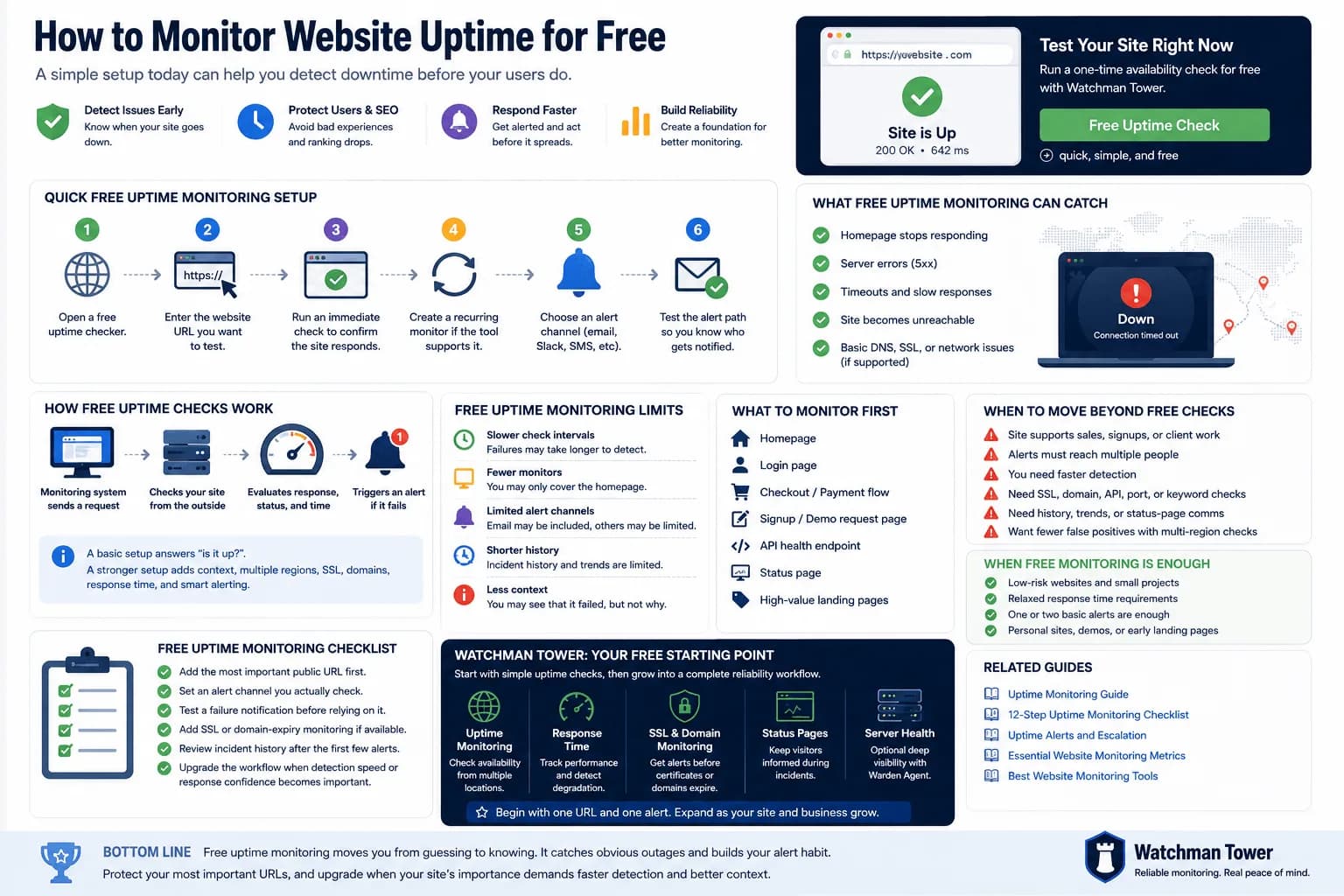
Free Uptime Monitor: How to Monitor Your Website Without Paying...
A free uptime monitor checks your URL on a schedule and alerts you when it stops responding. This guide shows the fastest setup, compares a one-off checker with a free monitoring plan, and explains where free monitoring falls short.
Learn more about Free Uptime Monitor: How to Monitor Your Website Without Paying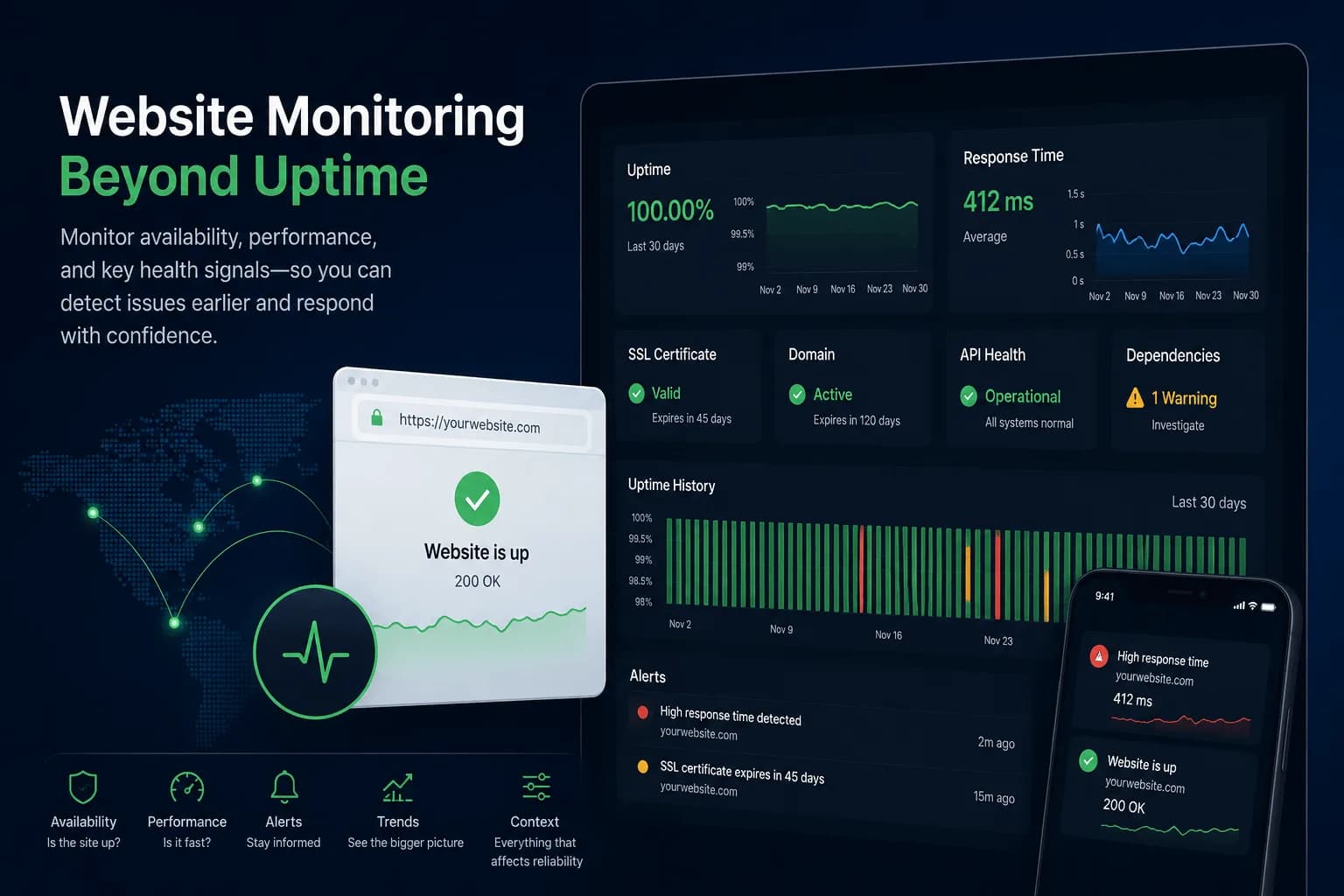
What Is Website Monitoring? How It Works and Why It Matters...
Website monitoring checks whether a site is available, how it performs and whether SSL, domain or dependency risks are building up around it. This guide explains how it works and how it differs from uptime monitoring.
Learn more about What Is Website Monitoring? How It Works and Why It Matters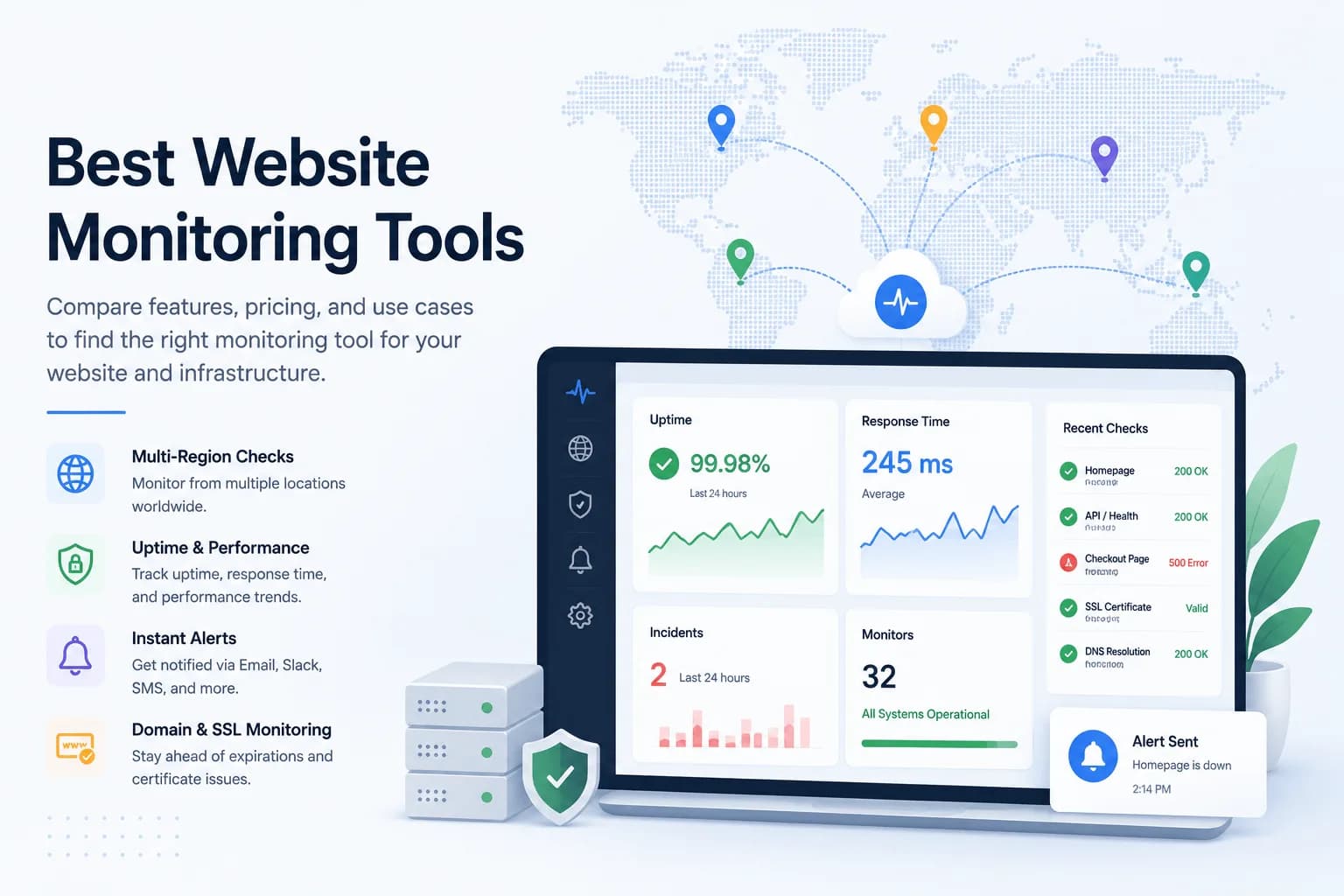
10 Best Website Monitoring Tools in 2026...
The best website monitoring tool depends on what happens after a failed check. This 2026 comparison evaluates five options across uptime coverage, alert quality, status communication, incident workflows, and infrastructure context.
Learn more about 10 Best Website Monitoring Tools in 2026