

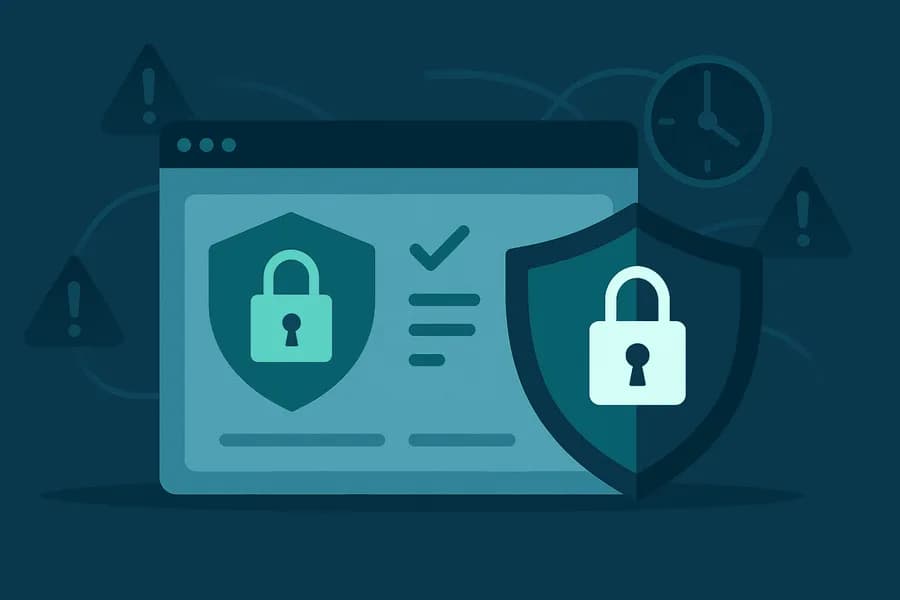
Security Monitoring for Websites: What to Watch and How to React
- Watchman Tower Team
- Updated: July 19, 2026
- Category: Security Monitoring
- Read Time: 1 min
Security monitoring is really about earlier risk visibility. This guide explains what teams should watch and how security-related signals fit into broader operational monitoring.
Website security monitoring is no longer optional—it’s a vital line of defense in a world of rising cyber threats and evolving attack surfaces.
Why Website Security Monitoring Matters
Hackers don’t wait for business hours. Attacks can happen any time, and if you’re not watching, you may not notice until users or search engines raise red flags.
From malware injections to defacement and expired SSL certificates, even a small vulnerability can lead to big consequences: user distrust, SEO penalties, or legal trouble.
What Should You Monitor?
- SSL Certificate Validity: Ensure encryption is always active—expired certs break trust and security.
- Content Integrity: Detect unauthorized changes, hidden scripts, or suspicious iframes.
- Blacklist Status: Know if your site is flagged by Google Safe Browsing or antivirus engines.
- DNS & Domain Changes: Track unauthorized modifications to your domain settings.
Real-Time Monitoring = Real-Time Protection
Security monitoring is only effective when it's proactive. Real-time alerts allow teams to respond to threats before they escalate. Unlike periodic scans, live checks reduce the window of exposure drastically.
By combining multiple data sources and monitoring methods, platforms like Watchman Tower provide full visibility into your site’s security posture.
When Monitoring Fails
Security incidents that go undetected can result in:
- Search engine blacklisting
- Customer data leaks
- Revenue and traffic loss
- Brand damage
Recovery is always more expensive than prevention.
Final Thought
Security monitoring shouldn’t be a one-time setup—it should be a continuous layer in your defense strategy. Whether you run a SaaS, e-commerce platform, or blog, real-time monitoring keeps you informed and your users safe.
Don’t wait for an incident to care about security. Start monitoring today.
Free plan available. No credit card needed.
FAQ
Why is website security monitoring important?v
What are the critical areas to monitor for website security?v
Why is real-time monitoring better than periodic scans?v
What happens if security incidents go undetected?v
Should security monitoring be a continuous process?v
Blog Posts
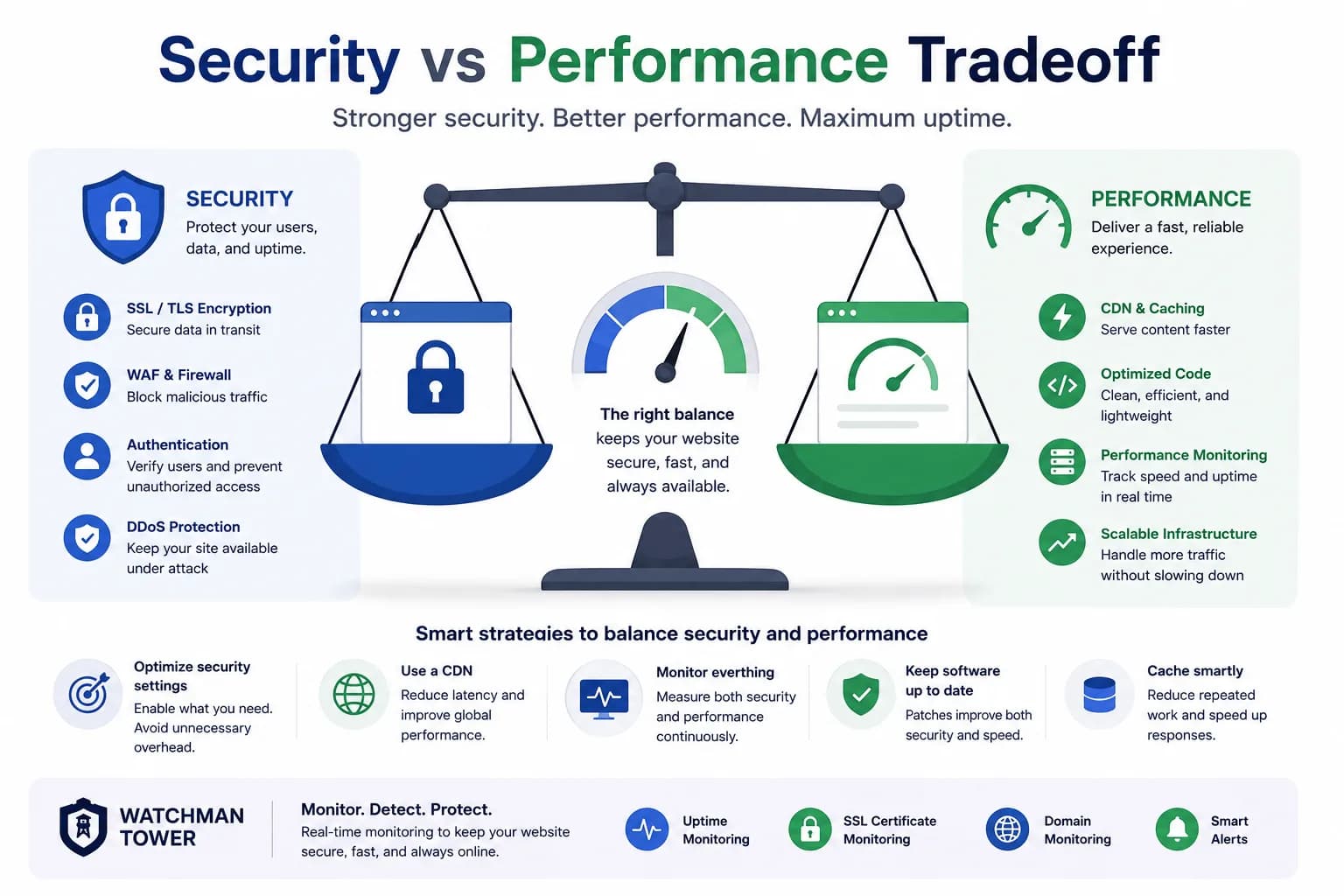
Security vs Performance Tradeoff: How to Improve Security Without Slowing Down Your Website...
Security and performance often feel like opposing forces, but monitoring helps teams see where that tradeoff is real and where it is simply unmanaged visibility.
Learn more about Security vs Performance Tradeoff: How to Improve Security Without Slowing Down Your Website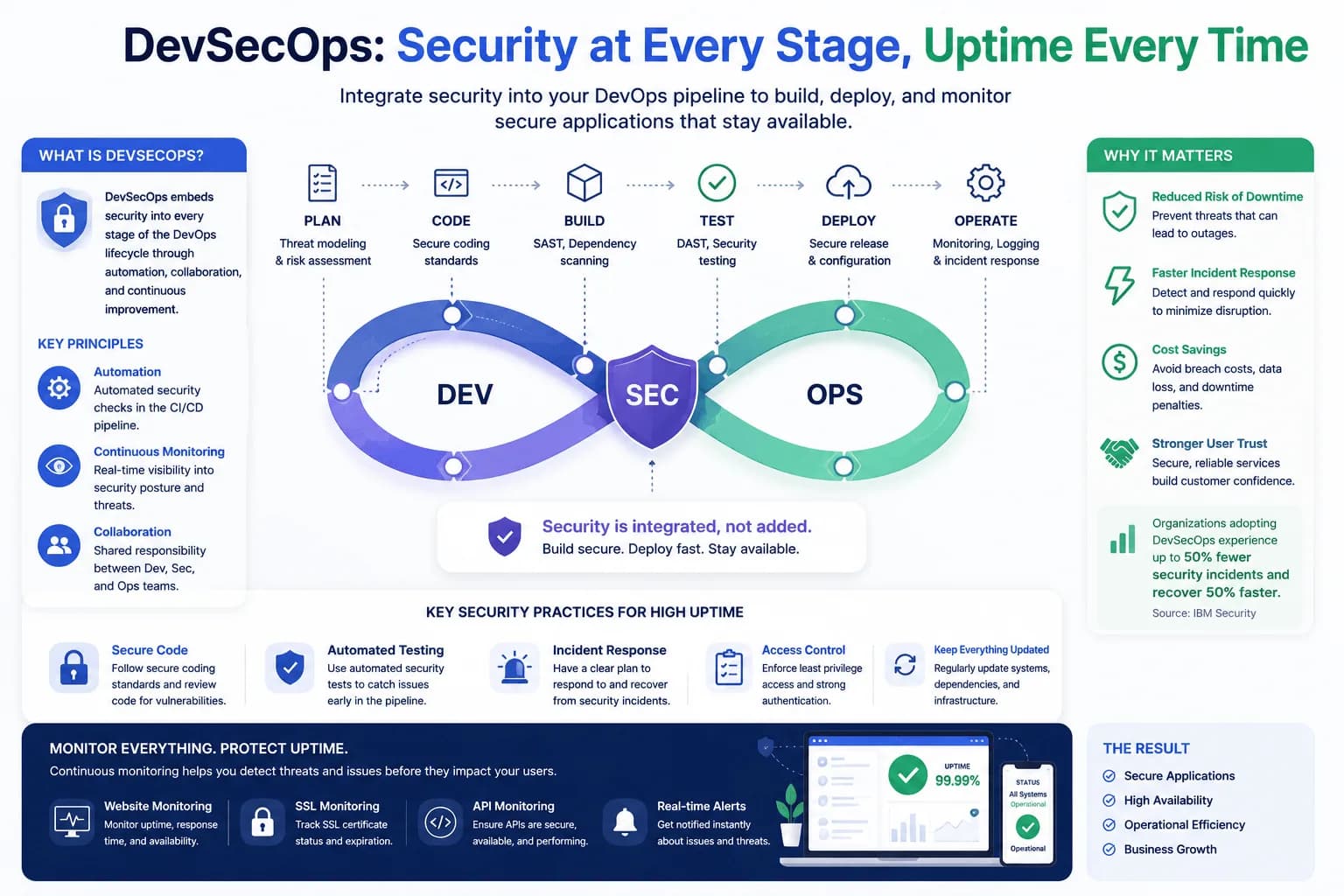
DevSecOps: Integrating Security Into Your Uptime Strategy...
DevSecOps becomes more useful when security joins uptime and reliability as part of one visibility workflow. This guide explores that connection.
Learn more about DevSecOps: Integrating Security Into Your Uptime Strategy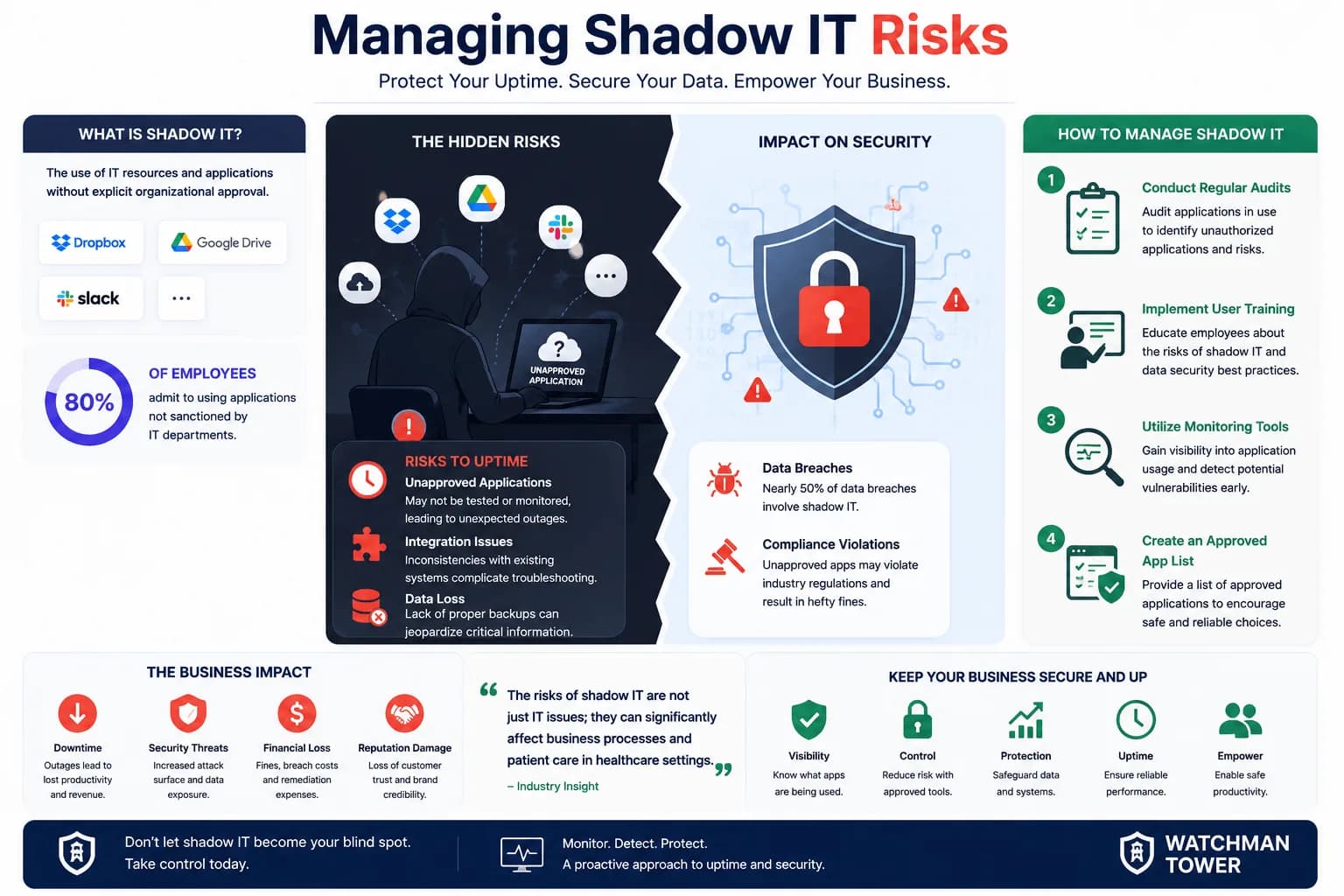
The Impact of Shadow IT on Uptime and Security: What You Need to Know...
Shadow IT creates uptime and security risk because it breaks visibility. This guide explains why operational health depends on seeing more of the real system surface.
Learn more about The Impact of Shadow IT on Uptime and Security: What You Need to Know