

Unable to Verify the First Certificate: Why Your Site Works in Chrome but Fails for APIs
- Watchman Tower Team
- Updated: October 14, 2026
- Category: SSL Monitoring
- Read Time: 7 min
Your site opens fine in Chrome, but curl, Node.js and webhooks fail with "unable to verify the first certificate". The cause is usually a missing intermediate certificate. Here is how to confirm it and fix it on the server.
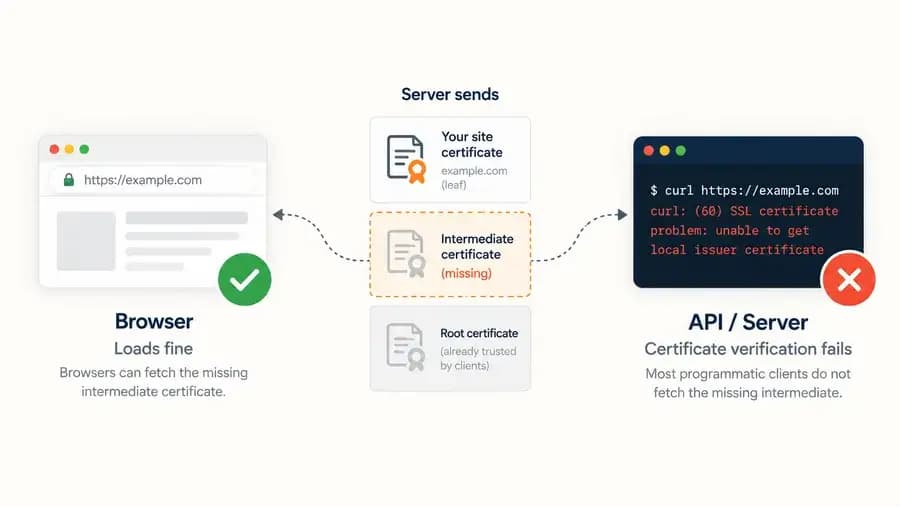
Quick answer: If your site loads fine in a browser but curl, Node.js, Python, Java or a payment provider's webhook reports "unable to verify the first certificate" or "unable to get local issuer certificate", your server is almost certainly not sending its intermediate certificate. Browsers quietly fetch the missing piece themselves; most API clients do not. The fix is on the server: install the certificate with its full chain (often called fullchain.pem or a CA bundle) and reload.
The symptom: "it works on my machine"
This is one of the most confusing TLS failures because everyone who checks it by hand sees a working site.
- You open the site in Chrome. Padlock, no warning.
- Your customer's integration, a webhook, your mobile app's API calls or a server-side script fail with a certificate error.
- Someone suggests "just turn off certificate verification". (Don't. More on that below.)
The error looks different depending on the client, but it is the same problem:
| Client | Typical message |
|---|---|
| Node.js | Error: unable to verify the first certificate (UNABLE_TO_VERIFY_LEAF_SIGNATURE) or unable to get local issuer certificate (UNABLE_TO_GET_ISSUER_CERT_LOCALLY) |
| curl | curl: (60) SSL certificate problem: unable to get local issuer certificate |
| Python (requests) | SSLError ... CERTIFICATE_VERIFY_FAILED ... unable to get local issuer certificate |
| Java | PKIX path building failed: unable to find valid certification path to requested target |
| openssl | Verify return code: 21 (unable to verify the first certificate) |
Why the browser and the API disagree
A TLS certificate is verified as a chain: your site's certificate (the leaf) is signed by an intermediate certificate, and the intermediate is signed by a root that the client already trusts.
Clients ship with the roots. They do not ship with every intermediate. So the server is expected to send the leaf and the intermediate in the handshake.
When the server sends only the leaf:
- Most browsers repair it silently. Chrome, Edge and Safari can download the missing intermediate using the "Authority Information Access" (AIA) URL inside the certificate. Firefox ships a list of known intermediates instead. Either way, the user sees a padlock.
- Most programmatic clients don't. Node.js, curl, Python, Java, Go and most webhook senders verify only what the server sent. With the intermediate missing, the chain stops at the leaf and verification fails.
That's why the people who check the site by hand all say "it's fine" while every machine-to-machine call is broken. For other ways certificate problems turn into outages, see what happens when SSL monitoring fails.
A real case: a site that was "fine"
In August 2026, a site one of our users was monitoring started failing checks in multiple regions. In the browser, everything looked normal.
What actually happened:
- The server was sending the site's certificate and a root certificate, but not the intermediate between them. The root was useless there: clients already have it, and it can't vouch for the leaf directly.
- Browsers kept working, so neither the site owner nor their visitors noticed anything.
- Our probes, which connect like a strict API client, started failing the TLS handshake in more than one region.
- We confirmed the cause by hand with
openssl s_client: the leaf's issuer didn't match the next certificate the server sent. - We emailed the owner the diagnosis and the fix: reinstall with the full chain.
There is an honest part to this story. At the time, our incident said only that all monitoring regions were failing. It didn't say why. The diagnosis came from a person running openssl, not from the product.
That's a bad experience for a monitoring tool. A site owner who sees "down" while the site opens fine in their browser will assume the monitor is wrong. So we changed it. Watchman Tower now reads the TLS error codes from each region and names the problem. For this case, the incident now says:
TLS certificate chain is incomplete in eu-frankfurt and us-new-york. The server is not sending its intermediate certificate, so strict clients (APIs, webhooks, mobile apps) cannot verify the chain — browsers often mask this by fetching the missing link themselves. Reinstalling the certificate with the full chain (fullchain / CA bundle) resolves it.
The same check also tells apart an expired certificate, a certificate that belongs to a different hostname, and a self-signed one, because each needs a different fix.
How to confirm a missing intermediate
Run this from any machine with OpenSSL (replace example.com):
openssl s_client -connect example.com:443 -servername example.com -showcerts </dev/nullLook at two things:
- Whether the chain links up. Under "Certificate chain", each entry shows a subject (
s:) and an issuer (i:). The issuer of certificate0must be the subject of certificate1, and so on. A broken chain usually shows only one certificate, or a second one that isn't the leaf's issuer (for example, a root sent in place of the intermediate). - The verify result at the bottom.
Verify return code: 0 (ok): the chain is complete.Verify return code: 21 (unable to verify the first certificate)or20 (unable to get local issuer certificate): the intermediate is missing.
A quick cross-check with curl:
curl -sv https://example.com -o /dev/null 2>&1 | grep -i "certificate"If you prefer a web tool, SSL Labs' server test reports this as "Chain issues: Incomplete".
Also worth knowing: if one server behind a load balancer has the full chain and another doesn't, you'll see the error only some of the time. Test several times, or test each backend directly.
How to fix it
The fix is always on the server. Serve the leaf certificate followed by the intermediate(s). The root is not needed.
Nginx
ssl_certificate     /etc/ssl/example.com/fullchain.pem;  # leaf + intermediate
ssl_certificate_key /etc/ssl/example.com/privkey.pem;
With Let's Encrypt (Certbot), use fullchain.pem, not cert.pem. cert.pem is the leaf only, and pointing Nginx at it is a classic way to end up with this error.
If your CA gave you separate files, build the bundle yourself, leaf first:
cat example.com.crt intermediate.crt > fullchain.pemThen run nginx -t && systemctl reload nginx.
Apache (2.4.8 and later)
SSLCertificateFile    /etc/ssl/example.com/fullchain.pem
SSLCertificateKeyFile /etc/ssl/example.com/privkey.pem
Older Apache versions use a separate SSLCertificateChainFile directive for the intermediate.
Caddy
Caddy's automatic certificates include the chain. If you load your own certificate with the tls cert.pem key.pem directive, make sure cert.pem contains the leaf and the intermediate.
Hosting panels and CDNs
In cPanel, Plesk and most CDN dashboards, there is a separate "CA bundle" or "chain" field next to the certificate. Paste your CA's intermediate certificate there. It is easy to leave empty because the browser test still passes.
After the change, run the openssl command again and confirm the chain links up (leaf, then its issuer) and ends with Verify return code: 0 (ok).
What not to do
Don't "fix" it on the client side by disabling verification: NODE_TLS_REJECT_UNAUTHORIZED=0, curl -k, verify=False in Python. That doesn't repair anything. It turns off the check that protects the connection from interception, and it fixes only your client while every other integration stays broken.
Bundling the intermediate into one client's trust store is the same mistake on a smaller scale. The server is wrong. Fix the server.
Why this keeps happening
- Certificate renewals. The chain is often lost when someone reinstalls a renewed certificate by hand and copies only the leaf.
- Server migrations. Configuration moves, but the bundle file doesn't.
- CAs changing intermediates. When a CA starts issuing from a new intermediate, an old bundle file no longer matches the new leaf.
Each of these happens on a day when nobody is watching for it, and the browser test hides it.
Catch it before your integrations do
A missing intermediate doesn't break your site for visitors. It breaks it for everything that isn't a browser: payment and webhook callbacks, mobile apps, partner integrations and uptime checks. You usually hear about it from whoever depends on those, and that can take days.
Watchman Tower's HTTPS checks connect like a strict client from several regions. If the chain is incomplete, the incident says so in plain language, alongside certificate expiry alerts, domain expiry and uptime for the same site. SSL monitoring is included on every plan, including the free one. Running WordPress? See SSL monitoring for WordPress.
Free plan available. No credit card needed.
FAQ
Why does my site work in Chrome but not in curl?v
What does "unable to verify the first certificate" mean in Node.js?v
Is "unable to get local issuer certificate" always a server problem?v
Should I include the root certificate in the chain?v
How do I know it's fixed?v
Blog Posts
SSL Monitoring for WordPress: Prevent Expiry and Security Issues...
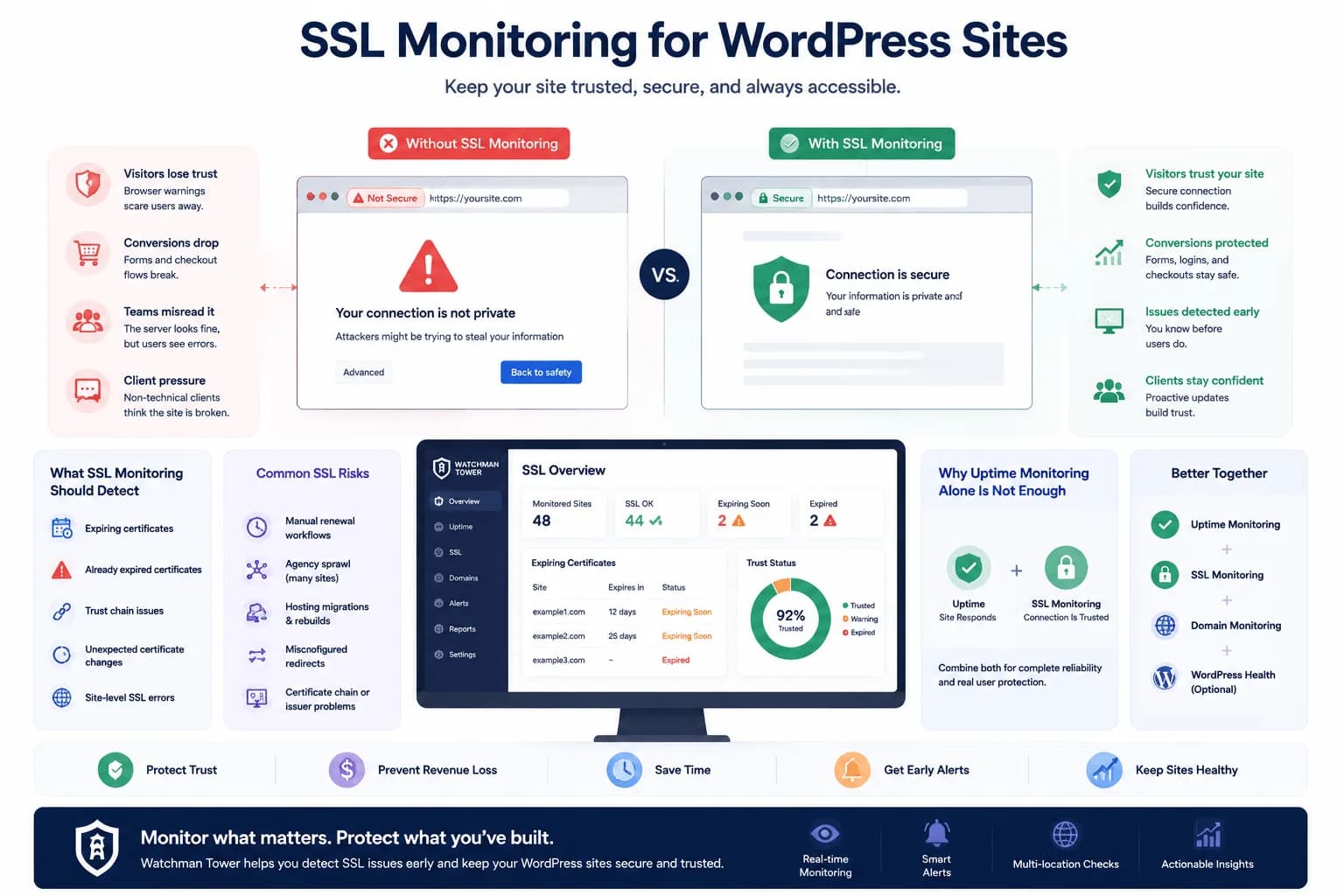
WordPress SSL monitoring matters because certificate issues often look external until users are already affected. This guide explains how teams stay ahead with better visibility.
Learn more about SSL Monitoring for WordPress: Prevent Expiry and Security Issues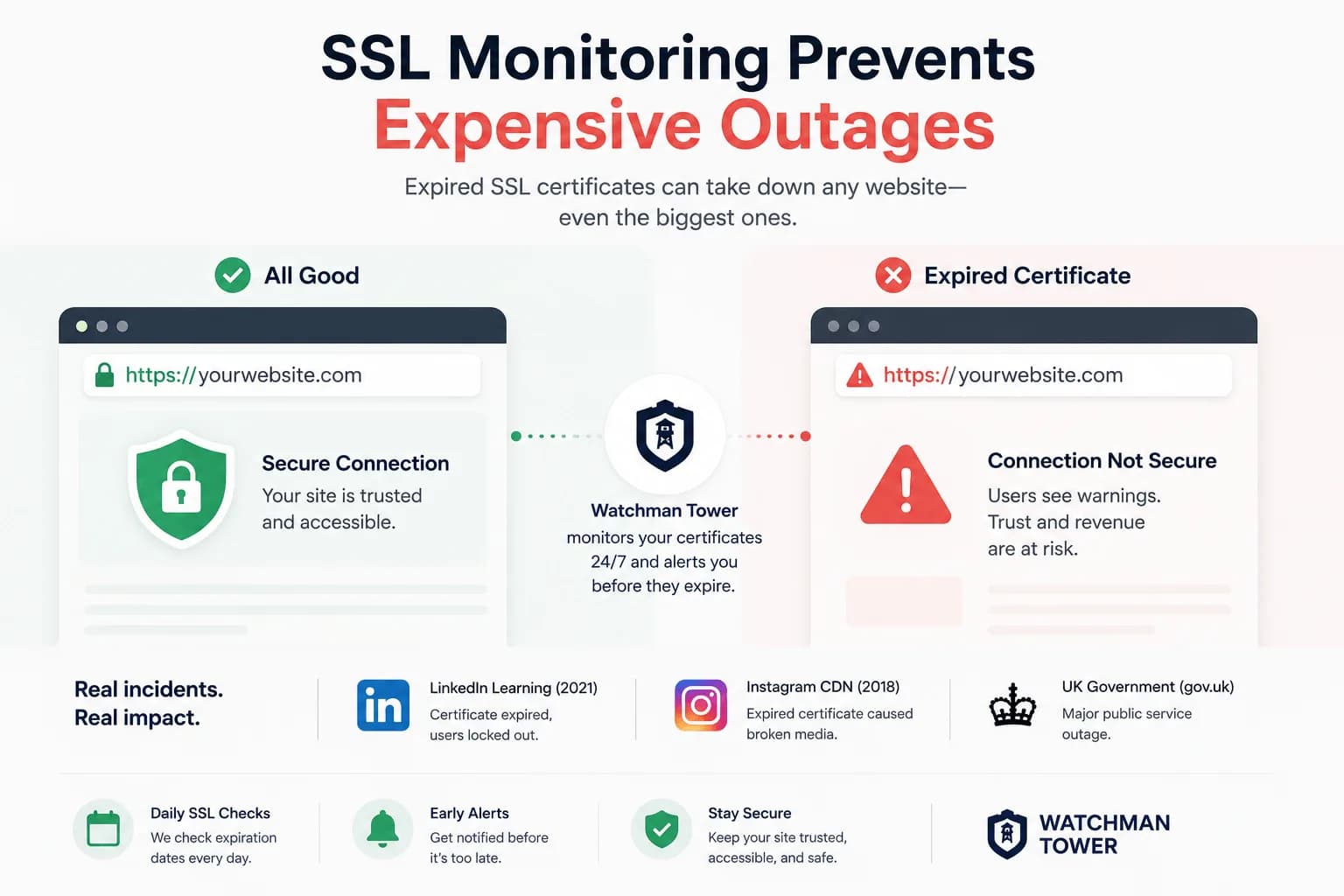
What Happens When SSL Monitoring Fails? Real-World Outage Examples...
An expired SSL certificate takes a site offline as effectively as a server failure, and it happens on a date known months in advance. This guide covers real incidents, why reminders fail, and what SSL monitoring should check.
Learn more about What Happens When SSL Monitoring Fails? Real-World Outage Examples