

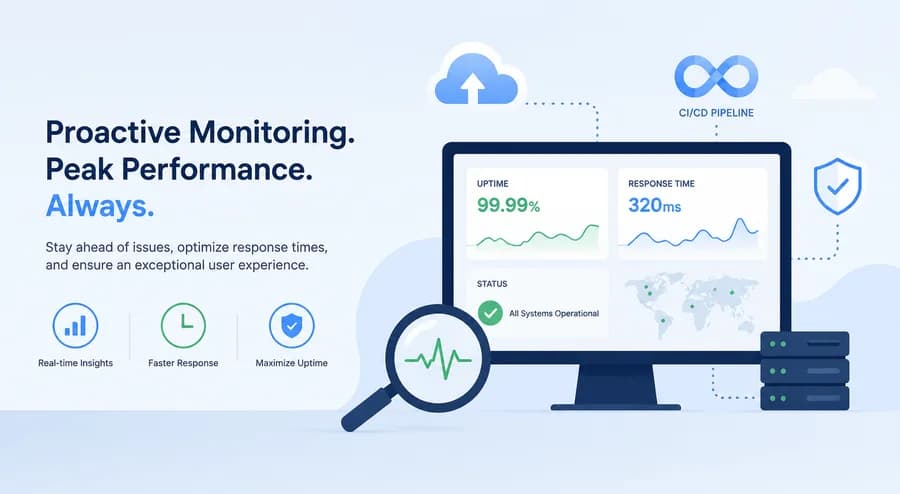
DevOps and the Future of Website Monitoring: Embracing a Proactive Mindset
- Watchman Tower Team
- Updated: July 21, 2026
- Category: Website Monitoring
- Read Time: 3 min
The future of website monitoring is more proactive because teams want earlier signals, not just outage confirmation. This guide explains that mindset shift.
Introduction
In today's fast-paced digital environment, where businesses are increasingly adopting Agile and DevOps methodologies, the need for robust website monitoring has never been higher. Traditional reactive strategies, often relying on alerting users after incidents occur, are simply not enough. Instead, organizations must embrace a proactive mindset to ensure their systems are not just functional but optimized for performance.
The Shift from Reactive to Proactive Monitoring
Proactive monitoring is all about identifying issues before they impact users. This approach is crucial in Agile and DevOps environments where rapid deployment and continuous integration are the norms.
Understanding the Importance of Uptime
Uptime is a critical metric that is often correlated directly with user satisfaction and revenue generation. Downtime can lead to loss of customer trust and can have a lasting impact on your brand's reputation.
"Every minute your site is down can cost you thousands in lost revenue and diminished trust among customers."
Key Techniques for Proactive Monitoring
Implementing proactive monitoring can include a variety of techniques, such as:
- Real-time Alerting: Configure alerts not just for downtime but also for slow response times and other critical performance metrics.
- Comprehensive Performance Metrics: Monitor uptime, response times, and user interactions across different geographical locations.
- Integrating Monitoring into CI/CD Pipelines: Ensure that monitoring tools are a part of the continuous integration and continuous deployment processes.
Monitoring in DevOps: Challenges and Solutions
While integrating a proactive monitoring system in your DevOps framework can be challenging, there are solutions that can ease the implementation.
Common Challenges
Some challenges that teams face when incorporating monitoring into DevOps include:
- Tool Overload: The number of available monitoring tools can be overwhelming.
- Data Overload: Too much data can lead to analysis paralysis and can dilute valuable insights.
- Team Coordination: Ensuring that all members of a DevOps team are aligned regarding monitoring goals can be difficult.
Proactive Solutions
To overcome these challenges, consider the following solutions:
- Simplify Tools: Use tools that integrate multiple functionalities into one platform.
- Focus on Key Metrics: Define which metrics are critical for your organization and concentrate on those.
- Collaborative Efforts: Foster a culture of collaboration where developers, operations, and monitoring specialists work together towards common goals.
Response Time Monitoring: A Crucial Aspect
Response time is a vital metric that can significantly impact user experience. Monitoring response times not only helps in identifying issues but also aids in maintaining an optimal user experience.
Why Timely Response Matters
Users expect quick interactions with web applications, and even slight delays can lead to dissatisfaction and abandonment.
Tools for Effective Response Time Monitoring
Various tools can help track response times effectively, including:
- API Monitoring: Ensure that API endpoints are functioning and responding within acceptable thresholds.
- Real User Monitoring (RUM): Collect data from actual users to better understand performance impacts.
- Synthetic Monitoring: Simulate user interactions to predict potential issues before they affect real users.
Conclusion: Next Steps for Implementation
To keep your systems up and running efficiently, the transition to proactive monitoring should be a priority. Start by evaluating your current monitoring setup and identifying gaps that need to be addressed. Consider integrating Watchman Tower or similar tools into your CI/CD pipeline for enhanced visibility.
By adopting a proactive mindset and leveraging the right tools, you can minimize downtime, improve response times, and ensure your users have an optimal experience.
Free plan available. No credit card needed.
FAQ
Why is proactive monitoring important in DevOps?v
What are the key techniques for proactive monitoring?v
What challenges might teams face when integrating monitoring into DevOps?v
How can teams overcome challenges in DevOps monitoring?v
Why is response time monitoring crucial?v
What tools can help with effective response time monitoring?v
Blog Posts
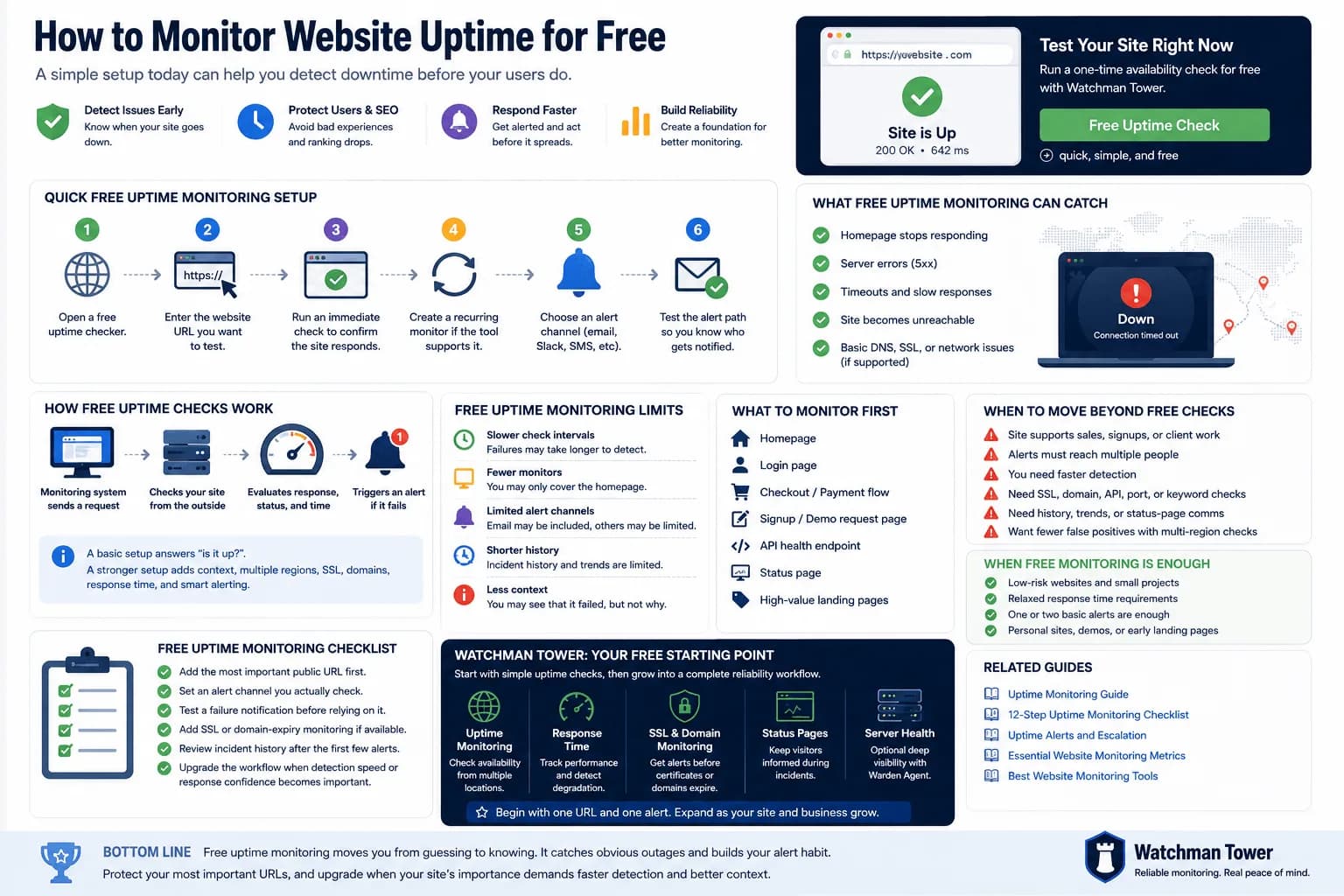
Monitor Website Uptime for Free: Setup, Limits, and Next Steps...
You can monitor website uptime for free by adding your URL to a basic checker, choosing an interval, and enabling alerts. This guide explains the fastest setup, what free checks can catch, and where free monitoring starts to fall short.
Learn more about Monitor Website Uptime for Free: Setup, Limits, and Next Steps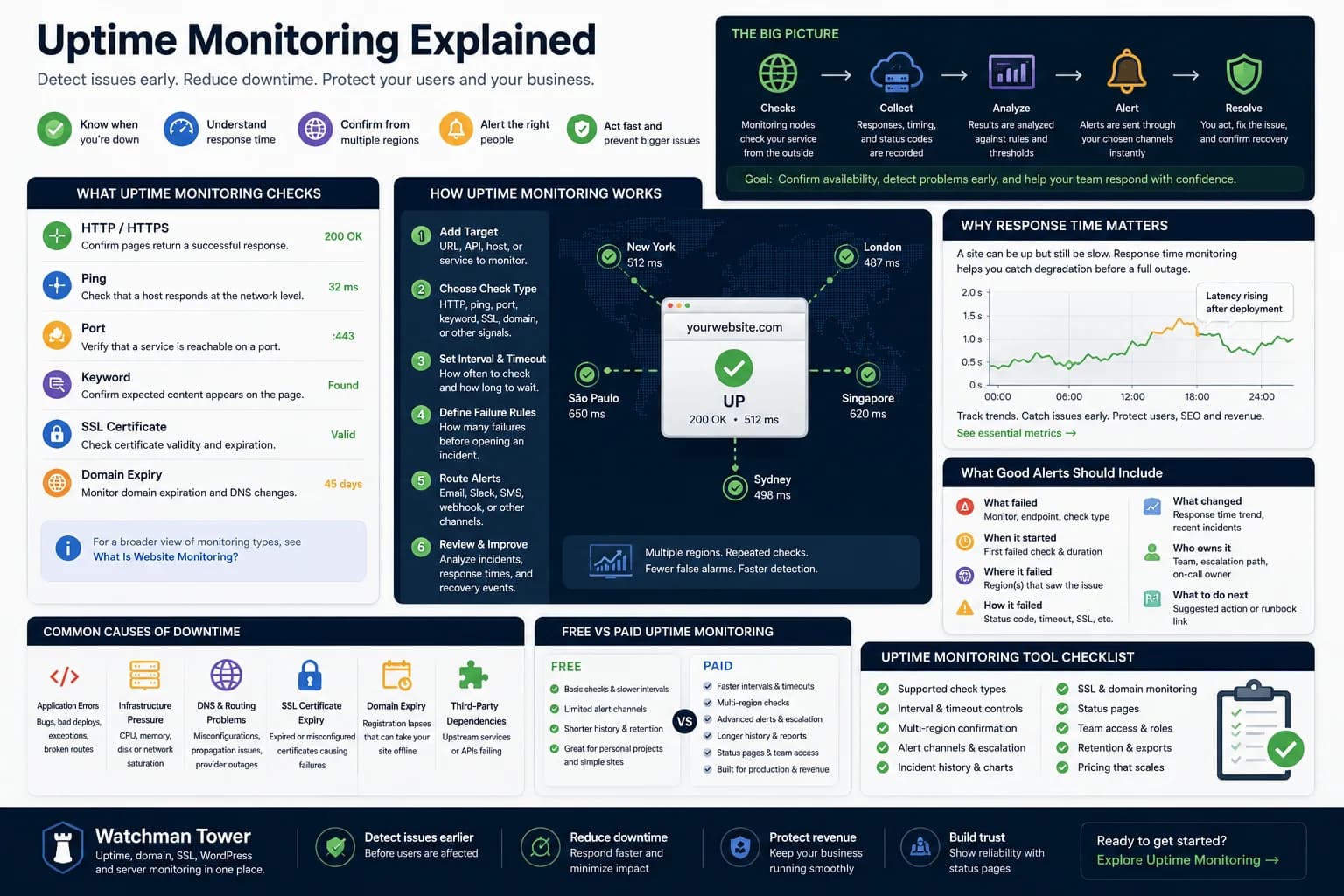
Uptime Monitoring Guide: How to Detect Downtime and Alert Faster...
Uptime monitoring helps you detect when a website, app, or service becomes unavailable. This guide explains how checks work, which signals matter, how alerts should be routed, and how to turn basic uptime checks into a practical response workflow.
Learn more about Uptime Monitoring Guide: How to Detect Downtime and Alert Faster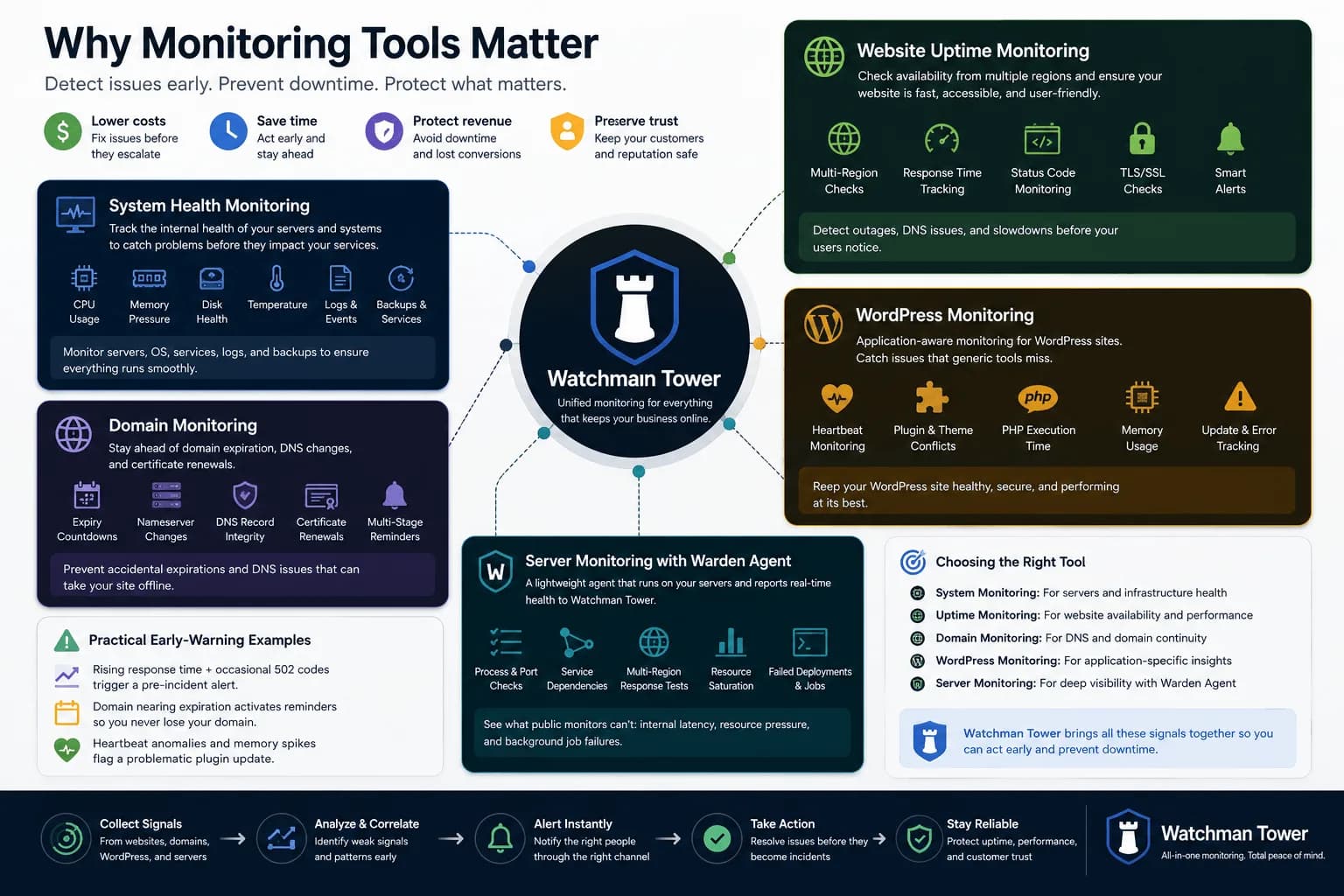
Different Types of Monitoring Tools: From System Health to Website Uptime...
Monitoring tools have expanded far beyond one-dimensional checks. This guide explains the main tool categories and where broader health visibility starts to matter.
Learn more about Different Types of Monitoring Tools: From System Health to Website Uptime