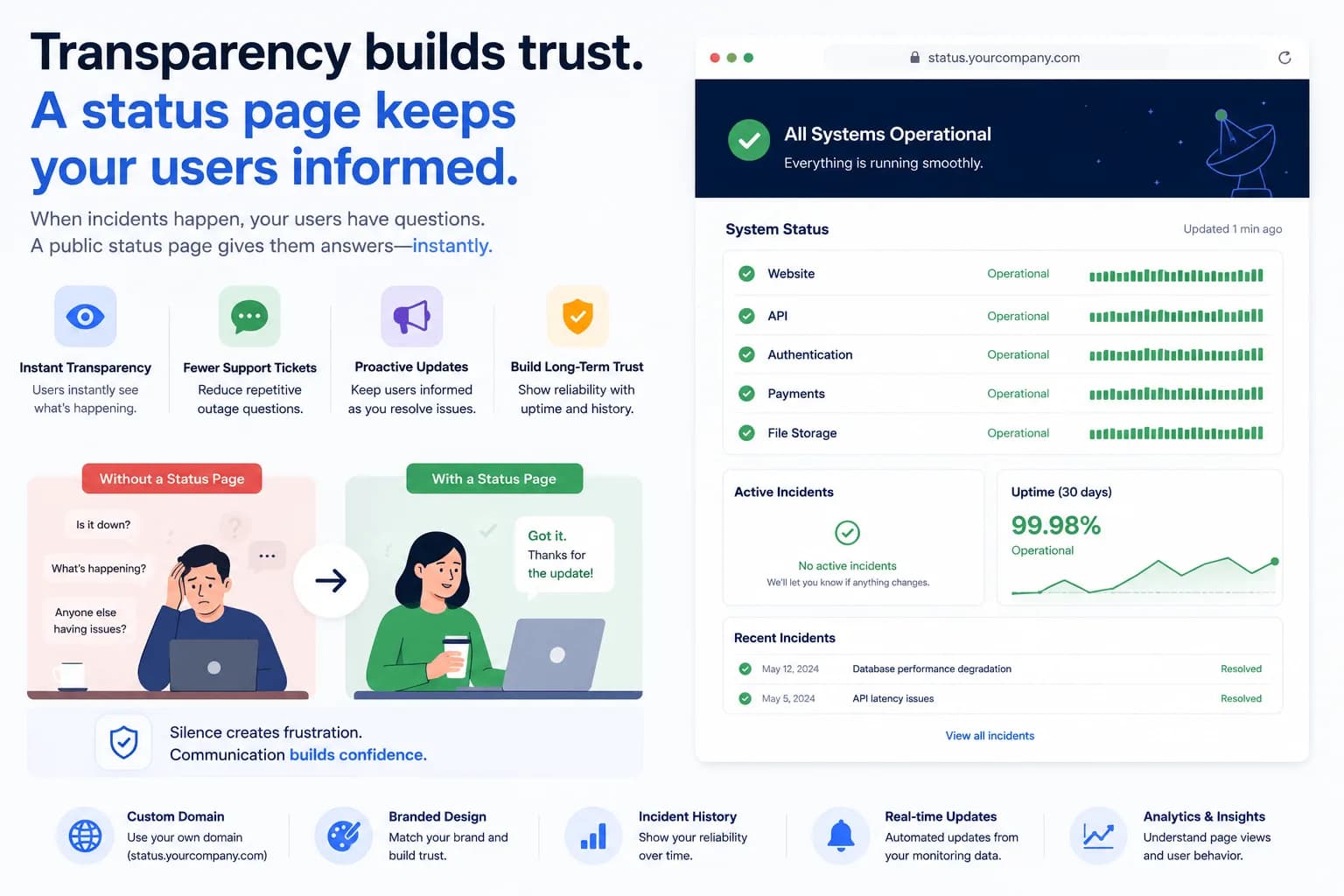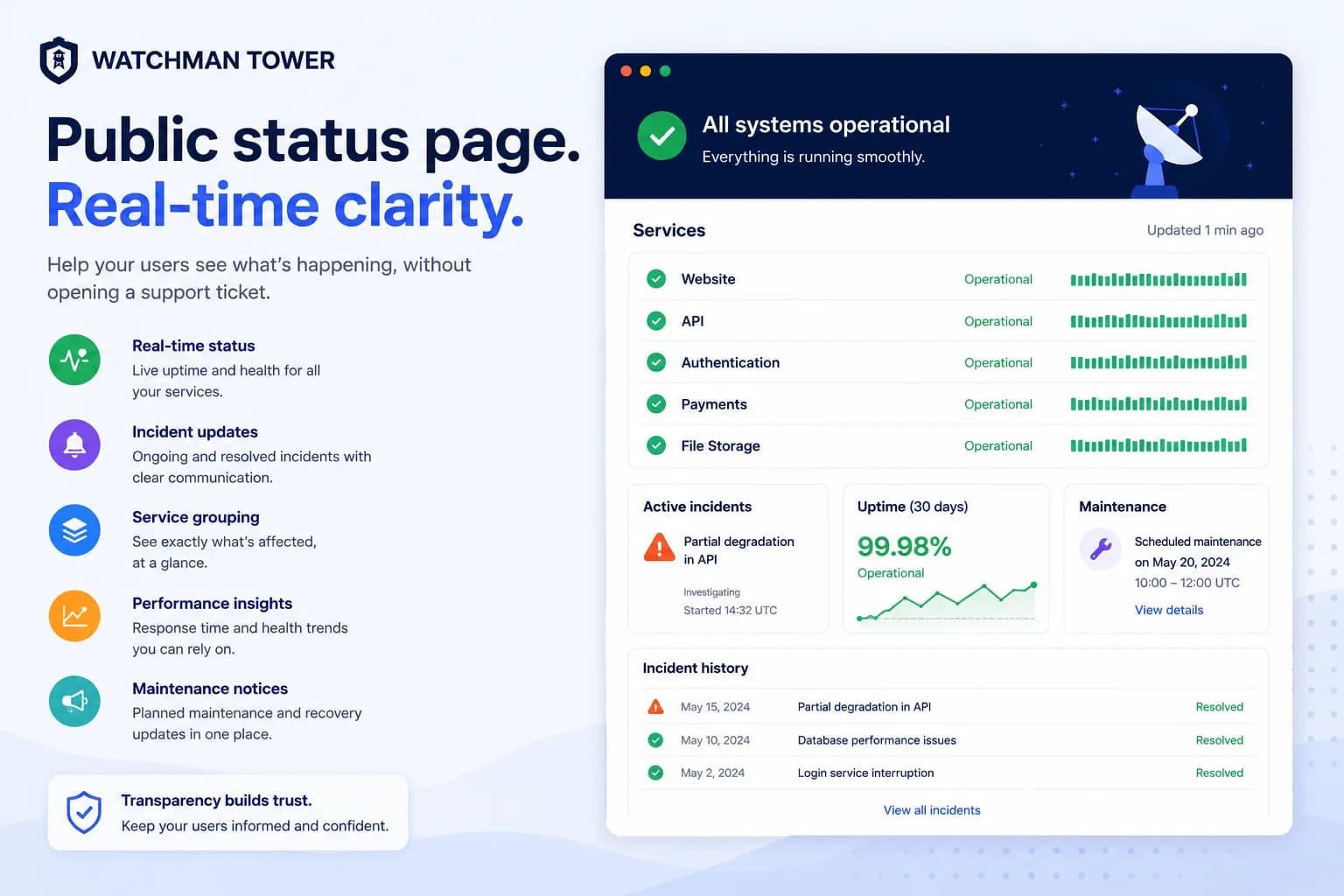
When your services experience downtime, your public status page becomes one of the most important pages in your entire customer experience. It is where customers, partners, and internal teams go to understand what is happening, what is affected, and whether recovery is underway.
That is why branding and measurement matter here just as much as they do anywhere else. A generic-looking page on a third-party subdomain can still work, but a branded status page on your own domain feels more official, more trustworthy, and more aligned with the rest of your product experience.
Watchman Tower’s Status Page supports custom domains and Google Tag Manager integration so you can turn a basic status utility into a stronger communication hub. Both are available on the Team and Stack plans.
Why Custom Domain Matters for Your Status Page
Imagine a customer checking your service during an incident and landing on acme-corp.statusprovider.com. It works, but it does not feel fully owned by your brand. Now compare that with status.acme.com. The second URL instantly feels official.
A custom domain reinforces that this is your primary communication channel. It keeps your brand visible, makes the page easier to share, and gives users more confidence that they are in the right place at the exact moment trust matters most.
How Custom Domain Support Works
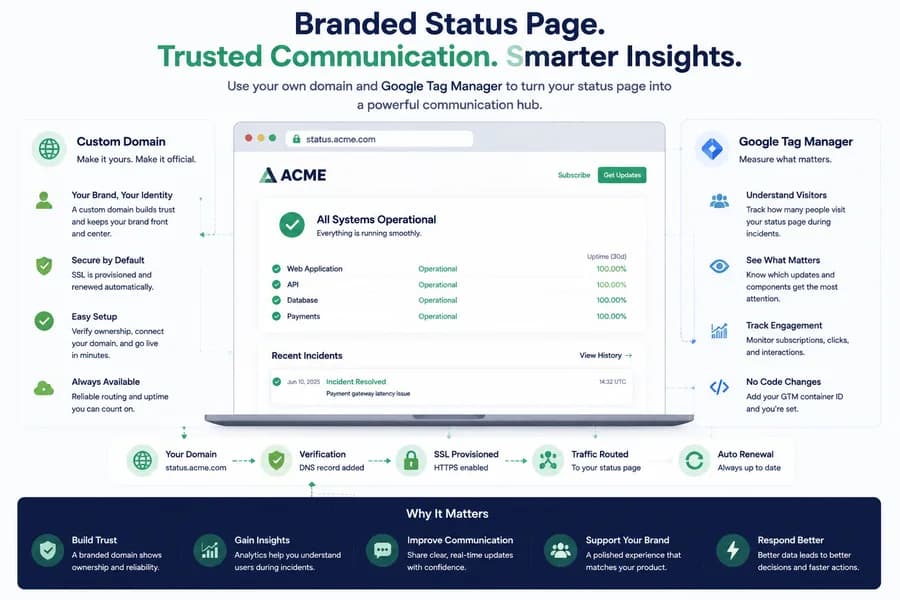
Behind the scenes, custom domain support handles verification, SSL provisioning, and traffic routing for you. After setup, your status page is served securely on your own domain without manual certificate management.
- Domain registration: Your preferred status domain is prepared for connection.
- Ownership verification: You add the required DNS record.
- SSL provisioning: HTTPS is issued and managed automatically.
- Traffic routing: Requests to your domain are directed to your status page.
- Automatic renewal: Certificates stay valid without ongoing manual work.
Setting Up Your Custom Domain
Most teams use status.yourdomain.com, though alternatives like uptime.yourdomain.com or health.yourdomain.com can work too. Once DNS records are in place, the page is verified, secured, and activated. Existing default links can continue to work, so you do not have to worry about disrupting bookmarks or shared URLs.
Google Tag Manager Integration
Analytics on a status page can be surprisingly valuable. During an incident, you may want to know how many users checked the page and which incident entries drew attention. GTM makes that possible without hard-coding scripts into the page.
Common uses include:
- Google Analytics: Visitor and engagement tracking during incidents
- Heatmaps: Understanding which parts of the page draw attention
- Session tools: Seeing how users navigate incident details
- Custom events: Tracking interactions such as expanding incident history
Setting Up GTM on Your Status Page
To enable GTM, you only need your container ID. Once it is added, the script is injected automatically. If no container ID is configured, no tracking scripts are loaded at all, which keeps the page lightweight by default.
Security Considerations
Because status pages are public and often visited during stressful moments, security matters. GTM IDs should be validated, scripts should load from trusted sources, and each configuration should stay isolated. It is also important to remember that the tags you deploy through GTM remain your responsibility to review and audit.
Benefits of a Branded, Analytics-Ready Status Page
Together, custom domains and GTM help move a status page from basic utility to real customer-facing product surface.
Enhanced Brand Trust
A custom domain makes the page feel official and credible during incidents.
Better Incident Insight
Analytics help you understand how users behave when incidents happen, which updates they read, and how communication can improve over time.
Stronger Product Presentation
A status page that feels branded and polished supports the same message as the rest of your product: reliability, clarity, and operational maturity.
More Complete Communication Strategy
When paired with grouped services, incident history, and uptime visibility, custom domains and analytics make the page a more complete trust layer instead of a standalone add-on.
Conclusion
Your status page deserves the same attention to branding and measurement as the rest of your customer-facing surfaces. A branded URL helps reinforce trust. Analytics help you understand what users need from incident communication. Together, they make status updates more intentional and more effective.
Advanced branding and publishing controls are available on higher tiers, but the principle is the same across every strong status page: make service health easier to understand and easier to trust.
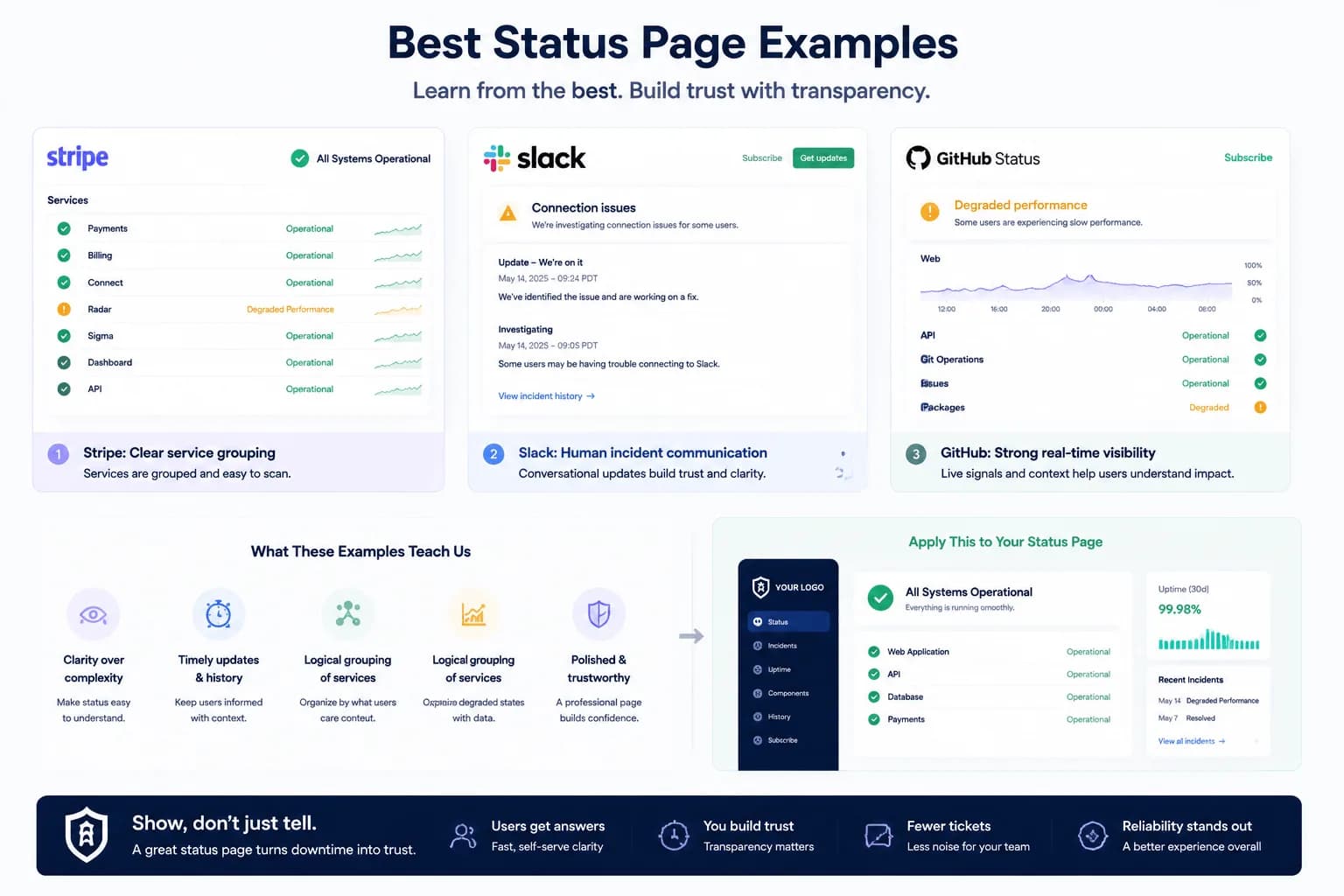
Ready to elevate your status page? Learn more about Watchman Tower’s Status Page and continue with our status page examples for inspiration.