

Website Performance in the Age of Privacy: Balancing Speed with Security
- Watchman Tower Team
- Updated: July 22, 2026
- Category: Performance
- Read Time: 3 min
Privacy, performance, and reliability increasingly interact in ways teams cannot treat separately. This guide explains how monitoring helps balance those pressures.
Introduction
In today's digital landscape, website performance is more crucial than ever. However, with rigorous data privacy regulations coming to the forefront, many companies find themselves at a crossroad: how to ensure swift user experiences while implementing stringent security measures.
The Impact of Privacy Regulations on Website Speed
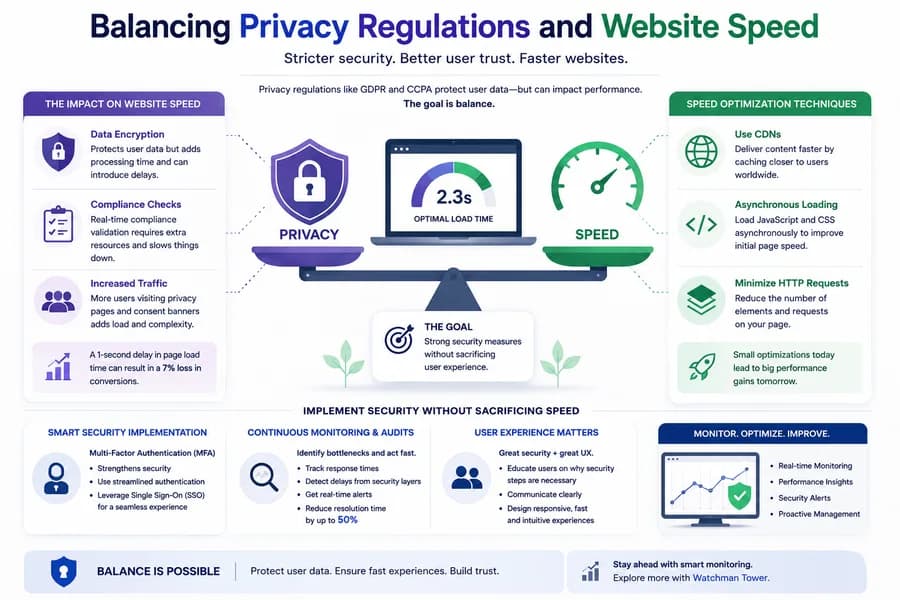
New privacy regulations such as GDPR and CCPA require companies to handle user data with increased caution. This often results in additional layers of security that can slow down website performance.
Understanding the Trade-offs
Companies are now tasked with evaluating the trade-offs between user convenience and data protection. Here are some key impacts:
- Data Encryption: While essential for protecting user data, encryption processes can introduce delays.
- Compliance Checks: Real-time checks to ensure compliance can take time and require additional resources.
- Increased Traffic: With more users concerned about data privacy, there’s often increased traffic to privacy policy pages, which can slow the site down.
"Research indicates that a 1-second delay in page load time can result in a 7% loss in conversions."
Speed Optimization Techniques
Despite the challenges posed by security measures, there are numerous ways to optimize speed:
- Minimize HTTP Requests: Reduce the number of elements on your page to minimize requests.
- Use Content Delivery Networks (CDNs): CDNs can decrease load times by caching content closer to users.
- Asynchronous Loading: Load JavaScript and CSS asynchronously to boost speed without compromising security.
Implementing Security Measures Without Sacrificing Speed
Balancing security and speed is not only possible—it’s essential.
Multi-Factor Authentication (MFA)
Implementing MFA enhances security significantly, yet it can inadvertently slow down access times. Consider the following:
- Implementing a streamlined authentication process can minimize delays.
- Utilize single sign-on (SSO) solutions to enhance user experience without sacrificing security.
Regular Audits and Monitoring
Continuous monitoring and audits can identify bottlenecks related to security measures. Tools like Watchman Tower allow you to:
- Track response times and pinpoint delays caused by security layers.
- Receive alerts in real-time to enable proactive management.
"Companies that embrace rigorous monitoring see a 50% reduction in resolution time for performance issues, allowing them to maintain speed alongside security."
The Role of User Experience in Security Measures
User experience plays a pivotal role in how effectively you can implement security without compromising speed.
Educate Users on Security Features
Informing users about the necessity of certain security features adds value:
- Clear communication regarding data handling procedures fosters trust.
- Setting expectations for multi-step authentication can mitigate frustration.
Responsive Design and Fluid Navigation
To enhance user experience while implementing security measures:
- Use responsive design principles to maintain site speed across devices.
- Simplify navigation to ensure that users can easily access security policies without debilitating site speed.
Conclusion
As the digital world becomes increasingly stringent in terms of privacy, companies must navigate the dual challenges of compliance and performance. By integrating effective monitoring tools, optimizing for speed, and educating users, businesses can achieve a delicate balance where security enhances user trust without dragging down performance.
For comprehensive insights into monitoring and maintaining your website, check out articles like Beyond Uptime: How to Detect Slowdowns and Security Monitoring for Websites.
Free plan available. No credit card needed.
FAQ
How do privacy regulations like GDPR and CCPA affect website speed?v
What techniques can optimize website speed without compromising security?v
How can multi-factor authentication (MFA) impact website performance, and how can delays be minimized?v
Why are regular audits and monitoring crucial for balancing speed and security?v
How does user education help balance security and website performance?v
What impact does a 1-second page load delay have on business outcomes?v
Blog Posts
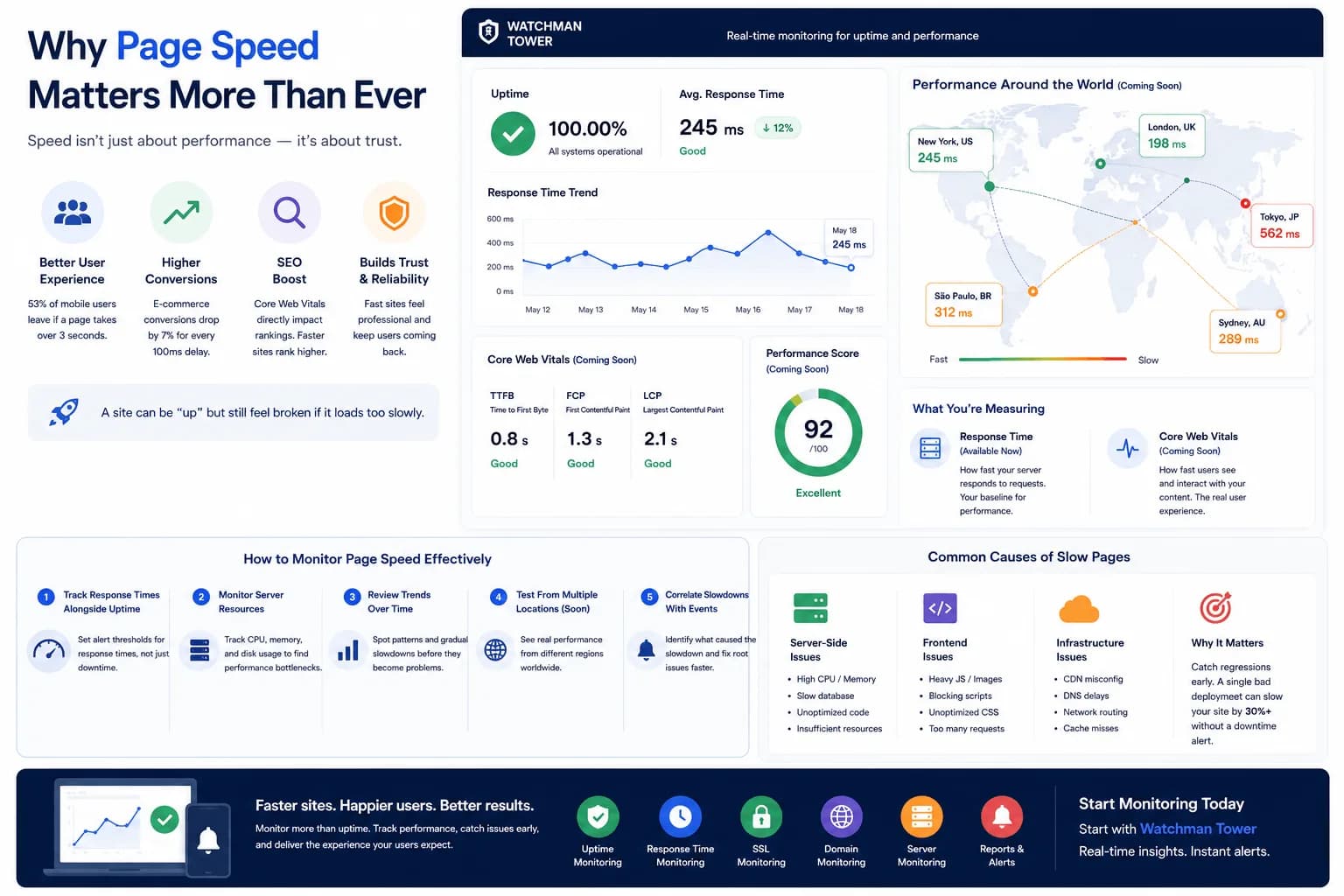
Page Speed Monitoring: Catch Every Millisecond Before It Costs You...
Page speed monitoring helps teams catch the slowdowns that damage trust and conversion before users describe the system as broken. This guide explains why every millisecond matters operationally.
Learn more about Page Speed Monitoring: Catch Every Millisecond Before It Costs You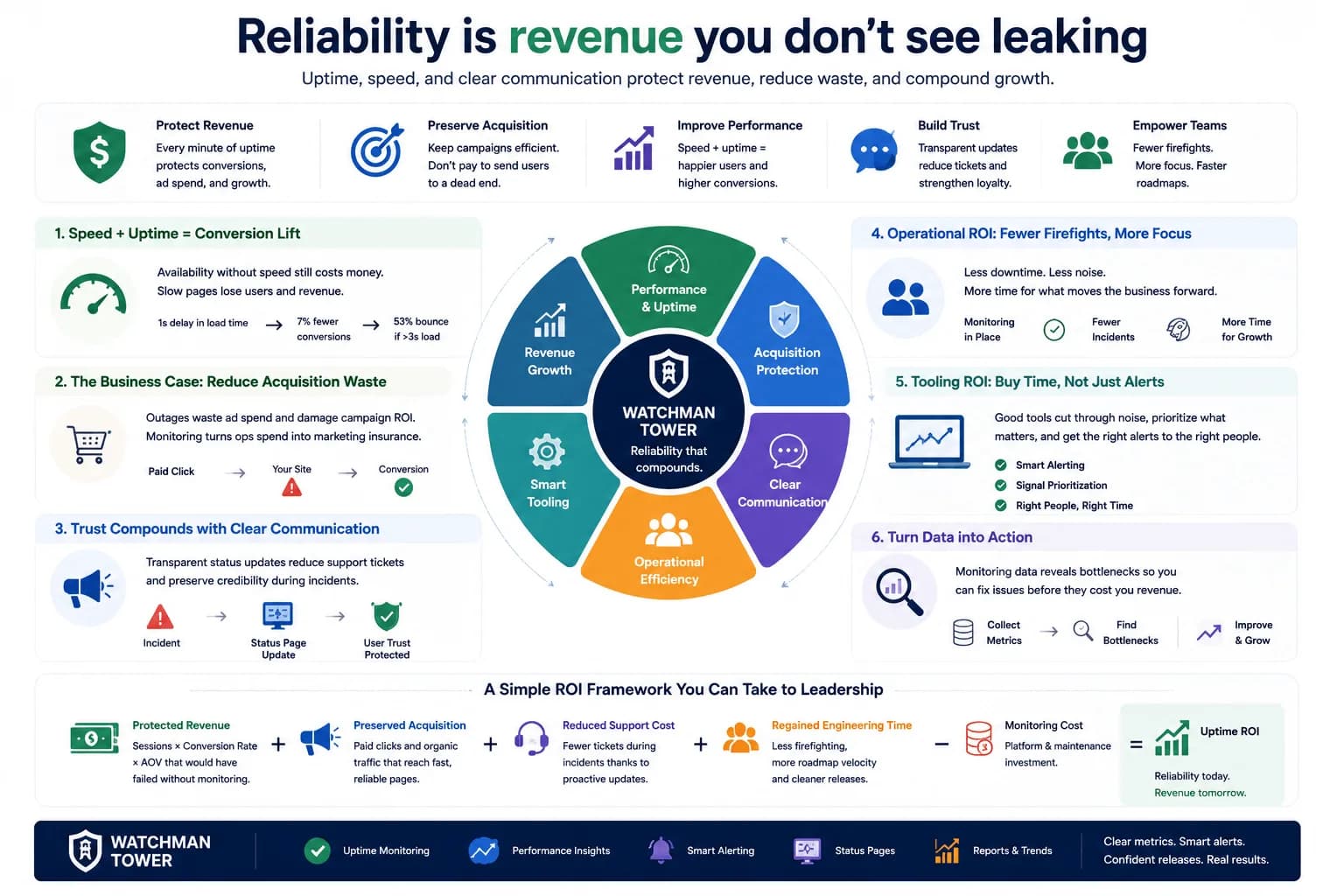
The Hidden ROI of Website Uptime...
Website uptime has financial value, but its real ROI becomes clearer when teams connect reliability to trust, incident reduction, and stronger operational awareness.
Learn more about The Hidden ROI of Website Uptime