

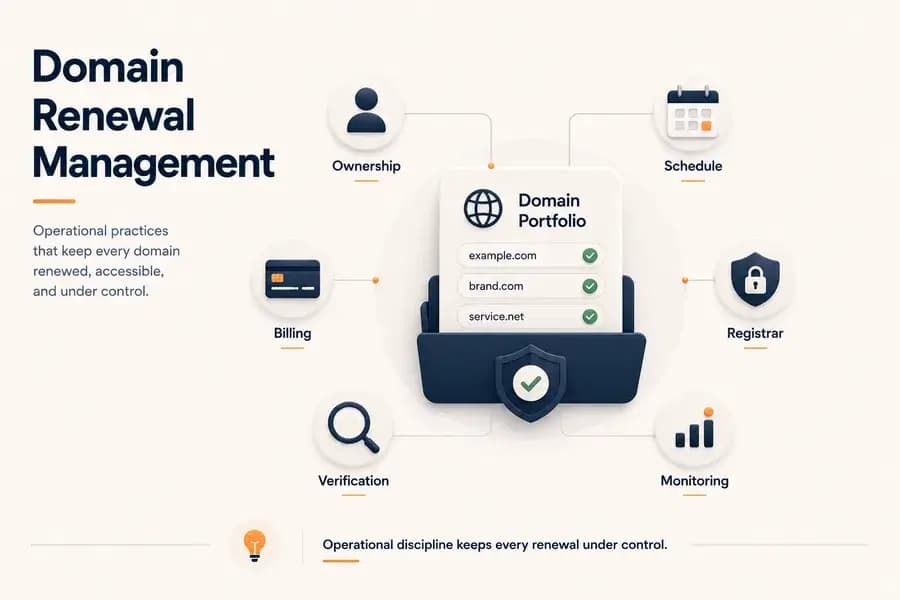
Domain Renewal Management: Best Practices for Reliable Renewals
- Watchman Tower Team
- Updated: July 27, 2026
- Category: Domain Monitoring
- Read Time: 4 min
Learn how to build a reliable domain renewal management process with clear ownership, standardized procedures, proactive scheduling, and continuous verification. This guide explains how organizations can reduce renewal risks and manage domain portfolios more effectively.
Domain renewal management is the process of planning, organizing, and maintaining domain renewals across an organization. Rather than focusing on individual expiration dates, it establishes repeatable operational practices that help ensure every domain is renewed on time and remains under proper administrative control.
As organizations grow, managing domain renewals becomes increasingly complex. Multiple registrars, different renewal dates, changing ownership, and distributed teams all increase the likelihood of missed renewals if no structured process exists.
This guide explains the fundamentals of domain renewal management, common operational challenges, and best practices for building a reliable renewal process that reduces the risk of unexpected domain expiration.
What Is Domain Renewal Management?
Domain renewal management is an operational discipline that ensures domains remain registered, accessible, and properly maintained throughout their lifecycle.
It extends beyond simply paying renewal invoices. Effective renewal management includes ownership, documentation, billing, registrar administration, monitoring, verification, and clearly defined operational responsibilities.
The objective is to create a predictable process that continues to work regardless of personnel changes, registrar migrations, or organizational growth.
Why Domain Renewal Management Matters
A missed renewal can interrupt websites, email delivery, APIs, customer portals, and many other business-critical services. While the immediate impact may appear technical, the underlying cause is often operational.
Most renewal incidents are not caused by a lack of renewal reminders. Instead, they result from unclear ownership, outdated billing information, inconsistent documentation, or manual processes that fail over time.
A structured renewal management process reduces these risks by making responsibilities visible, repeatable, and easier to audit.
Common Domain Renewal Challenges
Multiple Registrars
Organizations often register domains through different providers over many years. Without centralized management, renewal schedules and account information become fragmented across multiple registrar accounts.
Unclear Ownership
Domains sometimes remain registered under former employees, external agencies, or personal accounts. When ownership is unclear, even routine renewals can become unnecessarily difficult, increasing the cost of losing a domain.
Scattered Documentation
Renewal dates, registrar credentials, billing records, and administrative contacts are frequently stored in separate documents or spreadsheets. As these records age, they become less reliable.
Manual Processes
Organizations that depend entirely on manual domain expiry reminders increase the likelihood of human error. Missed calendar events, overlooked emails, or delayed approvals can all contribute to failed renewals.
Building a Reliable Renewal Process
Effective renewal management depends on consistent operational procedures rather than individual memory.
A reliable process typically includes:
- Maintaining a complete inventory of domains.
- Assigning a clear owner for every domain.
- Recording registrar and billing information.
- Documenting renewal procedures.
- Reviewing renewal status regularly.
- Verifying successful renewals after completion.
Standardized processes and a domain expiry checklist make domain renewals easier to manage as portfolios expand.
Assigning Ownership and Responsibility
Every domain should have an identified operational owner. This does not necessarily mean a single individual performs every renewal, but someone must remain accountable for ensuring the renewal process is completed successfully.
Responsibilities should also include maintaining registrar access, verifying administrative contacts, and keeping operational documentation current.
Managing Renewal Schedules
Renewal schedules should be managed proactively rather than only when expiration approaches.
Organizations often establish multiple review points throughout the renewal cycle to verify billing information, registrar access, and upcoming expiration dates well before renewal deadlines become critical.
Planning renewals in advance creates more time to resolve payment issues, ownership questions, or registrar-related problems.
Standardizing Renewal Procedures
Documented renewal procedures improve consistency across teams and reduce dependence on institutional knowledge.
Standard procedures commonly define:
- Who approves renewals.
- Who performs renewals.
- How renewals are verified.
- Where renewal records are stored.
- How renewal incidents are escalated.
Standardization also simplifies onboarding and reduces disruption when responsibilities change.
Reducing Operational Risk
Domain renewal management should focus on reducing operational risk rather than simply avoiding expiration dates.
Effective practices include maintaining multiple registrar administrators, regularly reviewing billing methods, updating contact information, verifying successful renewals, and continuously monitoring renewal status using domain expiry monitoring tools throughout the year.
These practices reduce the number of single points of failure within the renewal process.
Manual vs Automated Renewal Management
| Manual Management | Automated Management |
|---|---|
| Depends heavily on people. | Supports consistent operational workflows. |
| Higher administrative effort. | Reduces repetitive tasks. |
| Greater risk of missed reminders. | Provides continuous visibility. |
| Suitable for small portfolios. | Scales more effectively for larger portfolios. |
Automation does not eliminate operational responsibility, but it improves visibility and reduces the likelihood that routine administrative tasks will be overlooked.
Best Practices for Domain Renewal Management
- Maintain an accurate domain inventory.
- Clearly assign ownership for every domain.
- Keep registrar access and recovery information current.
- Review billing methods before renewal periods.
- Verify every completed renewal.
- Document standard renewal procedures.
- Monitor renewal status continuously using reliable domain expiry monitoring methods.
- Perform periodic portfolio audits.
Implement domain expiry monitoring to proactively track expiration dates and avoid service disruptions.
Conclusion
Reliable domain renewal management is built on operational discipline rather than individual reminders. By establishing clear ownership, standardized procedures, proactive scheduling, and continuous verification, organizations can significantly reduce the risk of missed renewals and improve the long-term reliability of their domain portfolio.
Whether managing a handful of domains or hundreds of registrations across multiple registrars, a structured renewal management process provides the consistency needed to keep critical digital assets protected year after year.
Free plan available. No credit card needed.
Want a Dedicated Expiry Monitoring Tool?
Don’t rely only on registrar emails. Watchman Tower gives you automatic expiry alerts across all registrars, with reminders at 30, 14, 7, and 1 day before expiry.
Learn more about Domain Expiry Monitoring →FAQ
What is passive domain expiry protection?v
Why does manual domain tracking eventually fail?v
What are the four layers of passive domain expiry protection?v
How does passive domain expiry protection work in practice?v
How can Watchman Tower help with domain expiry protection?v
What is the main goal of passive domain expiry protection?v
Blog Posts
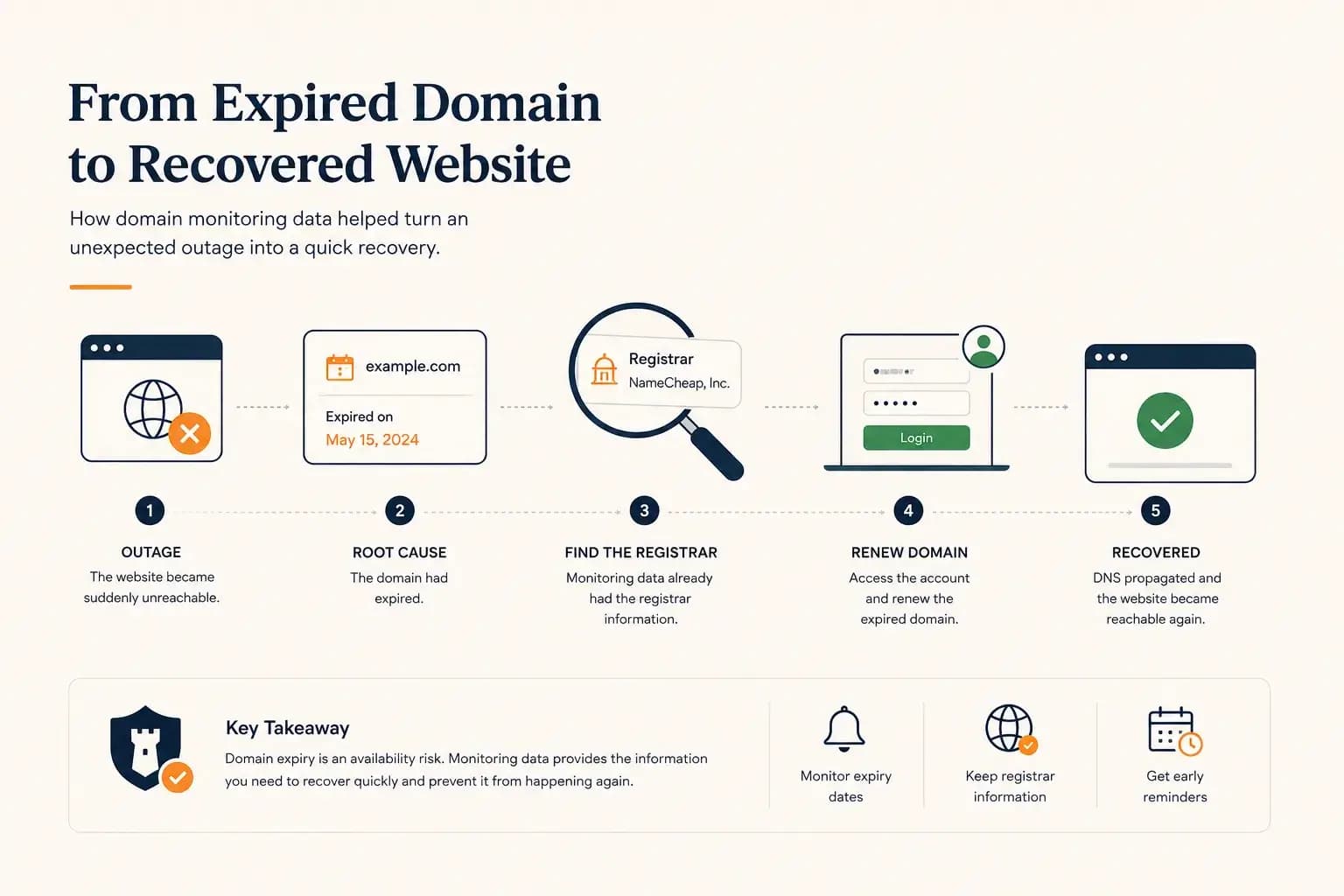
The Website Went Down — and the Owner Didn’t Know Where the Domain Was Registered...
A real-world expired domain recovery case: how a website went offline, how we identified the registrar from monitoring data, and how the domain was renewed before it was lost.
Learn more about The Website Went Down — and the Owner Didn’t Know Where the Domain Was Registered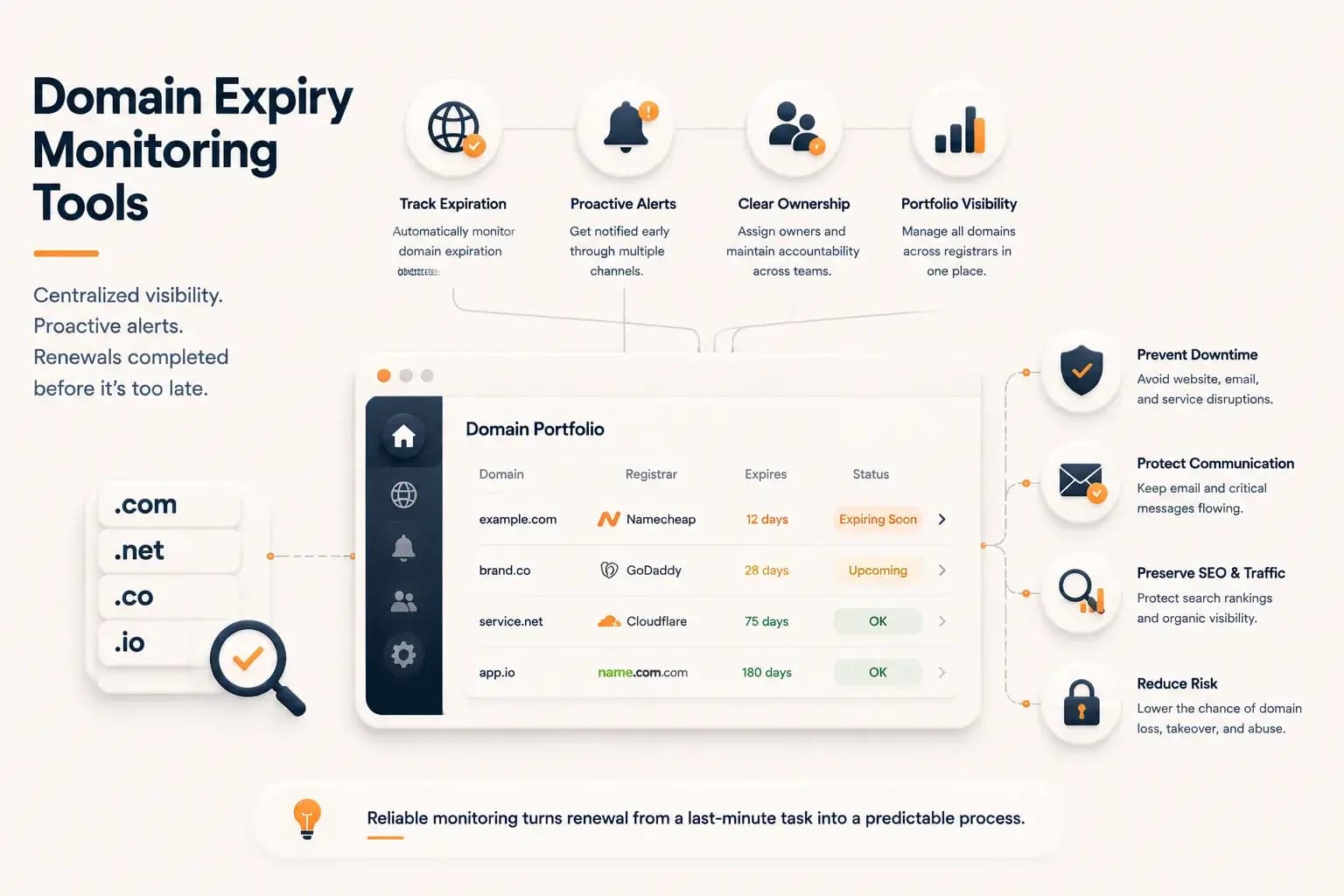
Best Domain Expiry Monitoring Tools: How to Choose the Right Solution...
Explore how domain expiry monitoring tools help organizations track renewal risks, manage multiple domains, and choose the right solution based on visibility, automation, and operational needs.
Learn more about Best Domain Expiry Monitoring Tools: How to Choose the Right Solution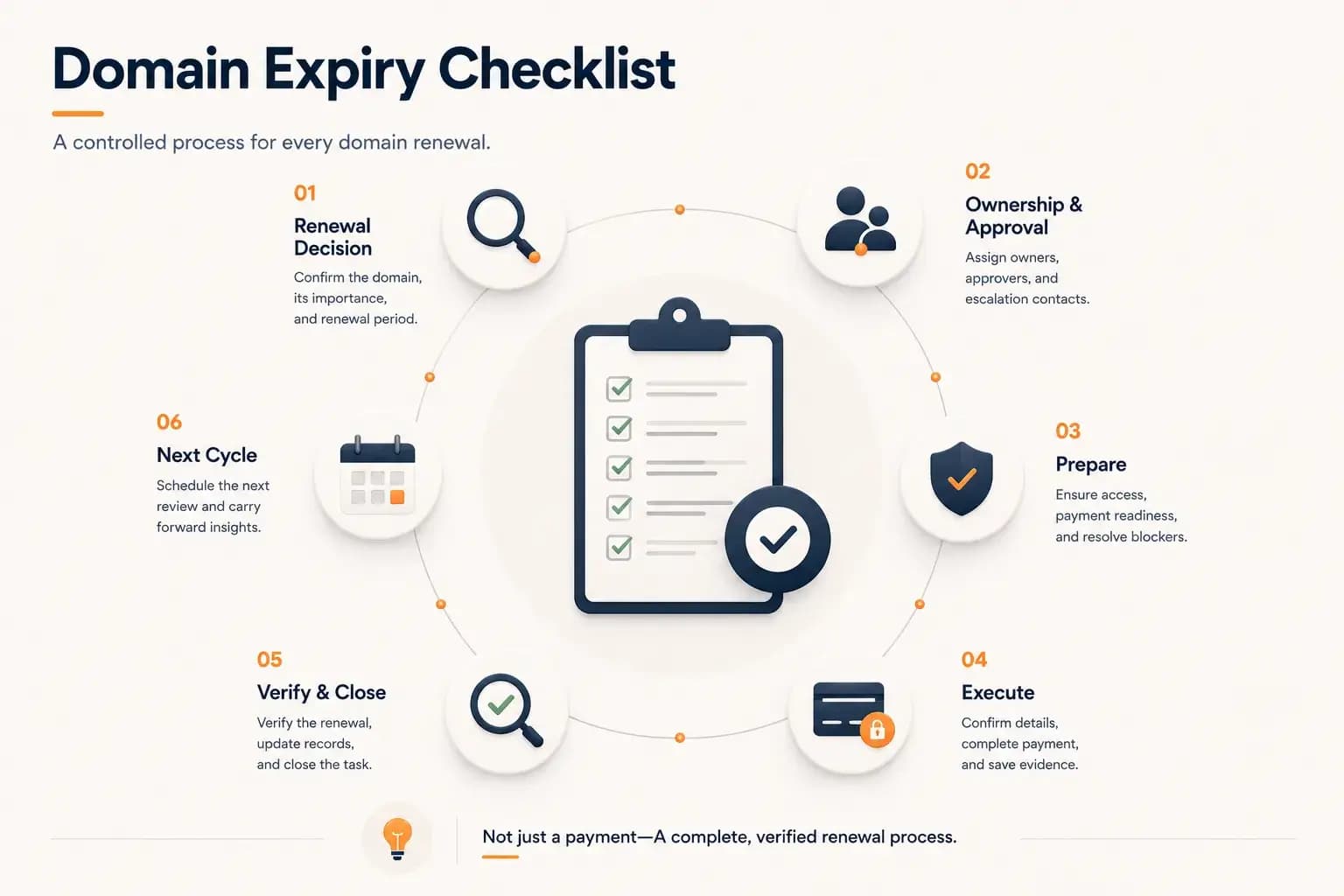
Domain Expiry Checklist: A Complete Renewal Process...
Follow a practical domain expiry checklist that standardizes every stage of the renewal process, from planning and ownership to execution, verification, documentation, and preparing the next renewal cycle. Learn how to reduce operational risk with a repeatable renewal workflow.
Learn more about Domain Expiry Checklist: A Complete Renewal Process