

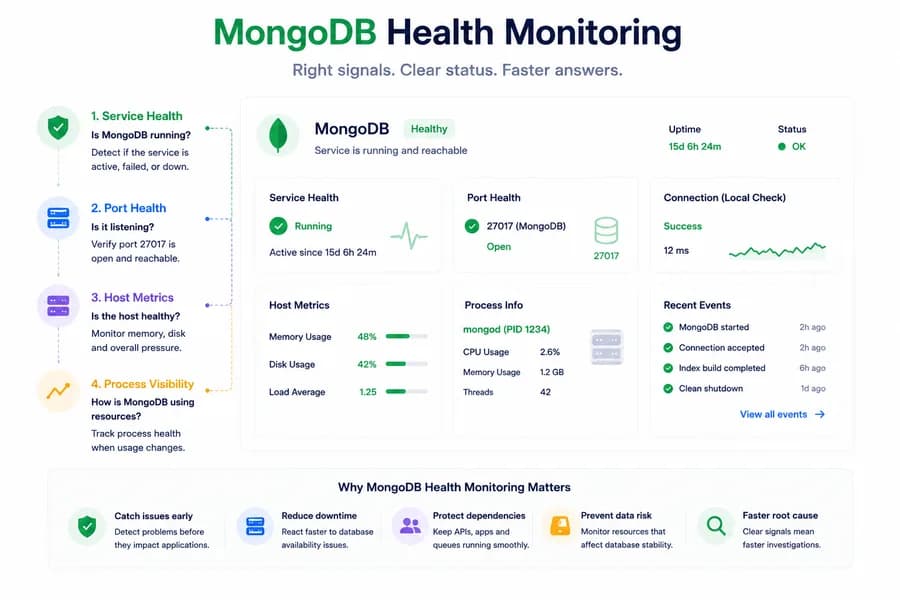
MongoDB Health Monitoring: What to Watch First
- Watchman Tower Team
- Updated: October 2, 2026
- Category: Server Monitoring
- Read Time: 3 min
MongoDB issues do not always look like host pressure. Good monitoring starts with the signals that tell you whether the database is available, reachable, and behaving inside the wider system.
Why MongoDB Monitoring Needs Its Own Lens
MongoDB is often too important to be treated like just another background process. It may sit directly behind application logic, API behavior, queues, dashboards, or internal services. When it becomes unhealthy, the symptoms can spread fast across the system.
That is why MongoDB health monitoring should start with signals that help teams answer a simple question: is the database actually available and reachable in the way production expects? For the broader model, start with What Is Server Monitoring?.
Start With Service Health
The first useful signal is service state. If MongoDB is inactive, failed, or unavailable, teams immediately know they are not looking at a generic host issue. They are looking at a database-layer problem.
Service health matters because it shortens the path between detection and investigation.
Then Check Port Health
MongoDB may appear to exist as a service, but the expected port still needs to be listening correctly. In many common setups that means checking whether port 27017 is available locally in the expected way.
Port checks help confirm that MongoDB is not only present, but positioned to accept traffic from the workloads that depend on it. For that distinction, read Port Monitoring vs Service Monitoring.
Why Host Metrics Alone Miss the Story
A host can look calm while MongoDB is still the real problem. CPU may be normal. Memory may be stable. Disk may look acceptable. But the database service itself can still be unavailable, restarting, misconfigured, or unreachable to the parts of the system that need it.
This is why database health should not be inferred only from infrastructure charts.
What to Watch First
If you want a practical starting set for MongoDB health monitoring, focus on:
- MongoDB service health
- expected port availability
- host memory pressure
- disk usage and storage risk
- process-level visibility when resource usage changes
- application-side symptoms from the services that depend on MongoDB
These signals will usually explain more than deep metrics collected without context.
Why Disk and Memory Still Matter
MongoDB is a service-layer dependency, but it still depends heavily on host resources. Memory pressure can affect stability and responsiveness. Disk pressure can create more subtle operational failures before a complete outage becomes obvious.
That is why MongoDB monitoring works best when service and port health are read alongside basic host metrics rather than instead of them.
How This Fits Into Broader Monitoring
MongoDB should be monitored as part of a wider system picture. Database availability matters most in the context of the applications, APIs, and websites depending on it. If those layers are also being monitored, teams can correlate the symptom outside the database with the signals coming from the host and service itself.
This creates a much more useful path for investigation than isolated database metrics alone.
How Watchman Tower Approaches It
Watchman Tower uses wt-warden to surface MongoDB-related service health and local port health as part of the broader server monitoring workflow. That means teams can understand whether MongoDB appears available on the host, whether its expected port is listening, and how that fits into the wider health picture.
This is not a full database observability stack. It is a practical starting layer that helps teams catch availability and dependency issues earlier. If you are planning rollout, the server agent installation guide shows how to get started.
Related Reading
For another dependency example, continue with Redis health monitoring. For the service-first case, also read why service health matters more than host metrics alone.
Final Thought
Good MongoDB monitoring starts with useful availability signals, not just deep dashboards. If teams know whether MongoDB is running, listening, and supported by a healthy host, they can diagnose many incidents much faster and with far less guesswork.
Free plan available. No credit card needed.
FAQ
What should teams watch first for MongoDB health?v
Why are service and port checks useful for MongoDB?v
Can MongoDB issues exist while host charts look calm?v
Why are disk and memory important for MongoDB health monitoring?v
How should MongoDB monitoring be integrated with broader system monitoring?v
What approach does Watchman Tower take for MongoDB monitoring?v
Blog Posts
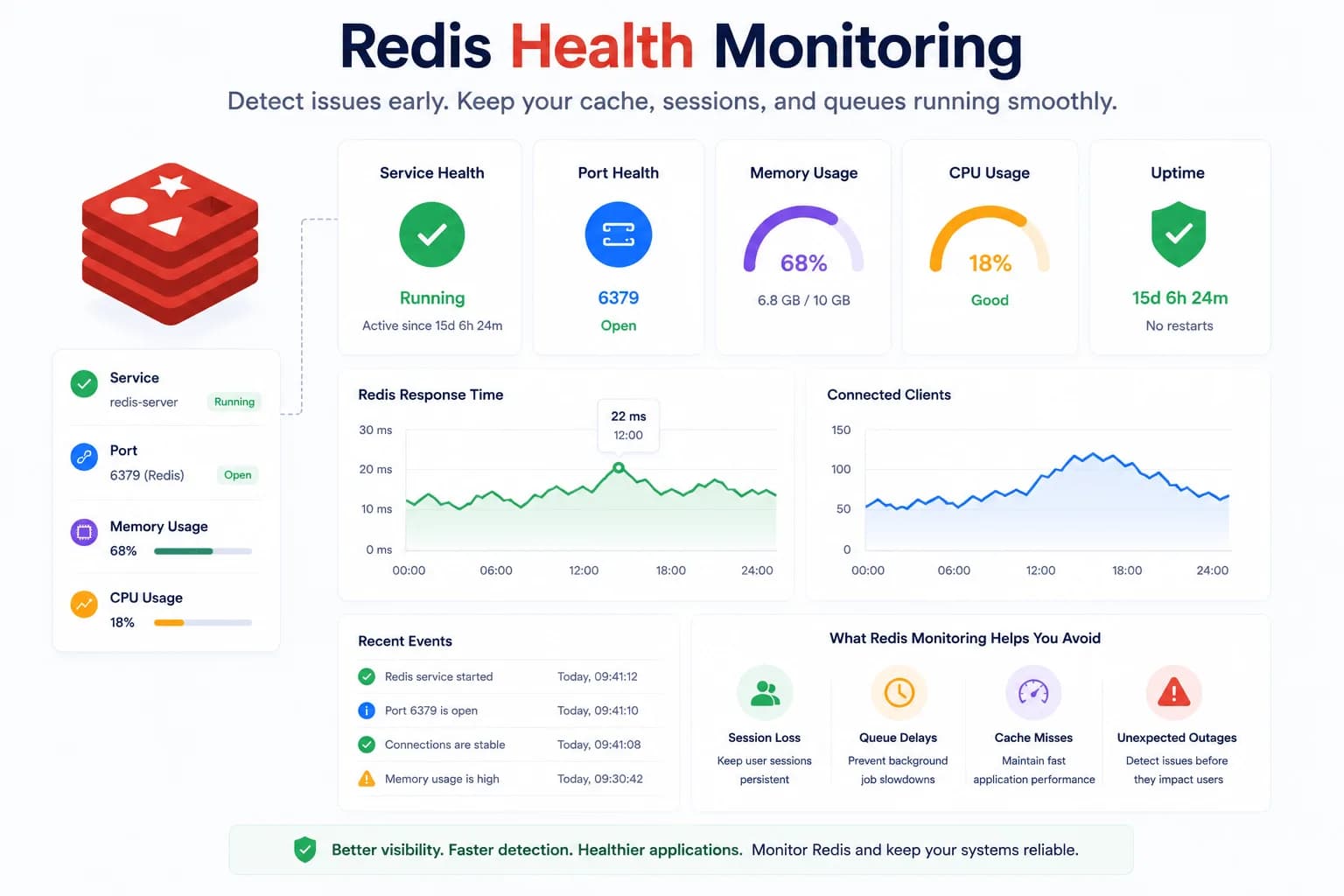
Redis Health Monitoring: What to Watch First...
Redis problems often show up as application symptoms before they look like server incidents. Good monitoring starts with the signals that tell you whether Redis is available, reachable, and supported by a healthy host.
Learn more about Redis Health Monitoring: What to Watch First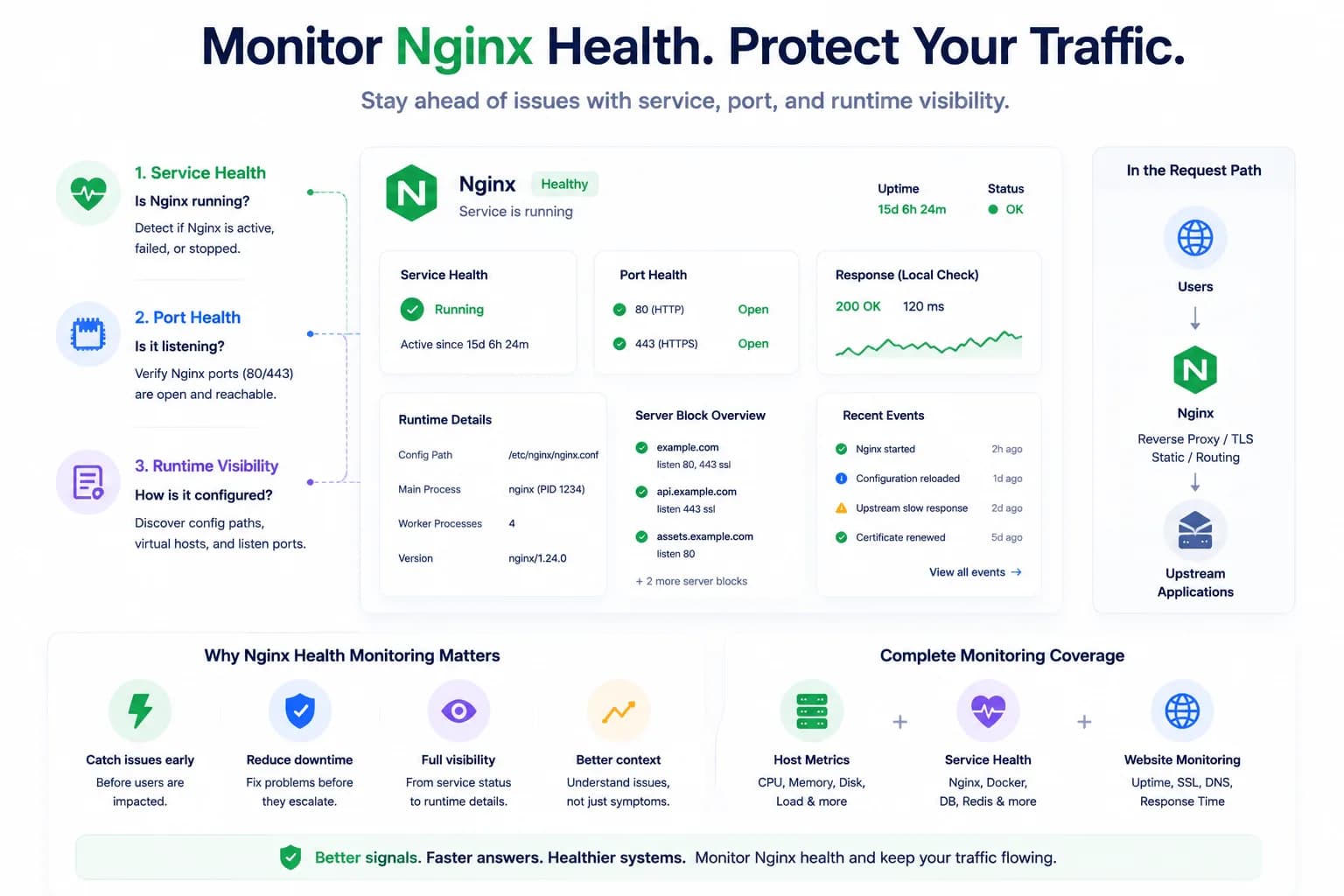
How to Monitor Nginx Health and Detect Serving Issues Early...
Nginx problems do not always begin with a full outage. Good monitoring helps teams detect service failures, port issues, and serving risk before traffic breaks completely.
Learn more about How to Monitor Nginx Health and Detect Serving Issues Early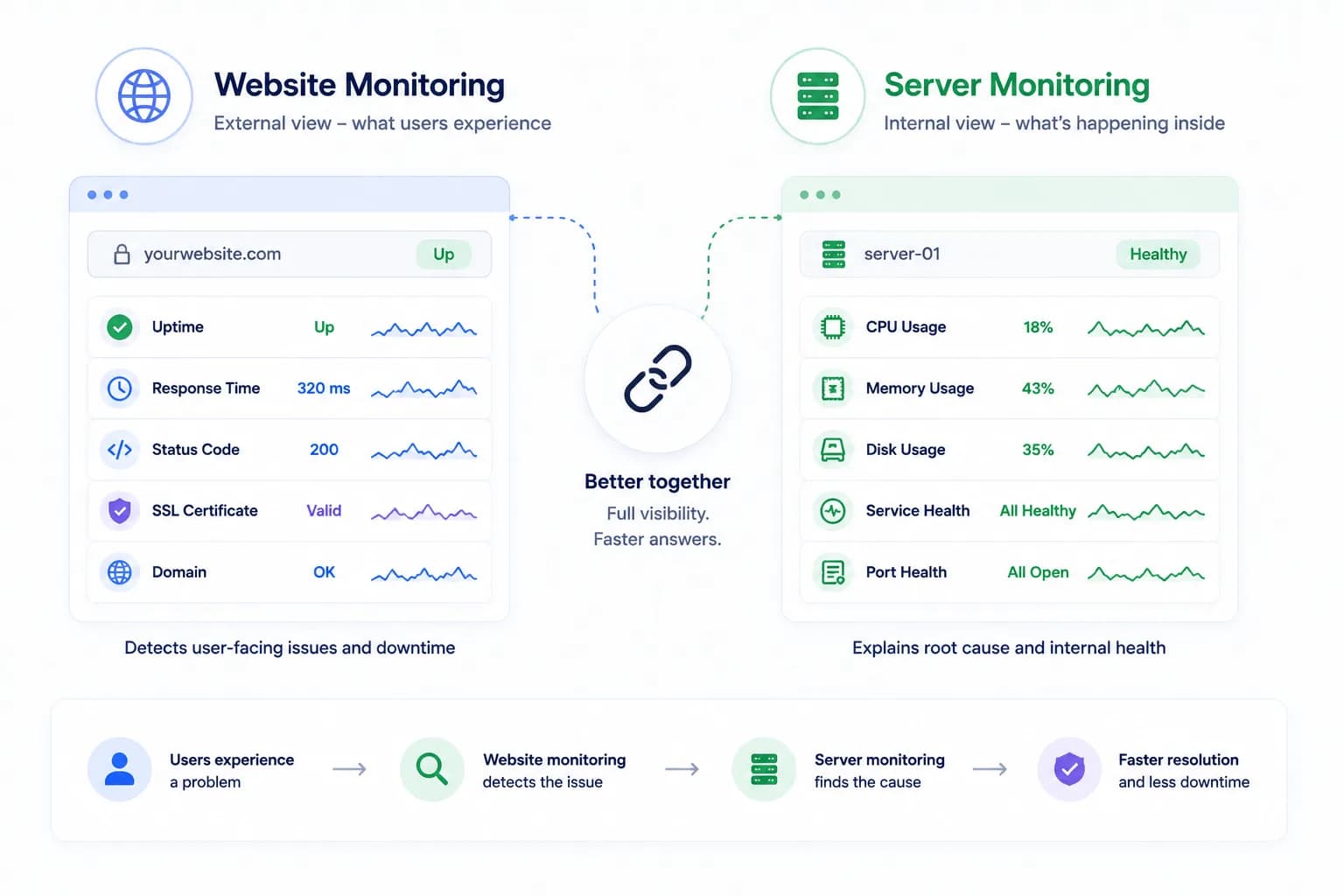
Server Monitoring vs Website Monitoring: Why You Need Both...
Website monitoring tells you what users are likely experiencing. Server monitoring tells you what is happening inside the environment serving that traffic. The strongest monitoring strategy needs both.
Learn more about Server Monitoring vs Website Monitoring: Why You Need Both