

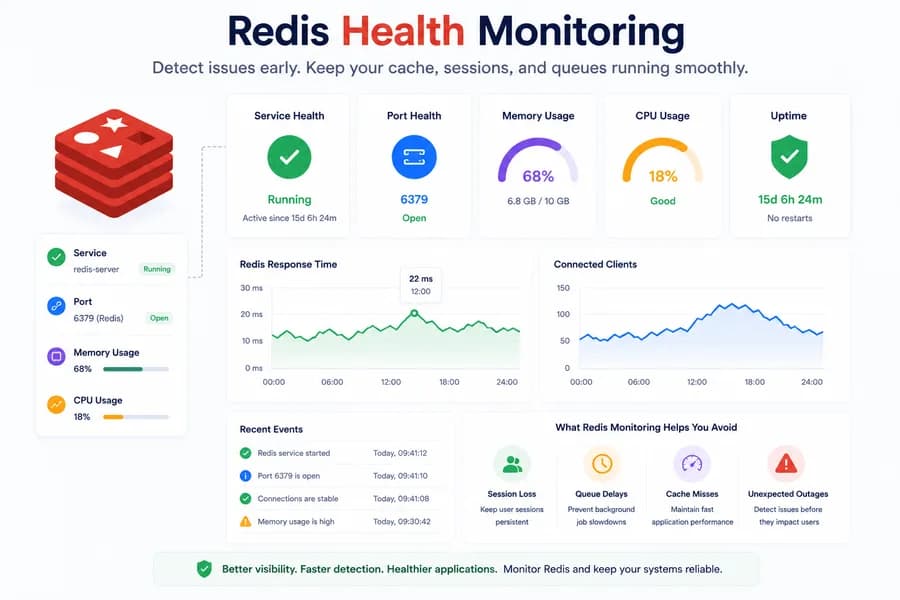
Redis Health Monitoring: What to Watch First
- Watchman Tower Team
- Updated: October 2, 2026
- Category: Server Monitoring
- Read Time: 3 min
Redis problems often show up as application symptoms before they look like server incidents. Good monitoring starts with the signals that tell you whether Redis is available, reachable, and supported by a healthy host.
Redis Health Monitoring: Detect Cache and Queue Issues Before They Impact Users
Redis powers everything from application caching and user sessions to job queues and rate limiting. When Redis becomes unavailable or unstable, the effects can spread quickly across your entire application—even if your server appears healthy.
That's why Redis health monitoring should focus on the signals that reveal availability problems early, not just infrastructure metrics after users have already been affected.
If you're looking for the broader monitoring model, start with What Is Server Monitoring?
Start with Redis Service Health
The first question is simple:
Is Redis actually running?
Service health provides the quickest answer.
If Redis has stopped, failed to start, or entered an unhealthy state, you immediately know the problem exists at the service layer—not necessarily the server itself.
This dramatically shortens the path from detection to investigation.
Verify Port Availability
A running service isn't always a reachable service.
Most Redis deployments listen on port 6379, so monitoring should confirm that the expected port is actually accepting connections.
Port monitoring helps answer a different question:
Is Redis available to the applications that depend on it?
That's why service monitoring and port monitoring work best together rather than replacing one another.
Monitor Memory Pressure
Unlike many background services, Redis relies heavily on available memory.
High memory usage can lead to:
- slower cache operations
- eviction of cached data
- application latency
- unexpected service instability
Monitoring host memory alongside Redis availability helps teams detect these issues before they affect users.
Watch CPU and Process Activity
CPU usage doesn't always indicate a Redis problem, but sudden changes can provide valuable context.
If application latency increases while Redis CPU usage spikes, it often points to increased workload or inefficient queries rather than a complete outage.
Process visibility helps identify whether Redis is consuming abnormal resources compared with the rest of the server.
Correlate Redis Health with Website Performance
Redis rarely exists in isolation.
A cache failure often appears as:
- slower page loads
- delayed API responses
- authentication problems
- failed background jobs
- queue processing delays
That's why Redis monitoring becomes much more valuable when combined with website monitoring.
External uptime checks reveal what users experience.
Redis monitoring helps explain why it's happening.
The Essential Redis Monitoring Checklist
A practical Redis monitoring strategy should include:
- Redis service health
- Port 6379 availability
- Host memory usage
- CPU and process visibility
- Basic disk and host health
- Website and API response times
- Alerting for service failures
This combination provides a clear operational picture without requiring a complex observability platform.
How Watchman Tower Monitors Redis
Watchman Tower uses wt-warden to monitor Redis as part of its broader server monitoring workflow.
Instead of treating Redis as an isolated component, Watchman Tower combines:
- Redis service health
- Local port monitoring
- Host metrics
- Process visibility
- Website uptime monitoring
This gives teams enough context to understand whether an issue originates from Redis itself, the host, or the application depending on it.
If you're getting started, see the Server Agent Installation Guide.
Why Redis Monitoring Matters
Many Redis incidents don't begin with a complete outage.
Performance often degrades gradually.
Memory pressure increases.
Connections become unstable.
Cache hit rates fall.
Applications begin slowing down long before Redis actually stops.
Continuous monitoring helps teams detect those warning signs early and resolve problems before users notice.
Final Thoughts
Effective Redis health monitoring isn't about collecting hundreds of database metrics.
It's about understanding whether Redis is:
- running
- reachable
- healthy
- supported by a stable server
When you combine service health, port monitoring, host metrics, and website monitoring, Redis becomes much easier to troubleshoot—and your applications become much more reliable.
Free plan available. No credit card needed.
FAQ
What should teams watch first for Redis health?v
Why is Redis monitoring often tied to memory pressure?v
Does Redis monitoring work best alone or with wider system monitoring?v
Why might Redis issues not be detected by host metrics alone?v
Why is Redis monitoring critical despite being a quiet dependency?v
Blog Posts
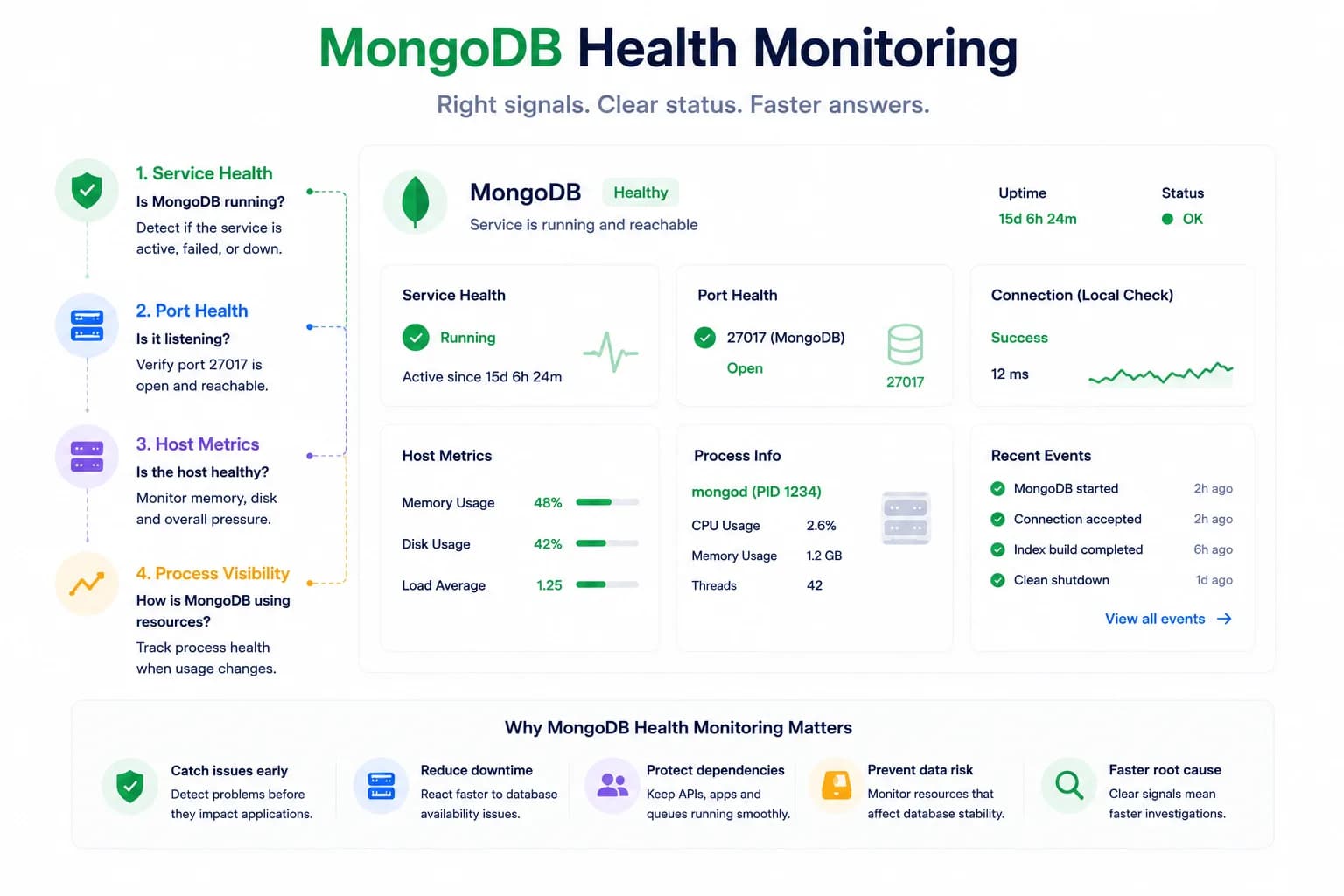
MongoDB Health Monitoring: What to Watch First...
MongoDB issues do not always look like host pressure. Good monitoring starts with the signals that tell you whether the database is available, reachable, and behaving inside the wider system.
Learn more about MongoDB Health Monitoring: What to Watch First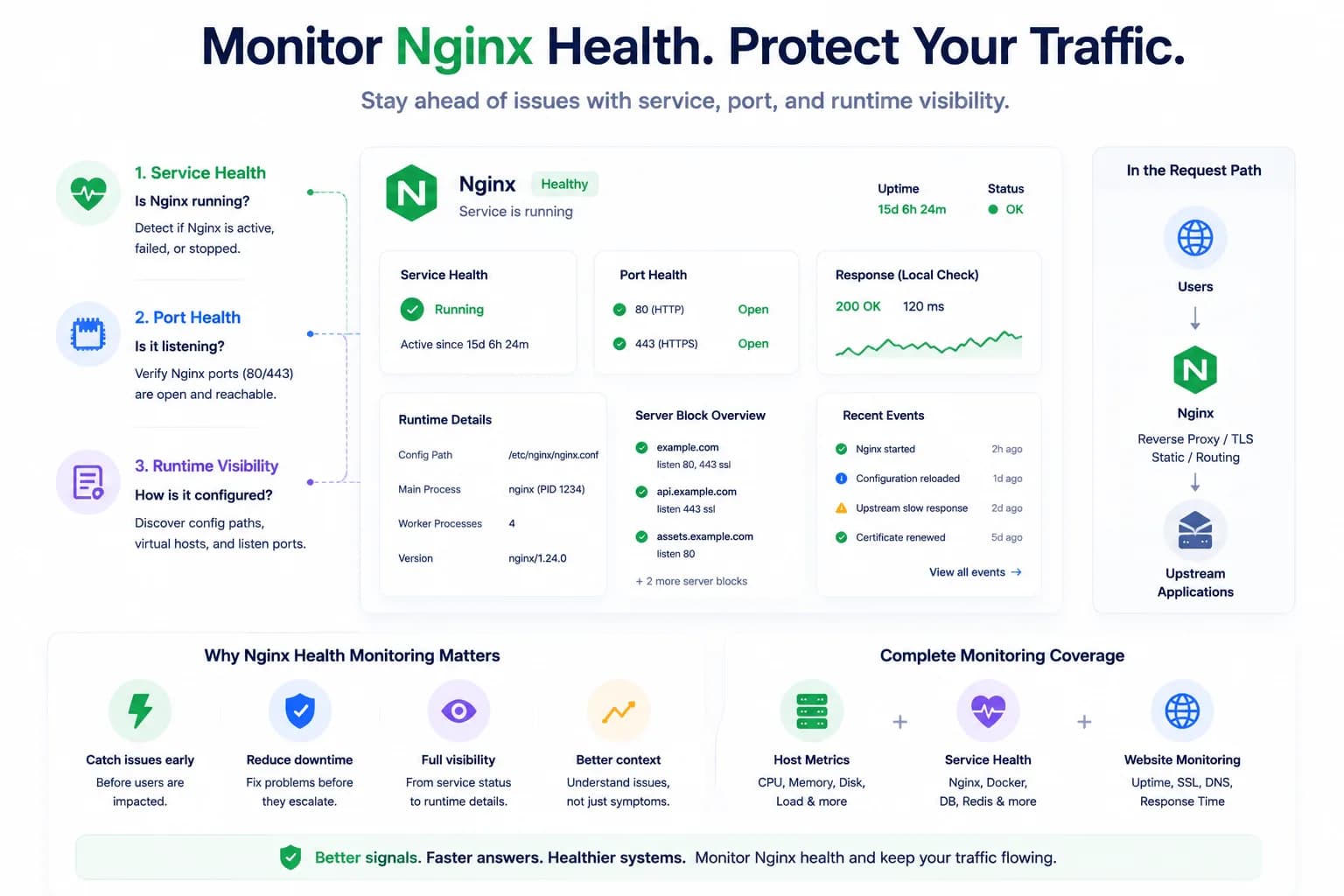
How to Monitor Nginx Health and Detect Serving Issues Early...
Nginx problems do not always begin with a full outage. Good monitoring helps teams detect service failures, port issues, and serving risk before traffic breaks completely.
Learn more about How to Monitor Nginx Health and Detect Serving Issues Early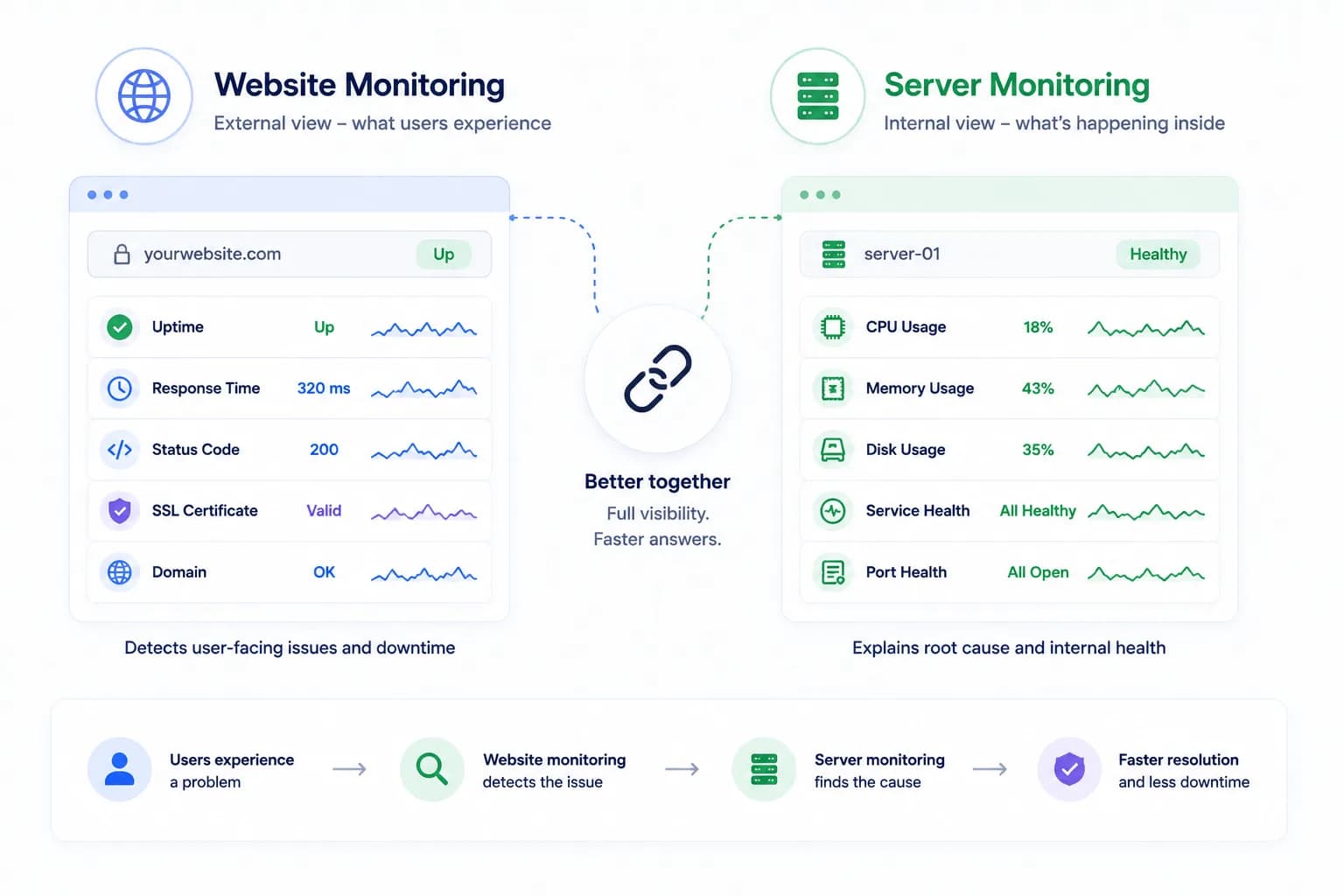
Server Monitoring vs Website Monitoring: Why You Need Both...
Website monitoring tells you what users are likely experiencing. Server monitoring tells you what is happening inside the environment serving that traffic. The strongest monitoring strategy needs both.
Learn more about Server Monitoring vs Website Monitoring: Why You Need Both