

WordPress Multi-Site Monitoring: Manage Multiple Sites Efficiently
- Watchman Tower Team
- Updated: October 4, 2026
- Category: WordPress Monitoring
- Read Time: 6 min
Managing multiple WordPress websites requires more than uptime checks. Learn how to centralize monitoring, reduce operational overhead, and gain visibility into performance, SSL, domains, and WordPress health from a single dashboard.
Monitoring multiple WordPress sites is a different operational problem from monitoring a single installation.
This guide is about managing and monitoring multiple independent WordPress websites from one place. It is not about the WordPress Multisite network feature.
Agencies, freelancers, developers, hosting teams, and businesses often manage separate WordPress installations across different domains, hosting providers, plugins, themes, PHP versions, and maintenance schedules.
Without a central monitoring system, teams usually rely on a mixture of registrar emails, hosting dashboards, wp-admin checks, spreadsheets, and individual alert tools. That approach becomes fragile as the number of sites grows.
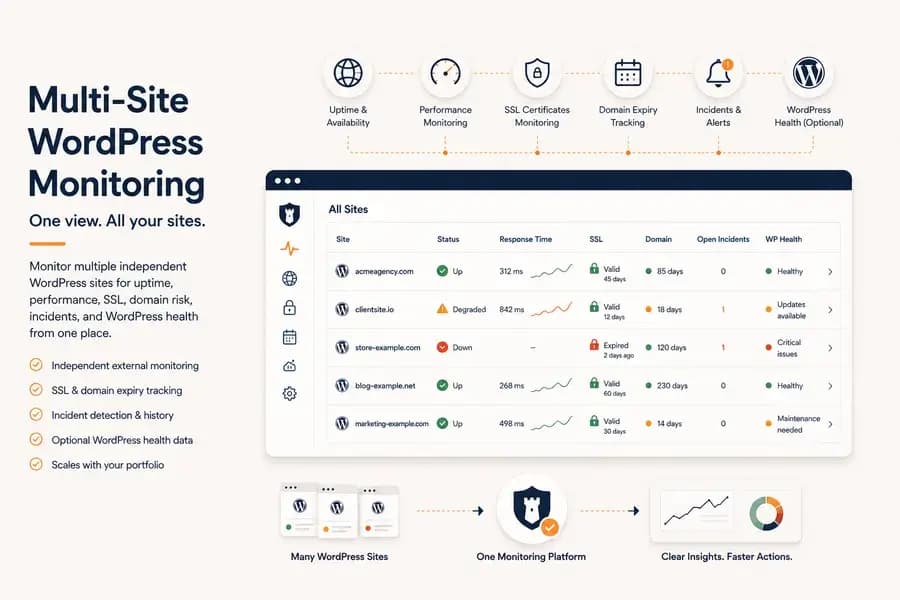
Multi-site WordPress monitoring replaces those disconnected checks with one operational view of availability, performance, SSL, domain risk, incidents, and optional WordPress health signals.
What Multi-Site WordPress Monitoring Means
Multi-site WordPress monitoring means observing several independent WordPress websites through one monitoring workflow.
The goal is not simply to collect more dashboards. It is to help a team answer:
- Which sites are currently unavailable?
- Which sites are becoming slower?
- Which SSL certificates or domains are approaching expiry?
- Which incidents require immediate attention?
- Which WordPress installations have pending maintenance or health issues?
A useful system should make it easier to prioritise attention across the entire portfolio rather than forcing someone to inspect every site individually.
Why Monitoring Multiple WordPress Sites Becomes Difficult
Each additional WordPress site introduces another set of dependencies:
- Hosting environment
- Domain registration
- SSL certificate
- DNS configuration
- WordPress version
- PHP version
- Plugin and theme stack
- Update schedule
- Notification contacts
These systems rarely fail at the same time or in the same way.
One site may return a 500 error after an update. Another may remain online but respond slowly. A third may be healthy while its SSL certificate or domain registration approaches expiry.
The operational challenge is not only detecting failures. It is recognising which problem matters most and assigning responsibility quickly.
Start with External Monitoring for Every Site
External monitoring should form the baseline for a multi-site WordPress portfolio.
Every site should be checked independently from outside its hosting environment. This allows the monitoring platform to detect customer-facing failures even when WordPress itself cannot report them.
External coverage should include:
- Uptime and availability
- HTTP errors and connection failures
- Response time
- Regional performance
- SSL certificate health and expiry
- Domain expiry
- Incident and recovery history
This gives every site the same minimum reliability baseline, regardless of hosting provider or WordPress configuration.
For the underlying availability model, see the WordPress downtime monitoring guide.
Add WordPress Health Context Where It Helps
External monitoring shows whether a site is reachable. It cannot see most of the application state inside WordPress.
An optional WordPress monitoring plugin can add internal context such as:
- WordPress and PHP versions
- Active plugins and theme
- Pending core, plugin, and theme updates
- Database health
- Cron information
- PHP memory usage
- Autoload size
- Registration and XML-RPC status
This information becomes especially useful across larger portfolios because it reduces the need to open every WordPress administration panel just to review basic maintenance and environment details.
Plugin data should remain an additional health layer rather than the only source of uptime information. The distinction is explained in WordPress monitoring plugin. To compare services, see what to look for in a WordPress monitoring service.
One Dashboard Should Help You Prioritise, Not Just List Sites
A long list of websites is not automatically an operational dashboard.
The interface should make risk visible and help the team decide where to act first.
Useful portfolio-level signals include:
- Current availability status
- Open incidents
- Response-time degradation
- Expiring SSL certificates
- Upcoming domain renewals
- Unresolved WordPress health alerts
- Sites with stale or disconnected plugin data
The most valuable dashboard is the one that makes exceptions obvious. Healthy sites should require little attention, while degraded or risky sites should surface immediately.
Standardise Monitoring Across Different Hosting Providers
Multi-site portfolios are often spread across shared hosting, VPS providers, managed WordPress platforms, cloud infrastructure, and client-owned servers.
Hosting dashboards can be useful, but they only describe the sites within that provider’s environment.
An independent monitoring platform creates a consistent layer across all sites, regardless of where they are hosted.
This makes it easier to:
- Compare availability using the same check logic
- Use consistent response-time measurements
- Apply the same SSL and domain tracking process
- Route alerts through one notification workflow
- Preserve incident history in one place
The result is a monitoring process that belongs to the team rather than to any single hosting vendor.
Build a Repeatable Monitoring Workflow
As the number of WordPress sites grows, consistency becomes more important than individual features.
Every new site should follow the same onboarding process, receive the same baseline monitoring, and enter the same alerting workflow. A repeatable process reduces operational overhead and makes it easier to scale without constantly adapting to different client environments.
A typical workflow looks like this:
- Add the new WordPress site.
- Enable external uptime, response time, SSL, and domain monitoring.
- Configure notification channels.
- Optionally connect the WordPress plugin for deeper health visibility.
- Review incidents and maintenance from one dashboard.
Teams following a consistent workflow spend less time remembering how each individual site is configured and more time solving actual problems.
Alerts Should Reduce Noise, Not Create More Work
Monitoring dozens of WordPress sites can quickly become overwhelming if every temporary failure generates a notification.
A useful monitoring platform should help teams focus on meaningful incidents rather than isolated failed requests.
Look for features such as:
- Incident confirmation before declaring downtime
- Automatic recovery notifications
- Multiple notification channels
- Clear incident history
- Fast identification of affected sites
Alert quality matters far more than alert quantity. Reliable notifications allow agencies to respond before clients discover problems themselves.
If alerting is your primary concern, see WordPress Uptime Monitoring and Alerting.
Multi-Site Monitoring Is More Than Uptime
Modern WordPress operations involve far more than checking whether a website responds with HTTP 200.
Teams are also responsible for certificates, domains, software updates, performance, maintenance windows, and application health.
A complete monitoring platform should bring these signals together instead of forcing operators to switch between multiple dashboards.
- Website availability
- Response time trends
- SSL certificate validity
- Domain expiration dates
- WordPress maintenance status
- Historical incidents
- Optional WordPress health information
The objective is not to collect more data. It is to make operational decisions faster.
Which Teams Benefit Most?
Multi-site WordPress monitoring is valuable for any team responsible for more than one production website.
Typical examples include:
- WordPress agencies
- Freelance developers
- Internal web teams
- SaaS companies operating multiple marketing sites
- Hosting providers
- Organizations managing websites across several brands
Even relatively small portfolios benefit from centralized monitoring because operational complexity grows much faster than the number of sites.
How Watchman Tower Approaches Multi-Site Monitoring
Watchman Tower is designed around independent external monitoring for every site, with optional WordPress-specific health information available through the official plugin.
Every monitored site can include:
- Uptime monitoring
- Response time tracking
- SSL certificate monitoring
- Domain expiry monitoring
- Incident history
- WordPress health signals through the optional plugin
Because external monitoring remains independent from WordPress itself, availability can still be verified even if the application becomes unreachable. When additional context is needed, the plugin provides operational details that make investigation faster.
If your team has not connected the plugin yet, follow How to Connect WordPress to Watchman Tower to add WordPress-specific health information in a few minutes.
Choosing the Right Multi-Site Monitoring Platform
The best platform is not the one with the longest feature list. It is the one that helps your team identify important problems quickly, understand why they happened, and respond before they affect your users or clients.
Start with dependable external monitoring. Add WordPress-specific health visibility where it improves maintenance and troubleshooting. Keep every site following the same operational workflow.
As your portfolio grows, that consistency becomes one of the biggest advantages a monitoring platform can provide.
Free plan available. No credit card needed.
FAQ
What is multi-site WordPress monitoring?v
Why is monitoring multiple WordPress sites challenging?v
What aspects should external monitoring cover for each WordPress site?v
How does a WordPress monitoring plugin improve multi-site management?v
What makes a dashboard useful for multi-site WordPress monitoring?v
Which teams benefit from multi-site WordPress monitoring?v
Blog Posts
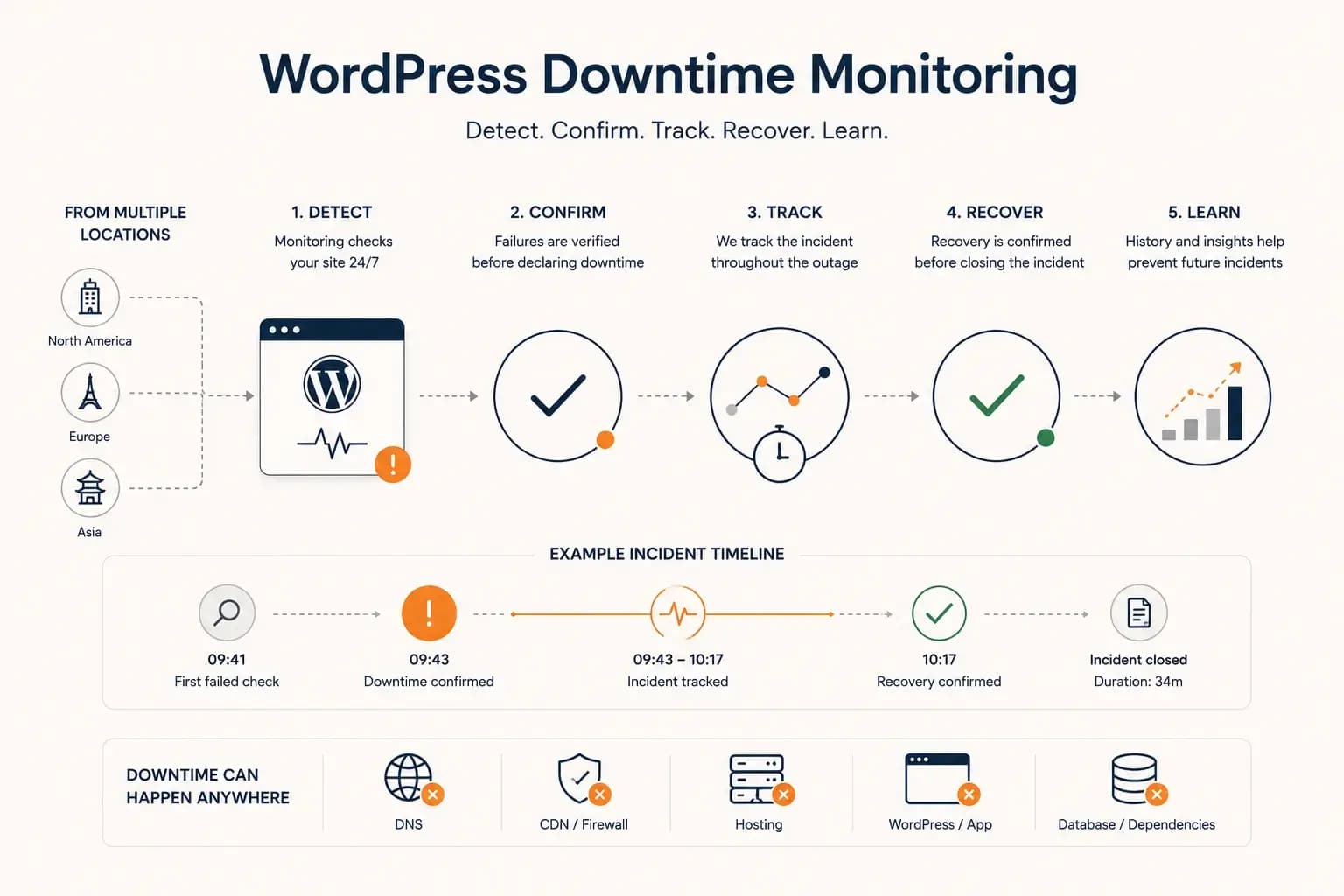
WordPress Downtime Monitoring: How to Detect and Track Outages...
WordPress downtime monitoring goes beyond detecting a failed request. Learn how to confirm real outages, track incidents, verify recovery, and use downtime history to improve reliability.
Learn more about WordPress Downtime Monitoring: How to Detect and Track Outages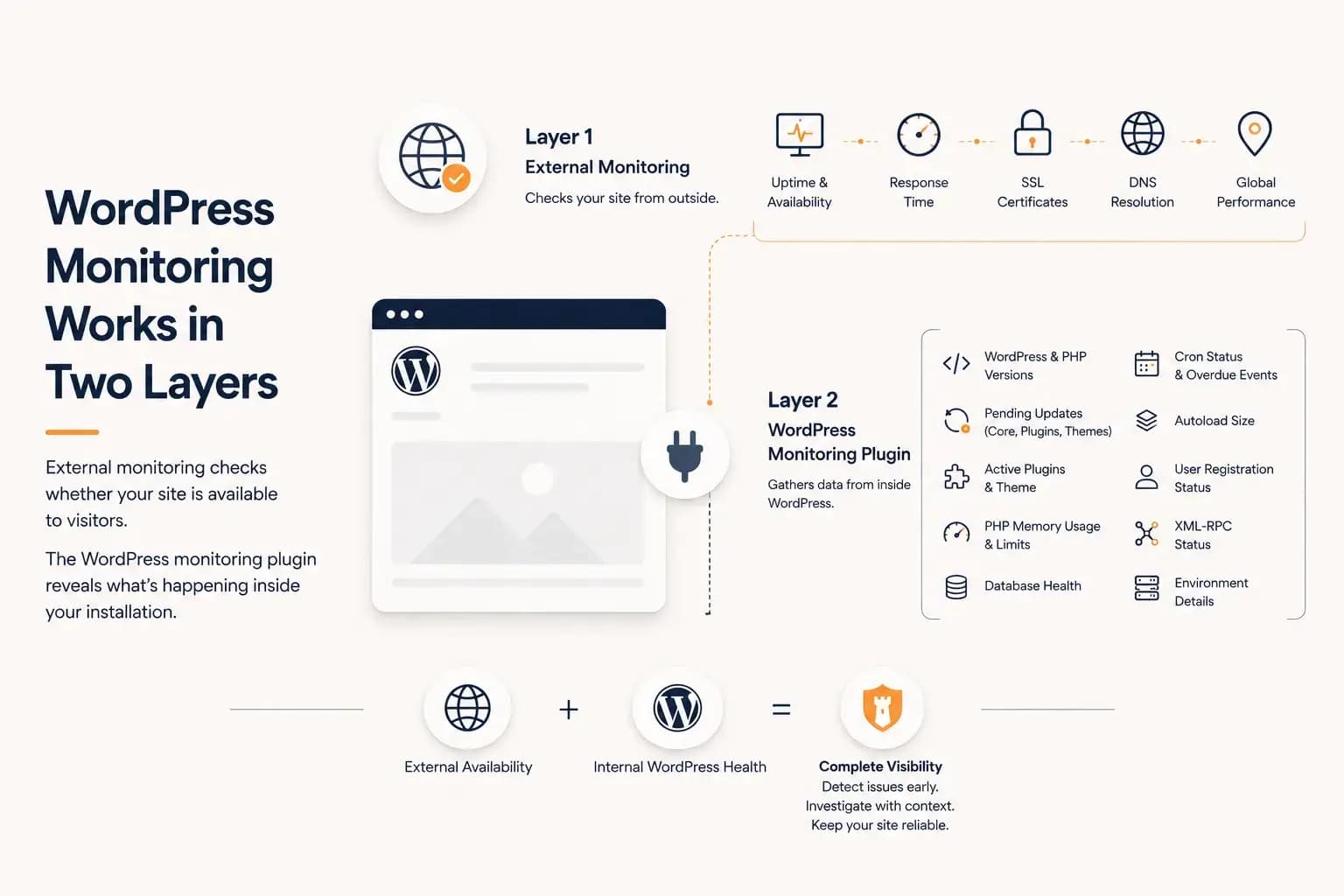
WordPress Monitoring Plugin: What It Tracks and What It Misses...
A WordPress monitoring plugin reveals application-level health such as updates, PHP memory, database status, cron activity, and plugin inventory. This guide explains what it can monitor, what it cannot see, and why it works best alongside external monitoring.
Learn more about WordPress Monitoring Plugin: What It Tracks and What It Misses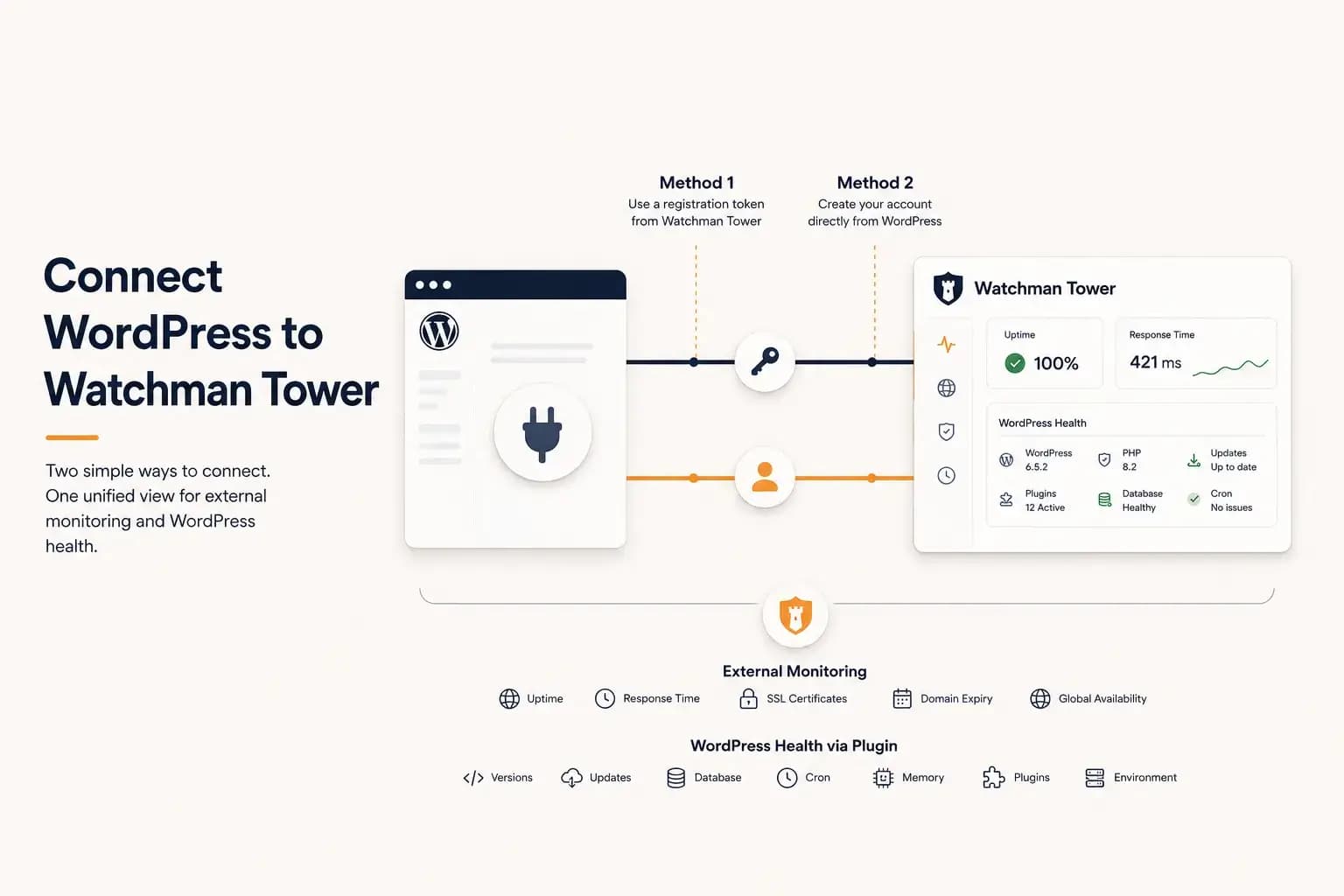
How to Connect WordPress to Watchman Tower...
Learn how to connect a WordPress site to Watchman Tower using either an existing account or by creating a new account directly from the official WordPress plugin.
Learn more about How to Connect WordPress to Watchman Tower